
Building an Agent: One Binary, Multiple Agents
Split one terminal coding agent into specialized helpers to reduce focus load, while managing context loss, duplicate work, and permission risks.
Key Takeaways
- A terminal coding agent can be split into specialized helpers with narrower tasks, instructions, tools, and permissions.
- Specialization can improve control and debugging when work has clear phases such as planning, editing, testing, and review.
- The main risks appear at coordination seams: context loss, duplicated effort, and permission mismatches between helpers.
- Multiple agents are not automatically better; clear boundaries and structured handoffs are essential for the workflow to help.
Meta description
A Towards AI article explains how to split one terminal coding agent into specialized agents, plus the coordination quirks developers should expect.
Tags
terminal coding agents, AI coding tools, specialized agents, agent workflows, developer productivity
Featured image
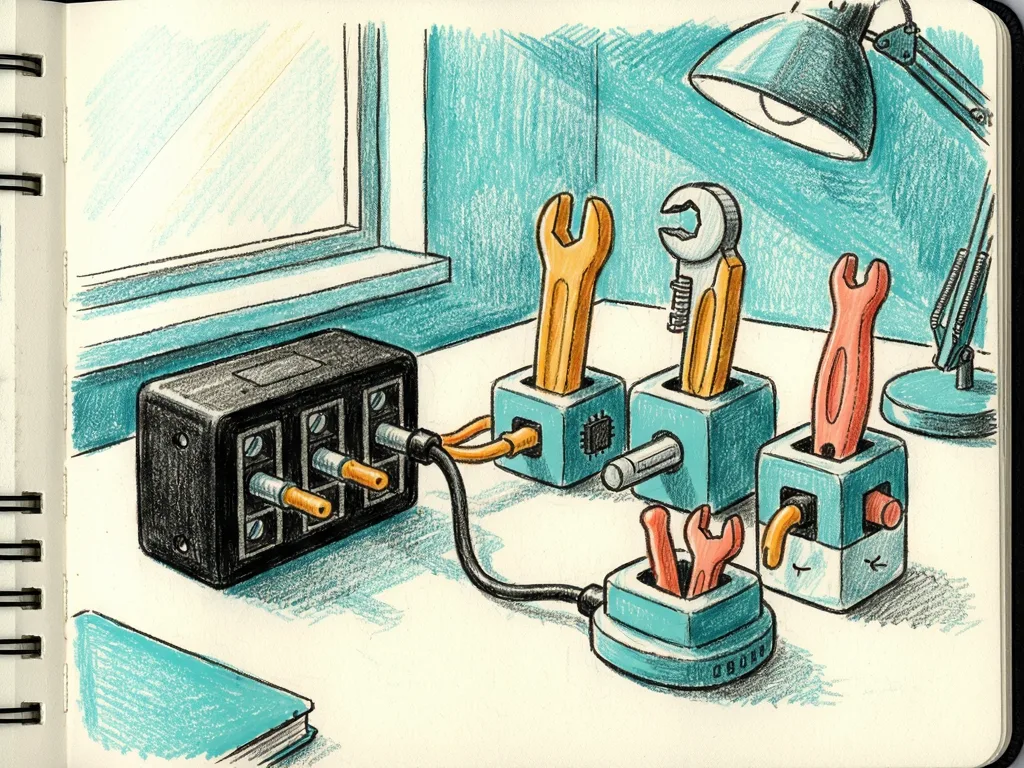
An abstract, friendly illustration of a terminal cursor branching into several rounded task nodes, with soft blue and green shapes, no real people, no logos, and no text.
A Towards AI article published on the Towards AI platform describes how a terminal coding agent, a command-line AI assistant that helps developers write, edit, test, and navigate code, can be turned into a family of specialized helpers, and what odd behaviors appear after that split. The piece is most useful for developers who already run coding assistants in a terminal and want to decide whether breaking one broad agent into several narrow ones will reduce confusion, speed up work, or create a new set of coordination problems.
From One Generalist to Several Task-Focused Helpers
The basic move is simple to describe: instead of asking one terminal coding agent to handle planning, code changes, debugging, tests, and documentation in one long conversation, the developer creates separate agents with narrower jobs. One may focus on reading and summarizing a repository, another on proposing edits, another on running test commands, and another on reviewing the output for style or risk. The goal is to reduce the number of roles each agent must hold in mind at once.
For non-experts, "specialized agent" means an assistant configured with a shorter instruction set, a limited tool list, or a clearer task boundary. A test-focused helper might be told to run commands and report failures but not to rewrite whole modules. A documentation helper might be told to explain code but not to change it. This is less magical than a "team" of AI engineers; it is closer to giving a tool a smaller job description and a smaller set of permissions.

Coordination Quirks Appear at the Seams
When one agent becomes several, the seams matter more than the individual helpers. The most common problem is context loss. A repository reader may summarize files correctly, but the editor may not receive enough surrounding detail to make a safe change. A test runner may report a failure, but the reviewer may not know whether the failure came from the code change, the environment, or the test itself. Each helper may make a locally reasonable decision while the overall workflow drifts.
Another quirk is duplicated effort. If the agents are not given clear boundaries, two helpers may read the same files, run the same search, or propose overlapping fixes. In a terminal workflow, that can show up as repeated commands, longer waits, or confusing logs. The user may see several assistant messages that look useful but do not fit together.
Permission mismatch is the third area to watch. A coding agent that can edit files, run shell commands, and install dependencies is a different risk profile from an agent that only explains code. When specialization is done well, the test helper may run commands while the documentation helper cannot. When it is done poorly, one narrow-looking agent may still inherit broad access, or the workflow may fail because a helper lacks the tools it needs. The article's "quirks" language points to this kind of gap between expectation and configuration.
Why the Split Can Still Improve Terminal Work
Even with these quirks, the split can help when the work has clear phases. A planning helper can produce a short list of files to inspect. A coding helper can make small edits against that list. A testing helper can run commands and return failures in a concise form. A review helper can compare the result to the original plan. Because each helper has a narrower prompt, it may be easier to debug when an answer goes wrong.

This also gives developers a more practical control surface. If a helper gives a bad summary, the user can change that helper's instructions without rewriting the entire workflow. If a test runner produces noisy output, the user can limit its tools or ask it to return only failures and exit codes. The workflow becomes less like a single chat and more like a small pipeline.
That said, the benefit depends on whether the developer can describe the boundaries clearly. If the user cannot say what the "coding" agent should do when "testing" should happen, the family of agents may simply multiply the same ambiguity. The article's warning is valuable because it treats specialization as a design decision, not an automatic upgrade.
What Readers Should Watch Next
For readers, the practical takeaway is not "more agents are better." The takeaway is that a terminal coding agent can become more useful when each role has a small, testable job, but the system needs clear handoff rules. Good next steps include asking each helper to return a structured summary, limiting tools by task, and keeping one place where the final decision is made. A human developer should still decide which change to accept, especially when tests, dependencies, or security notes are involved.
The broader impact is that coding assistants are moving from single chat boxes toward configurable workflows. That shift can help teams build reusable processes, but it also exposes the same problem as any multi-tool system: the parts must talk to each other. The quirks are the price of leaving behind the simplicity of one agent trying to do everything.
Who should use it / who should skip it
This approach is best for developers who already use a terminal coding agent and have repeatable tasks: repository exploration, test execution, patch review, or documentation generation. It is also useful for people who want to experiment with safer, narrower permissions instead of giving one assistant broad access. Skip it if your current workflow is one or two small edits, if you cannot define clear task boundaries, or if you expect a multi-agent setup to remove the need for human review.






Comments (0)