
A Guide to Becoming Proficient in Voice Agents
This guide explains voice agents as AI systems using speech interfaces. It covers speech recognition, understanding, and synthesis, differences from text AI, and issues like speed, context, privacy, and accessibility. It also offers a learning path: define tasks, compare text and voice, test limits, and learn key terms to evaluate reliability.
Key Takeaways
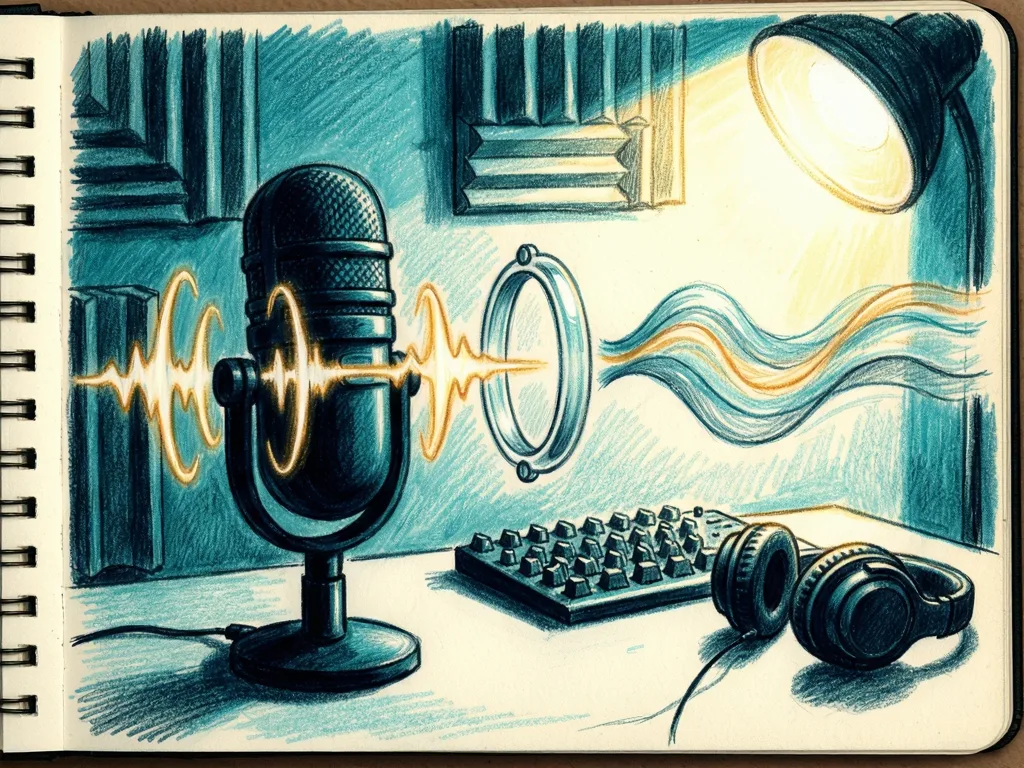
- Voice agents are AI systems that listen, interpret speech, and respond by voice using speech recognition, language understanding, and speech synthesis.
- They differ from text-based AI because real-time latency, spoken ambiguity, privacy risks, and accessibility challenges are more central to their design.
- Beginners should learn voice agents by comparing the same task in text and voice, then testing limits such as noise, interruptions, and unclear requests.
- The value of a voice agent depends less on sounding human and more on completing tasks reliably while being transparent, safe, and accessible.
For people encountering AI voice agents for the first time, the core fact is simple: voice agents are artificial intelligence systems that use speech rather than typed text as the main interface. This guide explains what they are, how they differ from text-based AI systems, and how to build practical knowledge.
What Voice Agents Are
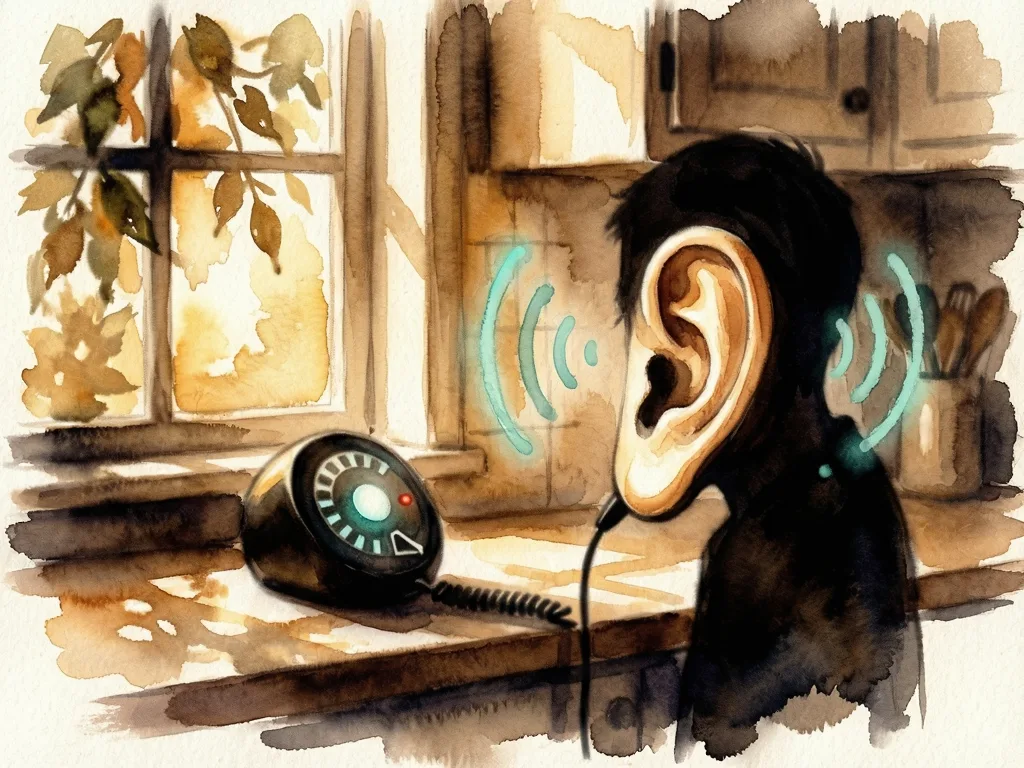
A voice agent is an AI program that can listen, interpret spoken language, and reply by voice. Most setups combine three functions. Speech recognition turns audio into text. Natural language understanding tries to infer what the speaker means, such as a question, command, or request. Speech synthesis turns a response back into audible language. The result can feel conversational, even when the underlying model is still predicting likely answers.
Some voice agents are narrow, such as a phone menu that answers balance, billing, or agent. Others are broader, using large language models to handle open-ended questions. The difference matters: a narrow agent may be reliable in one task, while a broad agent may sound fluent but still make mistakes, forget details, or respond to the wrong request.
How Voice Agents Differ from Text-Based AI
Text-based AI systems usually receive typed prompts and return written answers. Voice agents add real-time audio handling. That changes speed, context, privacy, and accessibility.
First, speed becomes visible. A text model can be tested at any pace. A voice agent must respond quickly enough for a conversation to feel natural. Delays, repeated questions, or long pauses can make a user think the system failed.
Second, context becomes harder. In text, punctuation and editing can make meaning clearer. In speech, people use filler words, interruptions, accents, background noise, and incomplete sentences. The system has to decide when to listen, when to respond, and whether to ask for confirmation.
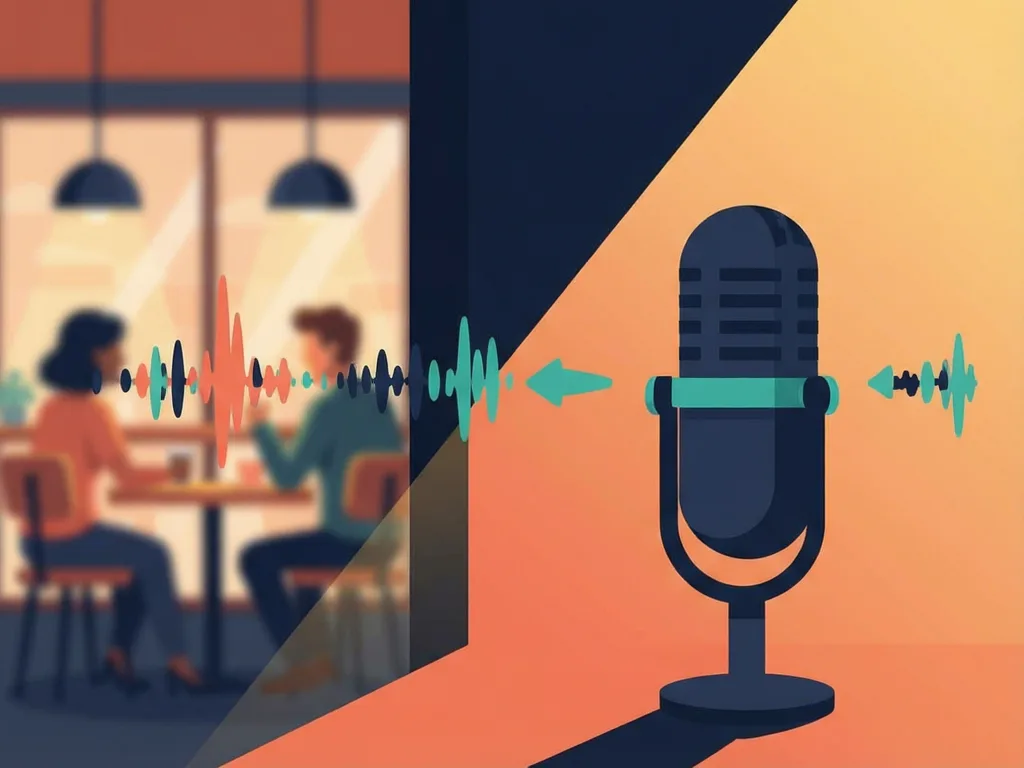
Third, privacy shifts. A voice agent may process sensitive information through audio. If it records, transcribes, or stores speech, users need to understand where that data goes.
Fourth, accessibility can improve or worsen. Voice agents can help people who have difficulty typing or reading. They can also frustrate people with speech differences, hearing impairments, noisy environments, or accents.
How to Build Knowledge from the Basics
A useful learning path starts by treating a voice agent as a loop: input, understanding, response, and feedback. Begin with one question: what is this system trying to accomplish? If the answer is “schedule an appointment,” the best agent may need confirmation steps, not a long creative reply.
Next, compare the same task in text and voice. Write a request as if typing it, then say it as if speaking. Notice where the voice version becomes shorter, messier, or more likely to need clarification. This comparison reveals why voice design is not just text with a microphone.
Then test the limits. Try ambiguous requests, background noise, interrupted sentences, and repeated follow-ups. Do not assume the system is wrong if it asks a question; a good agent may ask for confirmation when uncertainty is high. When evaluating any product, look for clear explanations of what it can and cannot do, how it handles errors, and what data it stores.

Finally, learn the vocabulary carefully. Speech-to-text converts audio to written form. Natural language processing helps the system understand or generate human language. Large language models are AI systems trained on broad language data that can predict likely responses. Text-to-speech converts written text into audio. Voice agents often use several of these technologies together.
What This Means for Everyday Users
The practical value of voice agents depends less on whether they sound human and more on whether they complete tasks reliably. For users, the main question is whether a voice agent reduces friction: can it answer a question, take a request, or guide someone through a process faster than typing or calling a menu? If the answer is no, the extra voice layer may just add confusion.
For builders, the stakes include design, safety, and transparency. A voice agent used for customer service, personal devices, or public information should state that it is an automated system, provide an alternative path for people who cannot use speech, and avoid pretending to have human judgment.
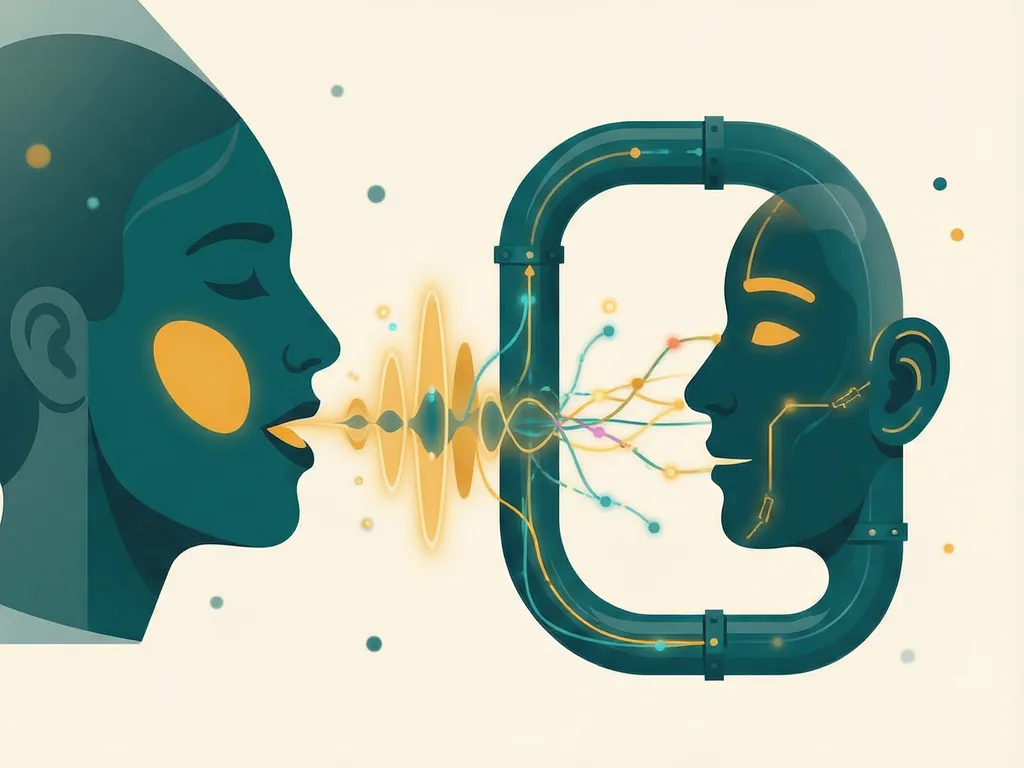
The next step for readers is not to master every speech technology at once. It is to recognize the pattern: a voice agent converts sound into intent and intent back into sound, while adding latency, ambiguity, and privacy concerns that text systems may hide. With that mental model, you can evaluate demos, products, and news reports more clearly.
Meta description: Learn what voice agents are, how they differ from text-based AI, and how beginners can build practical, safe knowledge about speech AI tools.
Tags: voice agents, speech AI, AI basics, accessibility, human-computer interaction
Featured image: abstract friendly illustration of a microphone, waveform lines, and soft conversational bubbles




Comments (0)