
Introducing gpt-realtime along with updates to the Realtime API
OpenAI announces gpt-realtime, a more advanced speech-to-speech model enabling faster, more natural voice conversations, alongside major Realtime API updates: MCP server support for connecting external tools and data, image input for multimodal use cases, and SIP phone calling support to connect AI voice agents directly to traditional business phone systems—creating a complete path for building production voice applications.
What's being announced
The company is rolling out a more capable speech-to-speech model, and alongside it, a set of new features for its API. For developers and teams building voice-powered products, this update matters: it means more natural spoken conversations with AI, plus new ways to connect that capability to the tools and communication channels people already use. Here's a plain-English walkthrough of what's new and why each piece could be useful.
A more advanced speech-to-speech model
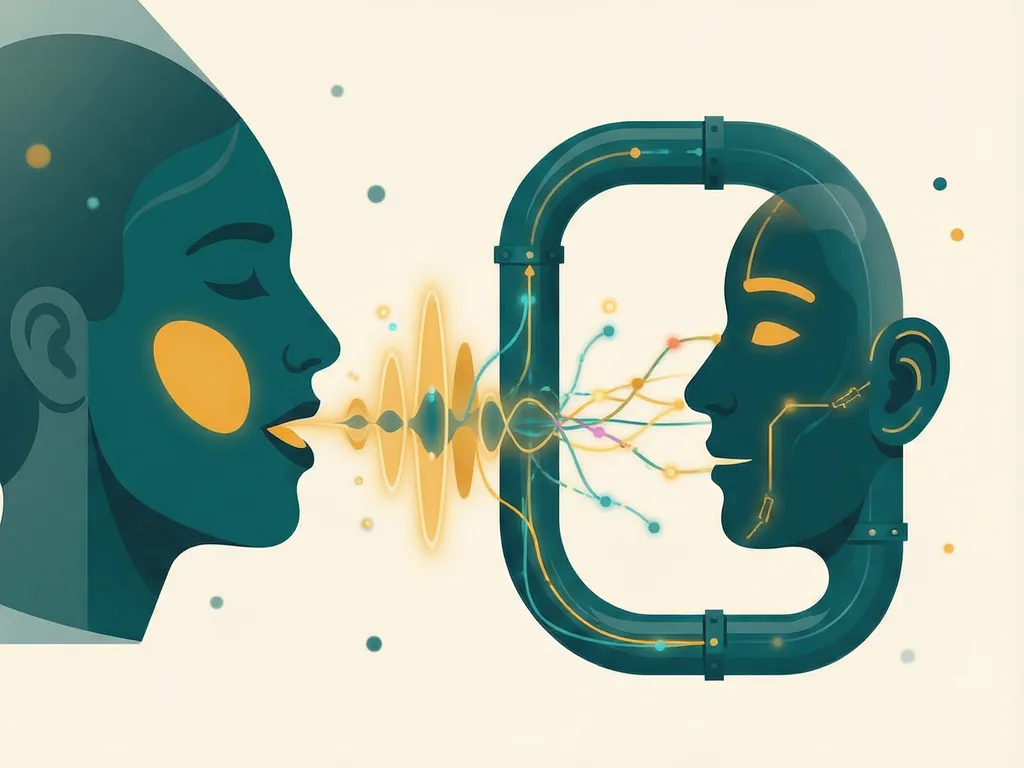
At the center of the release is an upgraded speech-to-speech model. If you haven't followed this space, "speech-to-speech" means the model can take spoken audio as input and respond with spoken audio directly, rather than converting your speech to text, generating a written reply, and then reading that text aloud.
Why does that matter? Speech-to-speech models can generally respond faster and preserve more of the natural qualities of conversation, such as tone, pacing, and interruptions that feel closer to talking with a person than to dictating into a machine. For anyone building customer support lines, voice assistants, live translation tools, or interactive experiences, this kind of model is the core engine.
The company describes this version as "more advanced" than what came before, though the announcement doesn't include detailed benchmarks or specific performance numbers, so it's worth testing it in your own use case rather than assuming exact gains.
MCP server support
The first new API capability is support for MCP servers. MCP (Model Context Protocol) is an open standard that lets AI models connect to external tools and data sources in a consistent way. In practical terms, MCP acts like a universal adapter: instead of building a custom integration for every service you want your AI to talk to, you can plug into MCP servers that expose those services in a standard format.
For voice applications, this is a meaningful upgrade. Imagine a phone-based assistant that can look up order statuses, check a calendar, or pull records from a company database mid-conversation. With MCP support, the speech-to-speech model isn't just talking, it can take actions and fetch real information while the conversation is happening.
Image input support
The second addition is image input. This means you can now send images to the API alongside text and audio, opening up multimodal use cases that previously weren't possible in a single pipeline.
Some examples of what this enables: a user could photograph a document, a product, or a broken appliance and ask questions about it by voice, receiving a spoken answer. Support agents could share screenshots during a call and have the assistant understand what's on screen. Field workers could snap a photo of a machine part and get verbal guidance. Combining what a model can see with what it can hear and say makes for far richer applications than voice alone.
SIP phone calling support
The third feature is SIP phone calling support. SIP (Session Initiation Protocol) is the standard technology that powers much of the world's business telephony. With SIP support in the API, developers can connect the speech-to-speech model directly to traditional phone systems.
This is a big deal for anyone building voice agents for real-world phone lines. Instead of routing calls through separate services or building custom telephony bridges, businesses can bring AI-powered conversation to their existing phone infrastructure. That covers scenarios like automated inbound support lines, outbound appointment reminders, reservation lines, and internal help desks, all running on the new speech model.
Why this combination is notable
Individually, each of these features is useful. Together, they sketch out a complete path for building production voice applications: a natural-sounding speech-to-speech model as the conversational core, MCP for connecting to real tools and data, image input for multimodal context, and SIP for reaching users on ordinary phone calls.
For teams that have been experimenting with voice AI but struggling with the plumbing, the integration work, or the quality of spoken interaction, this release bundles several of the missing pieces into one place. The announcement is short on specifics like pricing changes or exact latency figures, so developers should check the official API documentation for those details before committing to a build.
Getting started
If you want to try these features, the natural starting points are:
- Review the updated API documentation for the new speech-to-speech model and its parameters.
- Explore the MCP integration guides if your application needs to connect to external tools or data.
- Test image input by sending images alongside audio or text requests to see how multimodal responses behave in your scenario.
- If you operate phone-based services, look into the SIP calling support to see how it fits with your existing telephony setup.
As always with newly released capabilities, real-world behavior can differ from demos, so budget time for hands-on testing with your own audio quality, accents, and use cases before shipping to customers.



Comments (0)