
Unveiling the Realtime API
This article explains how speech-to-speech models replace traditional multi-stage voice pipelines (ASR, LLM, TTS) with a single model that processes raw audio directly, dramatically reducing latency and preserving tone and emotion. It covers key architecture components—audio streaming, voice activity detection, turn management, and WebSockets/WebRTC transport—along with practical challenges like network variability, cost, and evaluation tips for developers building natural voice experiences.
Developers who want to add real-time voice conversations to their apps now have practical tools to do it. This article is for software engineers, product builders, and tech enthusiasts who are curious about speech-to-speech AI — what it is, how it differs from older voice pipelines, and what it takes to build a fast, natural-sounding voice experience into an application. By the end, you'll understand the core architecture, the key trade-offs, and the practical steps to get started.
What Speech-to-Speech Actually Means
Traditional voice assistants work through a chain of separate models. First, a speech recognition model converts your audio into text. Then a language model processes that text and generates a response. Finally, a text-to-speech engine reads the response back out loud.
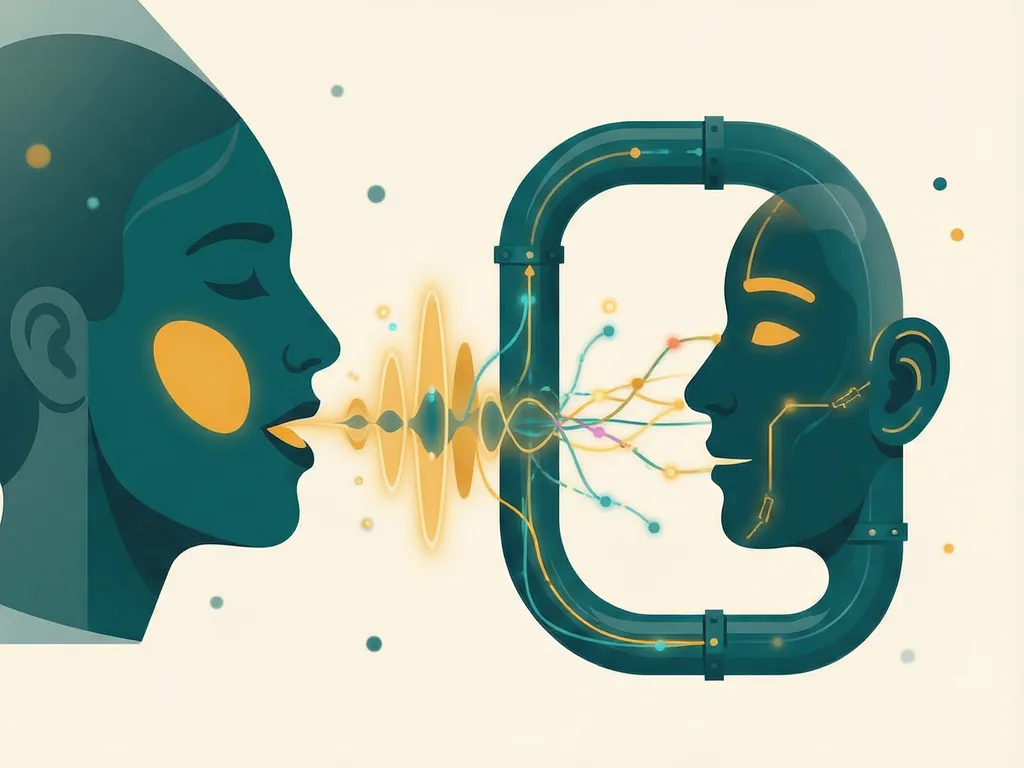
Speech-to-speech models collapse this pipeline. Instead of passing text between stages, a single model listens to raw audio and produces spoken audio directly. The practical result is speed: latency drops dramatically because there's no waiting for intermediate steps to finish. It also means the model can pick up on tone, pacing, and emotion in your voice — things a text-only pipeline throws away.
For developers, this changes what's possible. Voice interactions that once felt stilted and robotic can feel closer to a real phone conversation, with fast turn-taking and the ability to interrupt naturally.
Why Latency Is the Make-or-Break Metric
If you've ever talked to a voice assistant and paused awkwardly while it "thought," you've experienced the latency problem. Research on conversational systems consistently shows that people perceive responses as natural when they arrive within a few hundred milliseconds — roughly the gap you'd expect between turns in a human conversation.
Older stacked pipelines often couldn't hit that window. Each stage added delay: audio upload, transcription, text generation, speech synthesis, and playback. Speech-to-speech architectures cut out most of that overhead by processing and generating audio in a streaming fashion.
For developers, the takeaway is simple: when evaluating any voice API, don't just look at output quality — measure end-to-end response time under realistic network conditions. A model that sounds beautiful but takes two seconds to respond will feel worse in practice than a slightly less polished one that answers instantly.
The Building Blocks You'll Work With
Putting a speech-to-speech experience into production involves more than just calling a model. Here's what a typical stack looks like:
- Audio capture and streaming. The browser's MediaRecorder API or a native microphone input sends audio chunks to your backend in real time, rather than waiting for the user to stop talking.
- Voice activity detection. Something needs to decide when the user has actually finished speaking, so the model knows when to respond. Getting this wrong makes conversations feel jerky.
- The speech-to-speech model itself. This is the core engine that listens and talks back. Several providers now offer this through APIs, and open-weight models are emerging for teams that need to self-host.
- Turn management and interruptions. Users should be able to cut the assistant off mid-sentence, just like in a human chat. Handling this gracefully is one of the hardest parts of a good voice UX.
- Transport layer. WebSockets or WebRTC connections keep audio flowing in both directions with minimal delay. Plain HTTP requests are far too slow for this use case.
The good news is that many providers bundle several of these pieces together, so you don't have to build everything from scratch.
Practical Challenges to Plan For
Even with modern tools, voice applications come with real-world friction worth anticipating.
Network variability. A demo on fast office Wi-Fi is not the same as a user on a congested mobile connection. Build in graceful degradation — perhaps falling back to text chat when audio quality collapses.
Cost per minute. Real-time audio models are typically priced by the minute of audio processed, and voice sessions can run long. Estimate your costs with realistic conversation lengths before committing to a pricing model for your own product.
Privacy and consent. Voice is biometric data. Depending on where your users live, you may need clear consent flows, retention limits, and careful handling of recordings. This varies by jurisdiction, so check the rules that apply to your audience rather than treating this article as legal guidance.
Accent and noise robustness. Models perform unevenly across accents, speaking styles, and noisy environments. Test with diverse audio samples early — don't wait until users complain.
How to Get Started
If you're ready to prototype, a sensible path looks like this:
- Pick a provider's real-time voice API (or an open model if self-hosting matters to you) and read its streaming documentation.
- Build the simplest possible web client: a button that opens a WebSocket connection, streams microphone audio, and plays back the response.
- Add voice activity detection and interruption handling — this is where the experience starts to feel good rather than merely functional.
- Test with real users on real networks, measuring latency and failure rates.
- Iterate on the conversation design: short system instructions, clear fallbacks, and a friendly personality often matter as much as raw model quality.
Common mistakes
- Testing only in ideal conditions. If your prototype only works on fast, quiet connections, it will disappoint in production.
- Ignoring interruptions. Users expect to talk over the assistant; blocking that makes the product feel broken.
- Skipping cost modeling. Voice sessions add up quickly, and surprise bills have killed plenty of promising projects.
- Treating voice as a chatbot with audio. Conversational pacing, fillers, and turn-taking need their own design attention.
- Neglecting privacy basics. Collecting voice data without clear consent and retention policies creates risk you don't want.
Speech-to-speech is one of the most exciting shifts in applied AI right now. The tools are mature enough to build on, the latency barriers that used to block natural conversation are largely solved, and the remaining challenges are mostly the familiar ones of good engineering and thoughtful product design. If you've been waiting for voice interfaces to feel genuinely conversational, the wait is largely over.

Comments (0)