
Access Codex from any location
OpenAI's Codex coding agent is now accessible through the ChatGPT mobile app, letting developers start tasks, monitor progress in real time, steer work mid-task, and approve changes from anywhere. This guide covers the mobile workflow, its benefits for developers on the move, practical tips, and limitations, as the phone serves best as a control panel rather than a full development environment.

If you're a developer who wants to kick off, watch, and approve coding work while away from your desk, the ChatGPT mobile app now lets you do exactly that with Codex. This guide explains what you can do from your phone, how the workflow fits together, and what to keep in mind when steering tasks from a smaller screen.

What Codex on Mobile Actually Does
Codex is OpenAI's coding agent, designed to work on software tasks on your behalf. With Codex available through the ChatGPT mobile app, you no longer need to sit at a keyboard to use it. You can start assignments, check on progress, adjust course mid-task, and sign off on changes — all from your phone, wherever you happen to be.
The key word here is "anywhere." Because the app travels with you, Codex becomes something you can check in on during a commute, between meetings, or from a coffee shop. The agent keeps working in your remote environments even when you're not at your computer.
Monitor Progress in Real Time
One of the biggest practical benefits is visibility. Instead of waiting to discover what an agent did hours later, you can follow along as tasks unfold. The mobile app gives you a live view of what Codex is doing, so surprises are less likely.
This matters for trust. When you can see the work happening step by step, you build a better sense of when the agent is on track and when it needs a nudge. Real-time monitoring turns a hands-off process into something more collaborative.
Steer Tasks Before They Go Off Track
Watching isn't the only thing you can do — you can also intervene. If Codex starts heading in a direction you don't like, you can send feedback from your phone and redirect it. This steering capability means you don't have to let a task run to completion just to find out it missed the mark.
Quick course corrections are especially useful for longer tasks. A thirty-second message from your phone can save you from reviewing and re-running a substantial piece of work later.
Approve Changes Across Devices and Remote Environments
Codex works across different setups, including remote environments, and the approval flow carries over to mobile. When the agent finishes work or hits a point where it needs your sign-off, you can review and approve from the app.
This keeps your normal safeguards intact. You stay the final checkpoint, but the checkpoint follows you. Whether you're at your desk, on a laptop, or holding your phone, the loop of task, review, and approval stays connected across your devices.
Why This Workflow Suits Developers on the Move
For many developers, the reality of a workday looks nothing like a long, uninterrupted stretch at a desk. Code review happens in gaps. Bugs get reported at awkward times. Ideas show up during a walk.
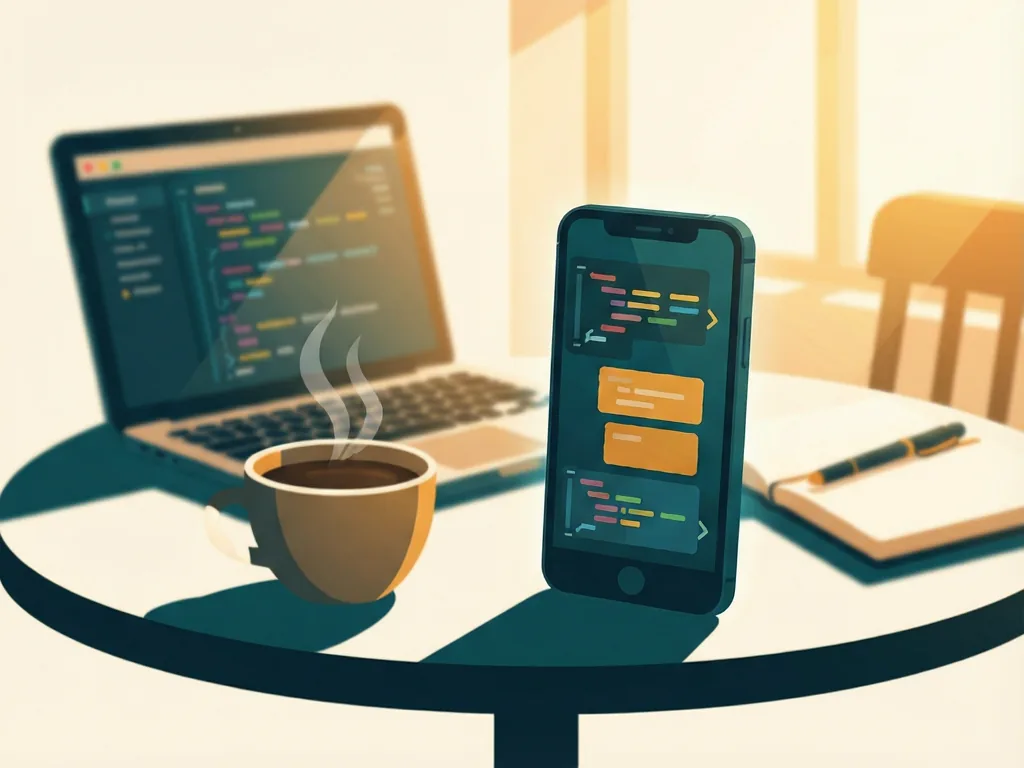
Having Codex in your pocket turns those scattered moments into productive ones. You can queue up a task the moment you think of it, glance at progress when you have a spare minute, and approve finished work without rushing back to a machine. The agent handles the heavy lifting; you provide direction at the moments that matter.
Tips for Getting the Most Out of It
A few habits make the mobile workflow smoother:
- Write clear initial instructions. The less ambiguity in your task, the less steering you'll need to do later.
- Check in early. A quick look shortly after starting a task lets you catch problems when they're cheap to fix.
- Use approvals deliberately. Treat sign-off from your phone as seriously as you would at your desk — small screens can make it tempting to skim.
- Keep tasks scoped sensibly. Smaller, well-defined tasks are easier to monitor and approve from a phone.
A Note on Limitations
The mobile app is best understood as a control panel rather than a full development environment. Deep debugging, detailed code reading, and fine-grained edits are still more comfortable on a larger screen. A reasonable approach is to use your phone for launching, monitoring, steering, and approving, and save detailed review work for when you're back at your computer. Exact feature availability may also vary depending on your plan and app version, so it's worth checking OpenAI's official documentation for the latest details.
The Bottom Line
Codex in the ChatGPT mobile app removes the constraint of the desk chair from agentic coding. You can start work whenever inspiration strikes, watch it happen in real time, nudge it when needed, and approve results from any location — all while keeping your normal review process in place. For developers juggling busy schedules or working across multiple machines, it's a practical way to keep projects moving no matter where the day takes you.




Comments (0)