
Quiz: Cursor vs. Copilot: Which AI Coding Editor Works Best for Python?
This quiz helps Python developers compare Cursor and Copilot through edit previews, cross-file changes, project conventions, and code review.

Key Takeaways
- The quiz compares Cursor and Copilot for Python through practical workflows rather than feature lists.
- It focuses on four key areas: edit previews, cross-file changes, project conventions, and code review.
- The best editor depends on the developer’s workflow, such as solo scripting versus team-based Python application work.
- Readers should evaluate both tools through real tasks like refactoring, fixing bugs across modules, applying style rules, and reviewing AI-generated diffs.


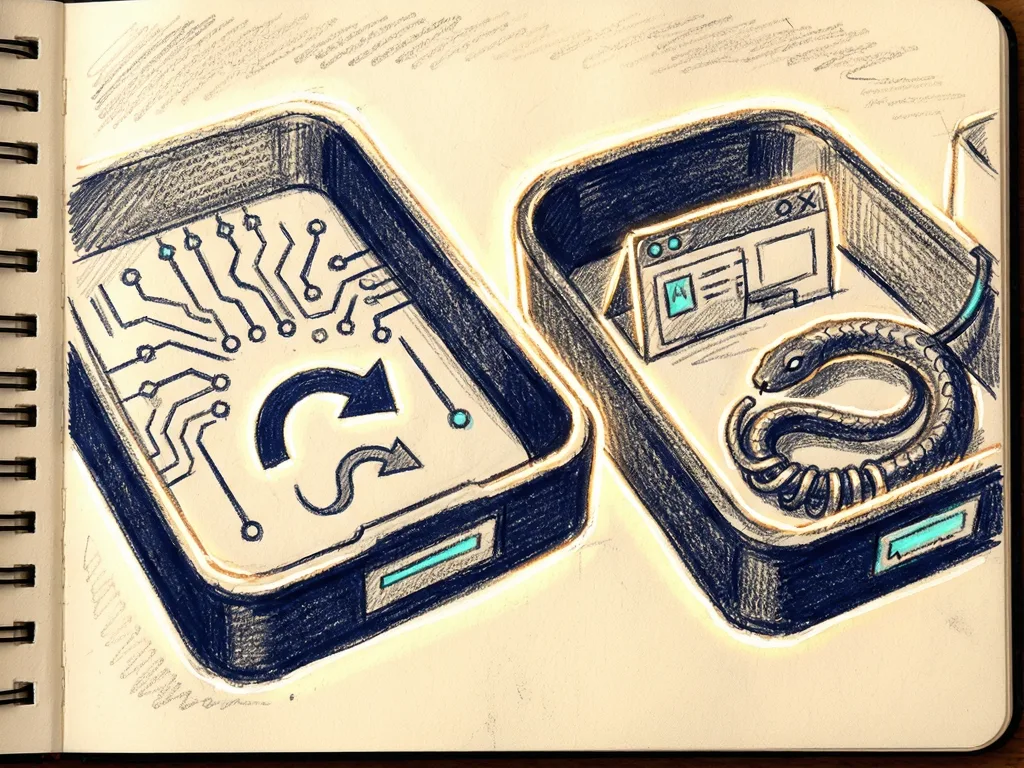
A quiz titled "Cursor vs Copilot: Which AI Editor Is Better for Python?" asks Python developers to test how well they understand the practical differences between Cursor and Copilot. The quiz does not turn the comparison into a feature checklist. Instead, it focuses on how each tool presents edits, predicts changes across files, applies project conventions, and supports code review. For developers choosing an AI coding workflow, the takeaway is simple: the better tool is not the one with the longest list of buttons, but the one that fits how they write, refactor, and review Python code.
Why a quiz about Cursor and Copilot matters now
AI coding assistants have become part of many Python workflows, from writing small scripts to maintaining larger applications. Cursor and Copilot are often discussed together because both promise to reduce repetitive work: completing functions, suggesting fixes, explaining errors, and helping developers move faster. The original framing of the quiz says that both editors ship a similar list of features. That is where the real question begins. If the feature lists look alike, the difference may show up in the day-to-day interface: how a suggestion appears, how a developer accepts it, and how the tool behaves when changes touch more than one file.
The quiz is useful because it asks developers to think about these hidden workflow details. It gives readers a way to compare tools through tasks they recognize: editing a Python module, refactoring imports, handling a multi-file change, and reviewing a suggested patch. This is closer to a real decision than asking whether an editor has autocomplete, chat, or code review.
What the quiz checks beyond feature lists
The quiz centers on four practical areas. First, edit presentation. In Python work, a developer needs to see what will change before it changes. The quiz asks whether the reader understands how each editor shows suggestions, diffs, or proposed replacements. This matters because unclear previews can turn a helpful assistant into a source of mistakes.

Second, cross-file predictions. Many Python projects are not single files. A function may live in one module, tests in another, and imports in a third. The quiz asks readers to consider how each tool predicts or handles changes that need to be consistent across files. A tool that can only edit the open file may still be useful, but it may leave more manual work.
Third, project conventions. Python teams often care about style, naming, import order, type hints, and testing patterns. The quiz checks whether the reader understands how each editor can store or follow project-specific rules. This is important because an assistant that ignores conventions can create code that runs but does not fit the team's standards.
Fourth, code review. AI coding tools are not only writing code; they also help review it. The quiz asks how well readers understand the review side of Cursor and Copilot: spotting risky changes, explaining a suggestion, or helping prepare a patch. For many teams, this is where trust is built or lost.
How the differences affect Python developers
For a solo developer building a script, the most valuable feature may be fast inline suggestions. For a team working on a larger Python application, the most important difference may be how reliably the editor handles project conventions and cross-file changes. The quiz helps readers make that distinction. It shifts the conversation from "which editor is better?" to "which editor matches my Python workflow?"
This distinction matters because AI editors are not neutral tools. They influence where developers click, how much they trust suggestions, and how quickly they can undo mistakes. A good editor makes it easy to inspect changes. A weaker workflow may make developers accept too much without review. For Python, where quick experiments can turn into production code, that difference can affect both speed and safety.
What readers should watch next
The next step for readers is not to accept a headline answer that one editor is better for Python. The quiz suggests that the useful answer depends on the workflow being tested. Readers can use the quiz to identify gaps in their understanding, then compare Cursor and Copilot through real tasks: refactoring a package, fixing a bug across modules, applying a team style, and reviewing an AI-generated diff.
As AI coding assistants keep adding features, the comparison will likely move further away from simple feature checklists. For Python developers, the practical question is already becoming more specific: how each tool helps them keep code clear, consistent, and reviewable. The quiz gives readers a structured way to think about that question before choosing the editor they use every day.
Meta description: A Cursor vs Copilot quiz helps Python developers compare edit previews, cross-file changes, project conventions, and review workflows beyond feature lists.
Tags: Cursor, Copilot, Python, AI code editors, developer quiz



Comments (0)