
AI Agent vs. Workflow: A Practical Test to Determine When You Really Need an Agent
This guide compares AI workflows and AI agents, explaining that workflows use fixed, testable steps while agents pursue goals with flexible tool use. It covers differences in control, predictability, maintenance, trust, and cost, and offers practical advice for routine tasks, support, data review, and project coordination. Workflows suit stable processes needing reliability; agents suit open-ended tasks where adaptation matters, but require guardrails, logging, and oversight.
Key Takeaways
- AI workflows follow predefined steps, making them predictable, auditable, and easier to maintain for routine tasks.
- AI agents pursue goals and can adapt their actions, offering flexibility for changing or complex tasks but requiring stronger oversight.
- Choose workflows for stable, known processes and agents for tasks needing judgment, planning, or variable paths.
- A hybrid approach is often safest: use workflows to set boundaries and agents inside uncertain steps.
- Teams should review data access, tool permissions, logging, and human checkpoints before adopting either approach.
Meta description: Compare AI workflows and AI agents, learn their differences, and choose the best automation approach for business tasks with practical guidance.
Tags: AI Workflows, AI Agents, Automation, Business Tech, AI Basics
Featured image: Abstract friendly illustration of connected nodes and branching paths, no real people, no logos, no text.
Business teams making automation decisions today are comparing two choices: AI workflows and AI agents. This guide explains their differences and helps readers decide which approach fits routine tasks, support work, data review, and project coordination. The main difference is not which system is smarter, but how much control, planning, and human oversight the work needs.
What an AI workflow is
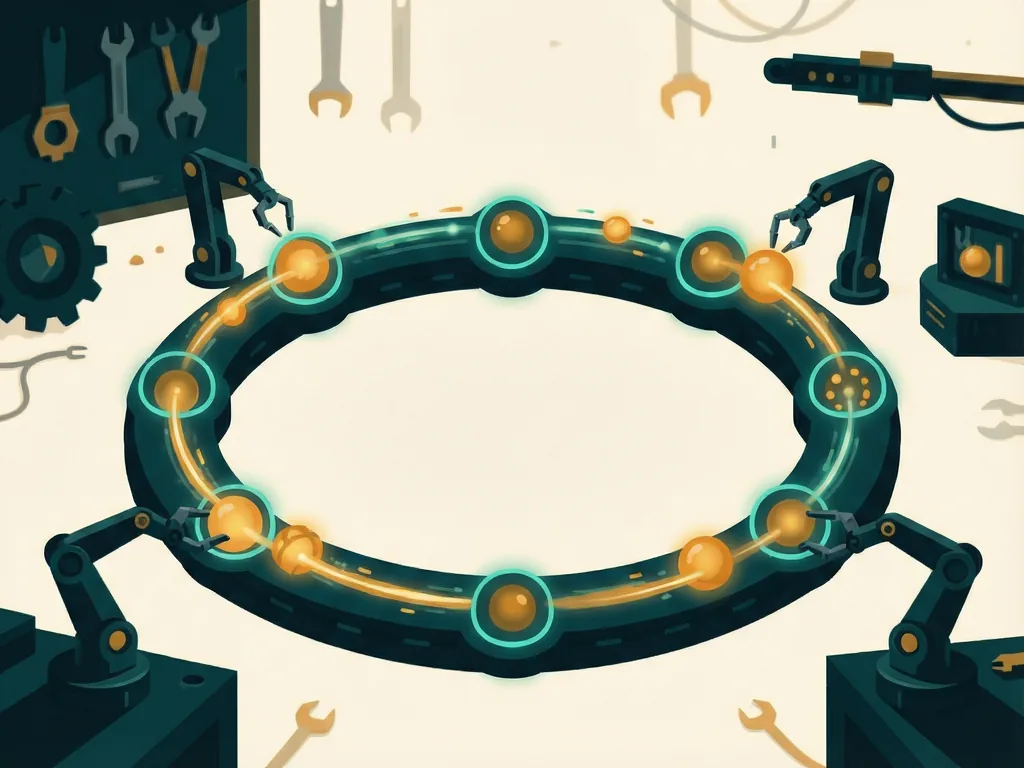
In many automation systems, an AI workflow is a chain of predefined steps that a system runs when something happens. A file arrives, a form is submitted, a customer sends a message, or a schedule begins. Each step has a clear job: extract information, classify a request, call a database, draft a response, send a notification, or ask a person for approval.
This pattern is common because it is easy to inspect and maintain. If a step fails, the team can see where it failed. If output quality drops, the team can test the affected step instead of rewriting the whole process. Workflows also fit well with audit rules, because the path from input to result can be documented.

Many business teams already use workflow-style automation for approvals, data syncing, document routing, and notifications. Adding AI to a workflow usually means putting a model into one or more steps. For example, a model might summarize long emails before a human reviews them, or classify support tickets before routing them to a team. The overall flow still follows the rules set by the designer.
What an AI agent is
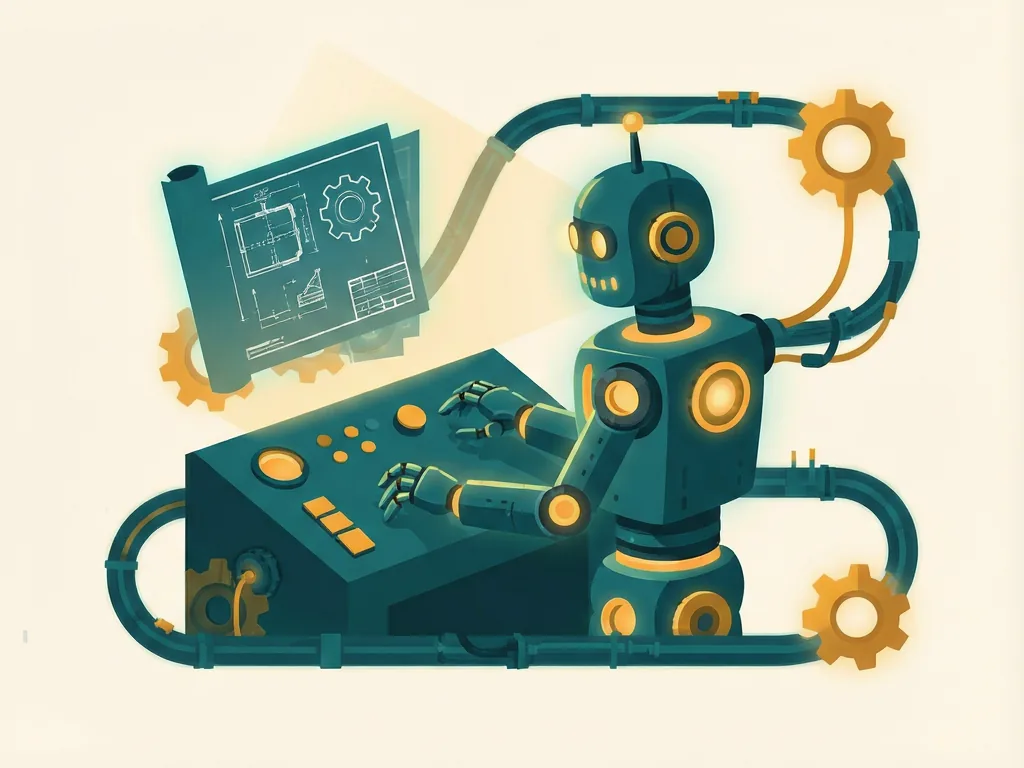
In common usage, an AI agent is built around a goal rather than a fixed list of steps. It can decide what to do next, choose a tool, take an action, inspect the result, and adjust. A simple agent might be asked to prepare a competitor research report. It could search for public information, compare sources, draft sections, check whether missing details need follow-up questions, and produce a final document.
The appeal is flexibility. Real work often changes midstream. A customer question may lead to a refund check, a policy lookup, and a manager approval. A fixed workflow would need many branches to handle those cases. An agent can try to assemble the path as it works.
That flexibility also creates risk. If the agent chooses the wrong tool, uses outdated data, or takes an action that needs approval, the result can be harder to detect. Agents may also be more expensive to run because they make multiple calls and can repeat steps. For this reason, many practical agent systems still need guardrails: allowed actions, confirmation prompts, logging, and limits on what the model can change.
How the two choices differ
The difference can be seen in five areas:
- Control: workflows follow a set path; agents choose a path toward a goal.
- Predictability: workflows are easier to test step by step; agents can vary between runs.
- Maintenance: workflows need updates when processes change; agents need supervision, prompts, tools, and evaluation.
- Trust: workflows show clear checkpoints; agents need logging and review to explain what happened.
- Cost: workflows often use AI in one step; agents may use AI repeatedly.
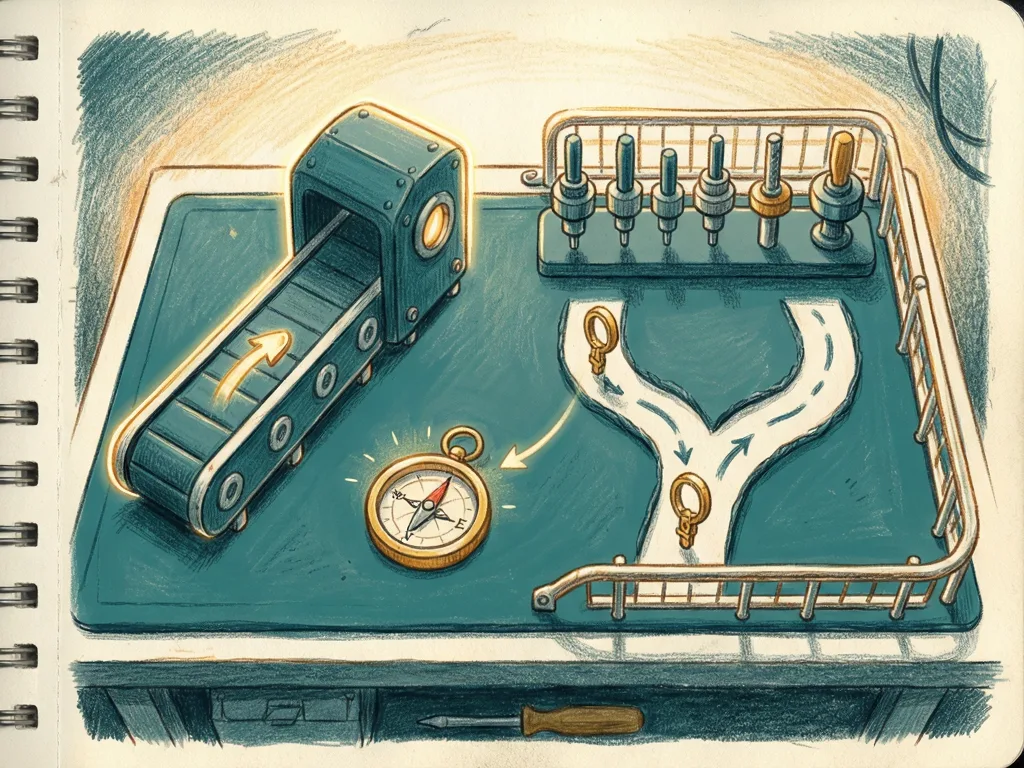
A useful way to think about them is that a workflow is a map, and an agent is a driver with a destination. The map tells the system where to go. The driver may find a route, but it can also take a wrong turn.

When to choose each approach
Choose an AI workflow when the task has known steps, stable rules, and a need for reliable output. Good examples include invoice data extraction, report formatting, ticket classification, and approval routing. The team can define what success looks like before the system runs.
Choose an AI agent when the task depends on judgment, changing context, or a sequence that cannot be fully planned in advance. Good examples include research summaries, first-pass support replies that a human edits, meeting notes that pull in follow-up items, or internal assistants that need to search several documents. The goal should be clear, but the path may not be.
A hybrid setup is often the safest starting point. A workflow can handle the fixed process, while an agent works inside one uncertain step. For example, a support system can use a workflow to log tickets, assign owners, and send responses, while an agent drafts the answer after checking the relevant policy. The workflow keeps the boundaries; the agent adds flexibility.
What teams should watch next
Before adopting either approach, teams should ask what the system can access, what it may change, and who reviews its work. Data sources, tool permissions, logging, and human checkpoints matter as much as the model name. In regulated areas, a documented workflow may be easier to justify than a more open agent. In research and drafting, an agent may save time if its outputs are checked before use.
A simple rule works well here. If the work is mostly repeating known steps, start with an AI workflow. If the work needs planning, searching, and adapting, test an AI agent with limits. Many teams will not pick one forever. They will use workflows for stable processes and agents for messy tasks, then move the best patterns between the two as their experience grows.

Comments (0)