
Streamlining Operations Workflows Using ChatGPT Work
This guide shows professionals how to use ChatGPT to streamline four common workplace documents: initiative briefs, strategy updates, decision packets, and progress reports. It covers structured prompts, two-pass refinement, tone control, and verification practices, positioning ChatGPT as a drafting assistant that organizes and polishes content while you supply the facts and make the final decisions.

Who This Guide Is For
If you spend part of your week writing initiative briefs, updating leadership on strategy, putting together decision packets, or reporting on progress, this guide is for you. These documents are essential in most organizations, but they eat up hours that could go toward actual work. In this article, you'll learn practical ChatGPT workflows for each of these four document types, so you can draft faster while keeping your output clear and professional. No technical background is needed — just a ChatGPT account and a willingness to adjust prompts to your situation.

Why ChatGPT Works Well for Workplace Documents
Most internal business writing follows predictable patterns. An initiative brief states a problem, proposes a solution, and outlines resources and timelines. A strategy update summarizes where things stand and where they're headed. A decision packet lays out options with trade-offs. A progress report tracks what's done, what's in flight, and what's blocked.
Because these formats are so consistent, a large language model like ChatGPT can handle much of the heavy lifting: structuring the document, tightening your language, translating dense notes into readable prose, and adapting the same content for different audiences. The key is that you still supply the substance — the facts, the numbers, the context. ChatGPT organizes and polishes; you verify and decide.
A helpful mindset: treat ChatGPT as a capable drafting assistant, not a source of truth. Always check facts, figures, and names before anything goes to your boss or a wider audience.
Workflow 1: Writing an Initiative Brief
An initiative brief needs to answer a few questions quickly: What are we doing? Why now? What will it cost, and who's involved?
Step 1: Gather your raw material. Jot down the problem, your proposed approach, the expected outcome, rough timeline, and key stakeholders. Bullet points are fine.
Step 2: Use a structured prompt. Try something like:
"Draft a one-page initiative brief for [initiative name]. Audience: senior leadership. Include sections for Problem, Proposed Solution, Expected Impact, Timeline, Resources Required, and Risks. Keep it under 400 words. Here are my notes: [paste notes]."
Step 3: Refine in a second pass. Ask ChatGPT to sharpen the problem statement, suggest a stronger opening line, or cut the draft by 20%. Iterating in short, targeted requests usually produces better results than one giant prompt.
Step 4: Verify everything. Confirm dates, budget figures, and team names yourself before sending.

Workflow 2: Drafting Strategy Updates
Strategy updates can be tricky because they often repeat earlier messaging while showing movement. ChatGPT helps by restructuring the same core content for each new update.
Start by giving ChatGPT context: paste your previous update or a short summary of the strategy itself. Then prompt it to draft a refresh — for example, "Write a strategy update for Q3 based on the strategy summary below, highlighting progress, changes in priorities, and what's coming next quarter."
Two tips make a big difference here. First, be explicit about tone: "confident but honest about challenges" produces more believable updates than a default that glosses over problems. Second, ask for a short executive summary at the top; leaders rarely read past the first paragraph, so front-load the key message.
Workflow 3: Building a Decision Packet
A decision packet presents options so a decision-maker can choose with confidence. The structure matters more than the prose, and ChatGPT is good at enforcing structure.
Give the model the decision to be made, the realistic options you've identified, and any constraints (budget, deadline, dependencies). Ask it to format the packet with a clear framing of the decision, each option with pros, cons, and rough implications, and a recommendation section where you state your preferred path and why.
One caution: don't let the model invent trade-offs or estimates it has no basis for. Supply your own cost ranges and impact assessments, and ask ChatGPT only to organize and articulate them. If you're unsure about a figure, mark it clearly as needing verification rather than presenting it as settled.
Workflow 4: Producing Progress Reports
Progress reports are the most repetitive of the four, which makes them ideal candidates for a repeatable prompt.
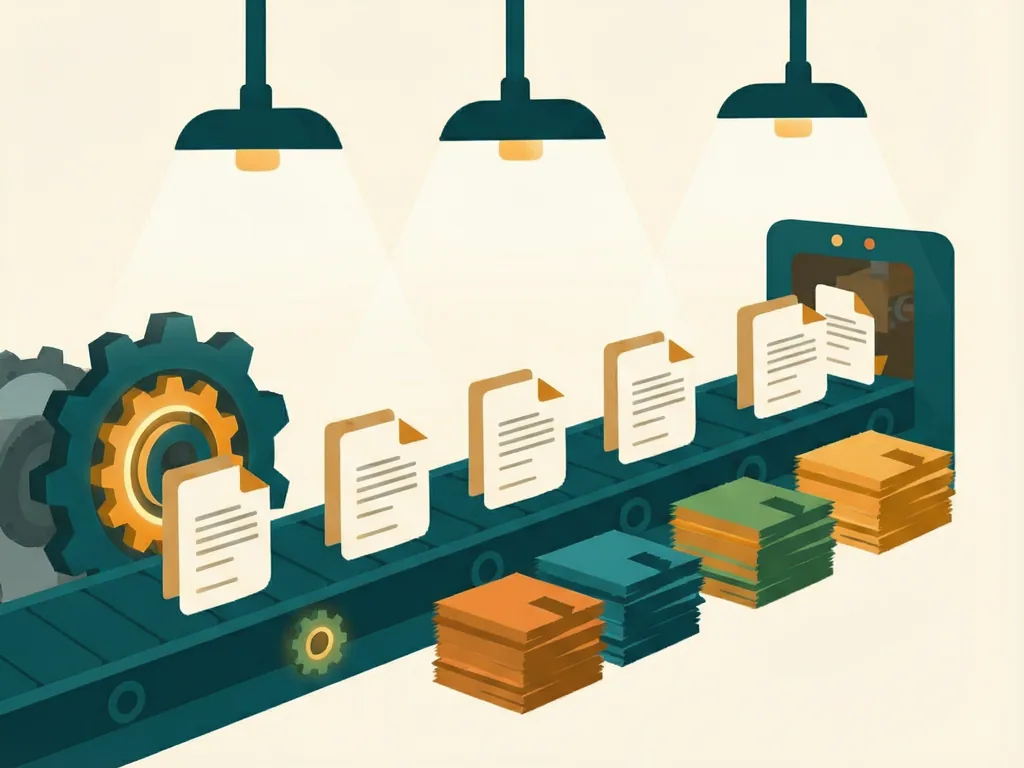
Keep a running list through the week — completed items, in-progress work, blockers, and anything at risk. Then use a stable prompt template like: "Turn these notes into a progress report with sections for Completed This Period, In Progress, Blockers, and Next Steps. Keep the tone factual and brief. Flag anything that looks like a risk to the deadline."
Because the prompt stays the same every cycle, your reports become consistent in format and length, which makes them easier for readers to scan week after week. You can also ask ChatGPT to compare against the previous report — paste last week's version and ask it to highlight what's changed — which helps you catch forgotten follow-ups.
Tips That Apply to All Four Workflows
Provide context every time. ChatGPT doesn't know your company, project, or audience unless you tell it. Two or three lines of background dramatically improve output quality.
Name your audience. A brief for engineers reads very differently from one for the finance team. Saying who will read the document is one of the highest-leverage details in any prompt.
Iterate in small steps. Rather than asking for everything at once, refine one element at a time: shorten, clarify, restructure, change tone.
Keep a prompt library. Once a prompt works well, save it. Over a few weeks you'll build a personal toolkit that turns these documents from hour-long chores into fifteen-minute tasks.
Never skip verification. Models can state incorrect things confidently. Anything factual — numbers, dates, names, commitments — should come from you, not the model.
Common Mistakes
- Pasting confidential or sensitive information into the tool without checking your organization's data policies first.
- Accepting the first draft instead of iterating — the second or third pass is usually where the quality is.
- Letting the model fabricate specifics, such as cost estimates, timelines, or stakeholder positions you never provided.
- Skipping the audience note, which produces generic writing that doesn't land with its intended readers.
- Over-trusting tone. ChatGPT can make a struggling project sound fine. Read the draft critically and make sure it reflects reality, not just polish.
With these four workflows and a bit of practice, you can cut the time you spend on routine business writing substantially — and spend the saved hours on the work the documents are actually about.
Comments (0)