
Orchestrate AI workflows in four steps using Zapier
Zapier outlines a four-step method for moving from isolated AI tools to orchestrated workflows across more than 10,000 apps. It distinguishes integration, automation, and orchestration, then recommends adding Zapier to an AI assistant, using conditional logic and AI model steps, and installing guardrails such as human review and cost caps to improve reliability, visibility, and cost control.
Key Takeaways
- Zapier introduces a four-step framework for teams to move from scattered AI experiments to orchestrated AI workflows across 10,000+ apps.
- AI orchestration goes beyond integration and automation by coordinating apps, logic, AI models, and decision points to run end-to-end workflows without manual hand-offs.
- The four steps are: connect AI assistants to Zapier, add logic and AI intelligence, apply guardrails for security and cost control, and measure workflows before scaling them.
- Real-world examples from Popl and UltraCamp show how orchestrated AI workflows can reduce manual work, improve routing and enrichment, and save time or cost.
Meta description: Zapier presents a four-step framework for teams to orchestrate AI workflows across 10,000+ apps with logic, guardrails, metrics, and real examples.
Tags: AI orchestration, Zapier, workflow automation, LLM cost control, enterprise AI
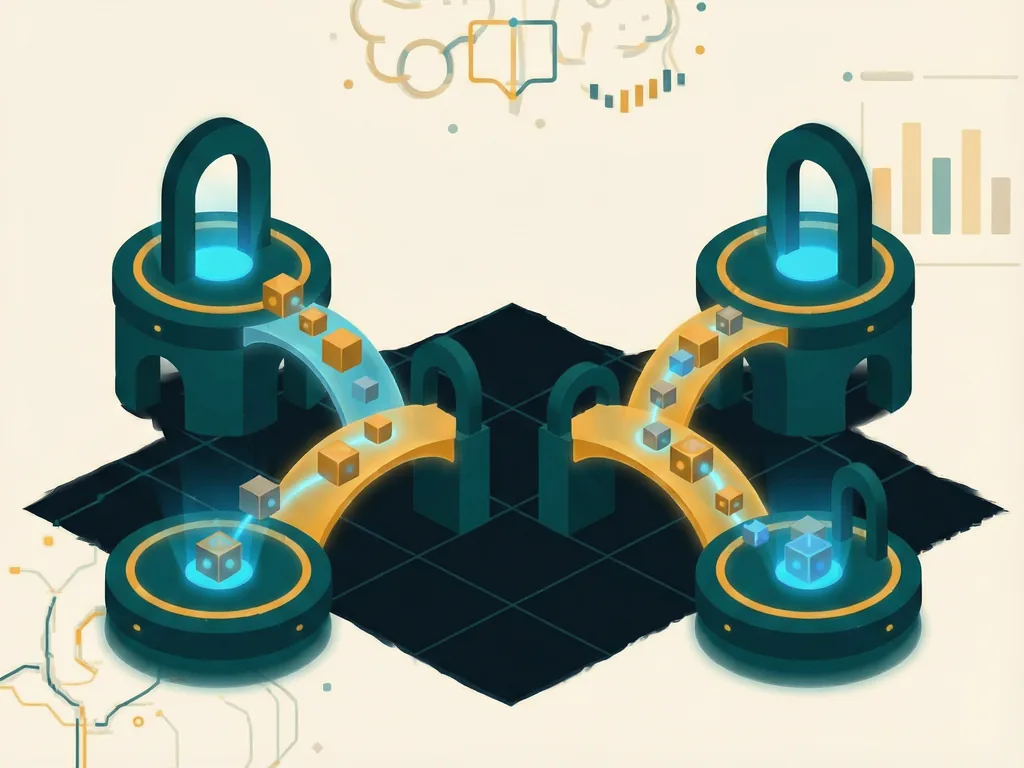
Featured image: Abstract friendly illustration of interconnected apps, data streams, and AI nodes forming a workflow map, no people, no logos, no text.
Zapier has presented a four-step framework for teams that want to turn scattered AI experiments into AI orchestration across 10,000+ apps. The guide is aimed at operations, sales, support, marketing, and IT teams that already use tools such as ChatGPT, Claude, or Gemini but still depend on people to move data between systems. It offers a repeatable path for connecting triggers, filters, formatters, AI steps, and review checkpoints so automated work can continue after a chat closes.
Why AI orchestration differs from automation
AI orchestration is the end-to-end coordination of data, tools, and AI models so one step of a process can start the next without a human hand-off. Zapier separates three related terms: integration connects apps so data can move between them; automation runs predefined rules against that data; orchestration coordinates a full process across apps, logic, and decision points.
The guide uses simple examples: a form builder connected to a CRM is integration; a Slack alert when a deal closes is automation; qualifying a lead, enriching it with AI, and routing it to a salesperson based on region and score is orchestration. It also says orchestration can be more adaptive than rigid if-this-then-that rules because it can use real-time inputs such as sentiment, context, and historical performance.
Zapier frames readiness as a practical question, not an enterprise-only one. A team may be ready if manual hand-offs create delays, if it runs 50+ Zaps without a central view, if it needs context-aware workflows, if AI outputs from ChatGPT, Claude, or Gemini remain in silos, or if Marketing, Sales, IT, and Ops each build workflows without visibility. Its suggested first move is to list existing Zaps and sketch how they connect before building new systems.
The four steps Zapier proposes
The first step is to add Zapier to an AI assistant. A user installs Zapier in the assistant, describes the desired outcome, and the agent drafts a Zap and deploys it to Zapier. The same workflow can also be built directly in Zapier. Once deployed, Zapier can start it from an app event or schedule, run it consistently, log every execution, and suggest a fix when a run fails. Governance features mentioned include version history, execution logs, and error handling such as retries or real-time Slack alerts.
The second step adds logic and intelligence through paths, filters, formatters, and AI steps. The guide says teams can chat with an agent or Zapier Copilot to add triggers, modify field mappings, insert conditional logic, or swap apps. It also points to AI by Zapier steps, which provide access to 40+ AI models, for putting LLMs inside automated workflows.
It illustrates that with a support workflow: a new ticket in Freshdesk triggers the Zap; a filter continues only if the email field is filled; a formatter cleans the ticket text; an AI step summarizes the issue using ChatGPT or suggests a likely root cause; and a path sends urgent tickets to the on-call engineer in Slack while routing other incidents to Jira. The goal is a chain that adapts to ticket content and urgency.
The third step focuses on guardrails. The guide recommends human-in-the-loop review for sensitive outputs such as legal copy, multi-path error logic for retries or Slack alerts, and cost-cap alerts that monitor token usage and stop AI calls at a threshold. It also describes AI Guardrails, a feature that scans for personally identifiable information, toxic language, prompt injection attempts, or negative sentiment, then routes, blocks, or escalates based on the finding. Zapier notes support for SOC 2 compliance, version history, and admin controls.
The fourth step is measurement and scaling. The guide asks teams to track tasks run, hours saved, accuracy rate, and cost per task, and to run a quarterly orchestration audit to review performance, remove outdated logic, and find places to extend orchestration across teams.
What early examples show
Zapier includes two examples. Popl, a digital business card company, says it was handling hundreds of inbound leads each day through HubSpot and Salesforce and could not sustain manual qualification, routing, and enrichment. Using over 100 automated workflows, it built an orchestrated system that checks lead details in Google Sheets, alerts the appropriate sales rep in Slack, and assigns leads by rules such as region and company size. Layered AI steps categorize inbound emails and enrich lead data in real time. The guide says the approach saves $20,000 per year by replacing a costly integration and lets reps spend more time on high-value conversations.
UltraCamp, a company that helps summer camps manage registrations and parent communication, used to spend too much time on manual customer onboarding. By layering Zapier with ChatGPT, a web parser, and internal extensions, it created an orchestrated AI system that personalizes onboarding and automates communication. Customer information can flow from form submissions into personalized emails while AI steps enrich and clean data in real time. The guide says the team saves about an hour for every new customer while keeping a personal touch.
The FAQ section adds operational notes. Zapier says data is encrypted in transit and at rest, and teams can enable data-retention settings or route sensitive steps through webhooks for compliance needs. It also says parts of a workflow can be triggered or processed locally through Zapier Webhooks or private apps while orchestration remains managed through the Zapier platform. For return on investment, it suggests tracking tasks run, hours saved, error-reduction percentage, and cost per run. To control LLM costs, it recommends token limits in AI steps, filters to skip low-priority queries, and monitoring task usage in Zapier's analytics dashboard.
Common mistakes to avoid
The guide warns that AI orchestration can multiply both good and bad outcomes. Over-automating without human review can send wrong customer emails, surface wrong content, or make decisions that are hard to reverse. It recommends approval steps for sensitive outputs such as customer emails, financial summaries, or legal text.
Poor data hygiene and field mapping are another risk because mismatched fields and inconsistent naming can break context for downstream models. Zapier suggests clear naming conventions, mandatory critical fields, and regular duplicate checks.
Finally, teams can miss change management and training. The guide recommends internal demos, early feedback, a living SOP document or wiki, and even lunch-and-learn sessions to build understanding and cross-team adoption.





Comments (0)