
Learn how to build a secure automated system with Zapier.
Zapier connects AI agents, Tables, and Zaps to build secure automated workflows with access controls, shared data, AI steps, and human checkpoints.

Key Takeaways
- Zapier connects AI agents to 10,000+ apps so automated tasks can continue after the chat ends, while OAuth-managed routing keeps business credentials hidden from the AI tool.
- Zapier Tables acts as an automation-native database to store, review, and act on data generated by workflows, including AI-assisted drafts that humans can approve before sending.
- Zaps turn AI-generated descriptions or table data into repeatable actions across apps, with every run logged and optional automatic or manual execution.
- AI by Zapier can add agentic steps inside workflows to analyze information, make decisions, or handle judgment-based tasks such as onboarding and approvals.
Meta description: Learn how Zapier connects AI agents, Tables, and Zaps to build secure automated workflows across 10,000+ apps, with human controls and AI steps.
Tags: Zapier, AI agents, automation, Zapier Tables, Zaps
Featured image: Abstract illustration of linked nodes, tables, and workflow arrows in friendly colors, no real people, no logos, no text.
Zapier's updated explainer, originally published in August 2024 and most recently updated in November 2026, tells teams that already use AI tools how to turn those tools into working automation systems with Zapier AI automation. The guide says users can connect Zapier to an agent harness, store and review data in Zapier Tables, and run Zaps across 10,000+ apps so tasks continue after the chat closes.
Connect the AI tool without exposing credentials
Zapier's first step asks teams that work in an AI tool to add Zapier to the environment where the AI agent runs. Once connected, the agent can work with data, build Zaps, and run those Zaps across more than 10,000 apps after the conversation ends. It can also handle one-off requests, such as adding a task to a project tracker while using Claude or sending a Slack message from ChatGPT.
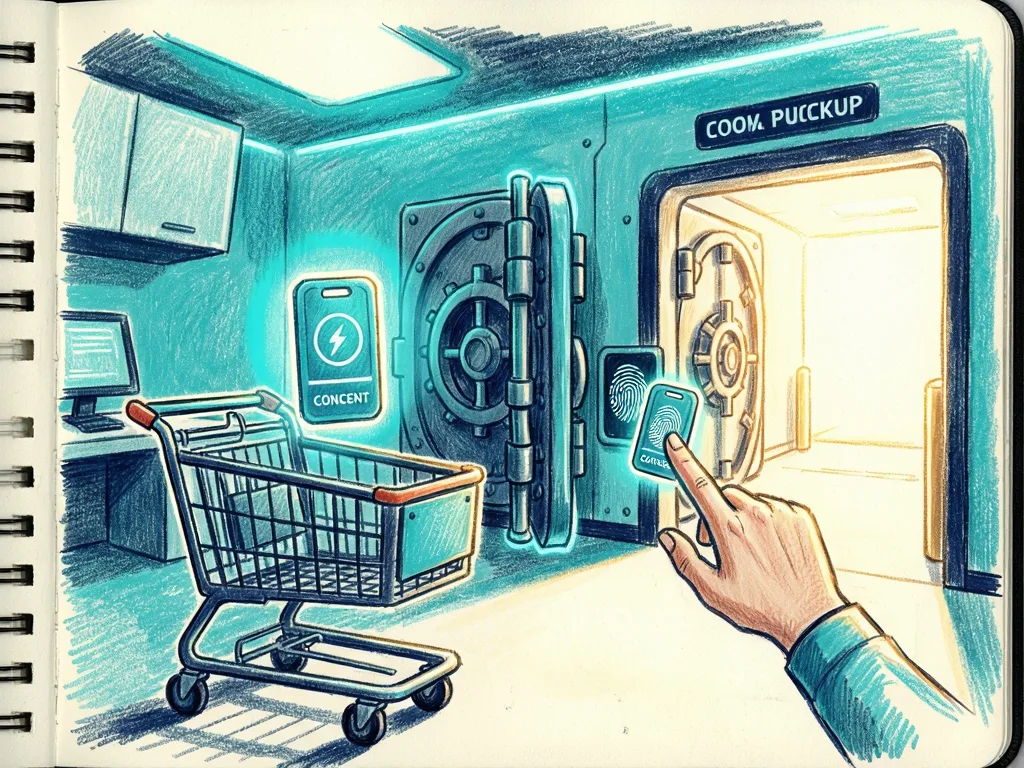
The key detail is routing. Every request goes through Zapier, so the AI tool does not see the underlying credentials. Connections are OAuth-managed, limited to specific apps and actions, and can be revoked from one place. An information technology admin can decide exactly what each AI tool is allowed to touch. That gives users conversational automation without giving the AI direct keys to business systems.
Tables hold the data created by automation
Any automated process produces data, so Zapier points to Zapier Tables as the place to store it. Tables is described as a database tool built for automation, allowing users to store, move, and act on data in one place. Because Tables connects to Zapier's 10,000+ apps, data can flow in and out from the source.
A Zap can send data into a table from any connected app, such as new leads from a customer relationship management, or CRM, system or requests from a project tracker. That lets a team store, track, and analyze the same records in one spot instead of scattering them across tools.
Tables also includes built-in AI features. If a team needs help drafting emails to leads, it can create AI fields to generate the first draft. After a person reviews the draft, the AI-generated email can be sent with one click through a Zap.
Zaps turn the data into actions
The final step is to make the system do work. If Zapier is installed in an AI assistant, the user can describe what should happen, and the agent can draft the Zap and deploy it to Zapier. Zapier then starts the Zap whenever a relevant event occurs in connected apps, runs it the same way each time, and uses AI only for steps that need judgment. Every run is logged, and if something breaks, Zapier proposes a fix.
Users can also build the same Zap directly inside Zapier and connect it to any of the 10,000+ apps. For example, a Zap can notify a sales team in Slack when a new lead arrives, or automatically add prospects to a CRM. By default, these workflows run on their own: the moment a new lead appears, the Zap fires.
For teams that want manual checkpoints, Zapier says a workflow can be turned into a button in a table, so it only runs when someone clicks it. That is useful for actions that should wait for human review.
The platform also supports AI by Zapier, which can add agentic AI steps inside a Zap. In that setup, the Zap can analyze information, categorize it, or decide its next move on its own. The article gives examples such as onboarding employees or approving software requests from a table. When a user clicks the relevant Zap, it can send new employees their onboarding assignments or notify them that a software request has been approved.
What the system is meant to create
The guide frames these steps as one connected ecosystem rather than separate tools. Automation, data storage, review, and action sit under the same platform, with Zapier positioned as the secure AI automation layer. For teams, the practical effect is that AI tools can trigger real work across business apps while keeping credentials out of the model, preserving logs, and allowing either automatic execution or manual approval.
This article was originally published in August 2024 and most recently updated in November 2026.





Comments (0)