
Idea Generation Session with ChatGPT
Discover practical ways to use ChatGPT for brainstorming, organizing scattered thoughts, and turning ideas into actionable plans. This guide covers tips for generating quantity first, giving context, iterating on outputs, structuring messy notes into themes, and converting concepts into phased plans with deadlines and success measures.

If you've ever stared at a blank page full of half-formed thoughts, wondering how to turn them into something real, this guide is for you. ChatGPT, OpenAI's conversational AI assistant, has become one of the most accessible tools for brainstorming and planning — but many people only scratch the surface of what it can do. In this article, you'll learn practical ways to use ChatGPT for idea generation, organizing your thinking, and shaping messy concepts into clear, actionable plans you can actually follow.

Why ChatGPT Works Well for Brainstorming
Traditional brainstorming often gets stuck. You circle the same three ideas, and momentum dies. This is where ChatGPT shines: it can produce a large volume of suggestions in seconds, and it never gets tired of "one more, please."
The key is treating ChatGPT as a thinking partner rather than an answer machine. When you ask it to list ten marketing angles for a small bakery, you're not expecting all ten to be brilliant. You're looking for one or two sparks you can develop. The AI's real value is speed and variety — it pulls from a huge range of associations that might not occur to you on your own.
A few tips for better brainstorming sessions:
- Ask for quantity first, quality later. Request 15 or 20 ideas, then ask ChatGPT to help you evaluate the strongest ones.
- Give it context. "Ideas for my newsletter" is weak. "Ideas for a weekly newsletter about urban gardening aimed at apartment dwellers" gives the model something to work with.
- Push back. Say "these are too generic" or "give me stranger options." Iteration is where the good stuff appears.
Organizing Scattered Thoughts with ChatGPT
Once you've generated raw material, the next challenge is making sense of it. ChatGPT is surprisingly good at this step too, because it excels at pattern recognition and summarization.
Try pasting in a stream of consciousness — notes from a meeting, a voice-memo transcript, a messy list — and asking the AI to group related items, identify themes, or flag contradictions. Instead of spending an hour dragging sticky notes around, you get a structured overview in moments.
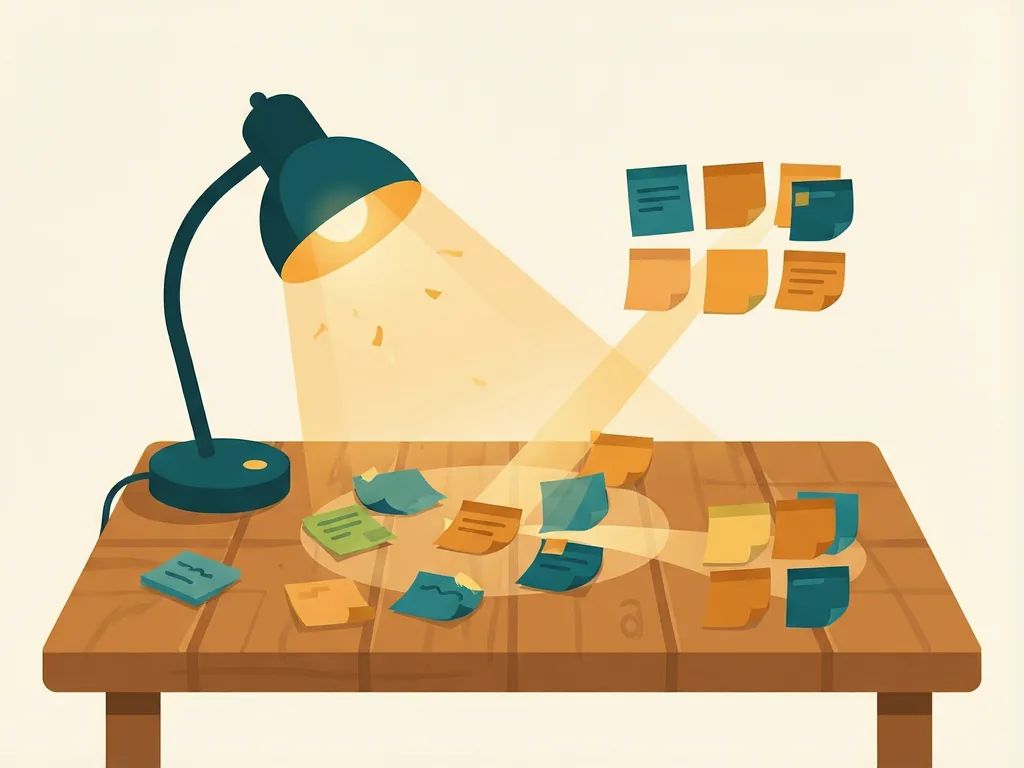
Some useful organizing prompts:
- "Group these notes into 3–5 themes and give each theme a short label."
- "What's the logical order to present these points to a beginner?"
- "Which of these ideas overlap or contradict each other?"
You can also ask ChatGPT to restructure information in different formats: a table, an outline, a mind-map-style hierarchy, or a simple pros-and-cons list. Switching formats often reveals gaps or connections you hadn't noticed.
One caution: always double-check the grouping yourself. The AI can misread emphasis or merge things that belong apart, especially with specialized or personal context it doesn't fully understand.
From Concept to Plan: Making Ideas Actionable
This is where many people stop too early. A good idea isn't a plan. ChatGPT can help bridge that gap by converting concepts into concrete steps.
The trick is asking for plans with real structure — not just "give me a plan" but a plan broken into phases, deadlines, resources, and success measures. For example, after choosing an idea, you might ask:
"I've decided to launch a weekend photography workshop for beginners. Break this into a 6-week preparation plan with weekly goals, estimated time commitments, and a simple way to measure whether I'm on track."
The output will typically include phases like researching demand, designing the curriculum, setting pricing, and marketing — each broken into tasks. You won't use everything, but the skeleton saves enormous time.

Follow up with refinement questions:
- "What's the biggest risk in this plan, and how would I mitigate it?"
- "Rewrite week 3 assuming I only have 5 hours available."
- "What would the first 48 hours of this plan look like?"
That last one is especially powerful. Asking ChatGPT to shrink the plan down to immediate next actions fights the common problem of over-planning and under-doing.
A Simple Workflow You Can Reuse
Here's a repeatable three-stage loop that covers the full journey from rough idea to plan:
- Expand. Describe your goal or problem with context, and ask for a wide range of ideas or angles. Don't filter yet.
- Narrow and organize. Ask ChatGPT to group, rank, or critique the ideas. Add your own judgment — you know your situation better than the model does.
- Structure. Pick a direction and ask for a phased plan with steps, timelines, and checkpoints. Then pressure-test it with "what could go wrong?" follow-ups.
Repeat the loop as needed. Each pass typically produces a sharper, more realistic plan than the last.
Common mistakes
- Accepting the first answer. The initial response is often generic. Ask for alternatives, push for specificity, and iterate at least once.
- Providing too little context. Vague prompts produce vague output. Include your audience, constraints, and goals in the prompt.
- Skipping your own judgment. ChatGPT doesn't know your budget, energy, or local circumstances. Treat its plans as drafts, not final decisions.
- Planning without prioritizing. Ask the AI to identify which single step matters most, so your plan doesn't become an overwhelming to-do list.
- Forgetting to save your work. Conversations get long and unwieldy. Ask ChatGPT to summarize the final plan in a compact format you can copy into your notes or calendar.
Used this way, ChatGPT becomes less of a magic answer box and more of a reliable thinking companion — one that helps you move from "I have an idea" to "here's exactly what I'm doing next."
Comments (0)