
Reconstructing AUTOMATIC1111 Using the Gradio Workflow
Workflow1111 recreates AUTOMATIC1111's image tools as a browser-based Gradio canvas with 73 nodes across 11 pipelines. It supports txt2img, hi-res fix via FLUX.1-Kontext, LLM prompt generation with Qwen3-4B, VLM prompt interrogation, detection-to-inpaint, prompt matrix grids, and upscaling. Users sign in with Hugging Face tokens and all model calls run on their own quota—no GPU or custom nodes needed.
If you've ever wanted the power of AUTOMATIC1111's image tools without owning a GPU — or wanted ComfyUI-style node graphs that live entirely in your browser — Workflow1111 is worth a close look. It's a single Gradio canvas containing eleven media pipelines wired together from seventy-three nodes, covering everything from text-to-image and upscaling to background removal and image-to-video. You sign in with your Hugging Face account or paste an access token, and all model calls run against your own quota.
You can try Workflow1111 directly, or duplicate the Space and start rewiring it for your own projects. Let's walk through what's on the canvas.
The Building Blocks
Every pipeline is assembled from four kinds of operators, the same ones covered in the official guide and the previous post. Each node on the canvas wraps one operator, and its inputs and outputs become the ports where you connect edges. As a quick refresher: fn is a plain Python function, model is a model called through an InferenceClient, space is another Gradio Space, and dataset is a row from a Hub dataset.
Text-to-Image and Hi-Res Fix
The text-to-image pipeline is the heart of the canvas. It carries the controls you'd expect from A1111's txt2img tab — negative prompt, steps, CFG, seed, width, height — plus a model_id field for picking the checkpoint. Your prompt first passes through a prompt-builder fn node that applies the selected style preset and tidies the text, then reaches a model node that calls the checkpoint through Inference Providers. On the way out, a post-process fn node writes the generation settings into the PNG's metadata, which the PNG Info pipeline reads back later.
Hi-resolution fix takes a different route than Automatic1111's upscale-then-denoise two-step. Here it's a two-node detour: the generated image flows into a FLUX.1-Kontext model node with a refine instruction ("enhance fine detail and micro-texture, keep the composition identical") and returns sharper and larger. That same Kontext node doubles as the image-to-image tab — upload a picture, describe the change, and get the edited result back.
Let an LLM Write Your Prompts (and Read Them Back)
Starting from a rough idea like "A lighthouse in a storm," this pipeline sends the text to a Qwen3-4B model node, and a small fn node converts the reply into a clean tag list capped at forty: "stormy sea, wet rocks, dramatic composition, low angle shot, volumetric lighting, ominous tone." Any diffusion model node can plug into that output to render the image. Unlike ComfyUI, there's no custom node required — the LLM and diffusion model are just ordinary model operators sharing one canvas.
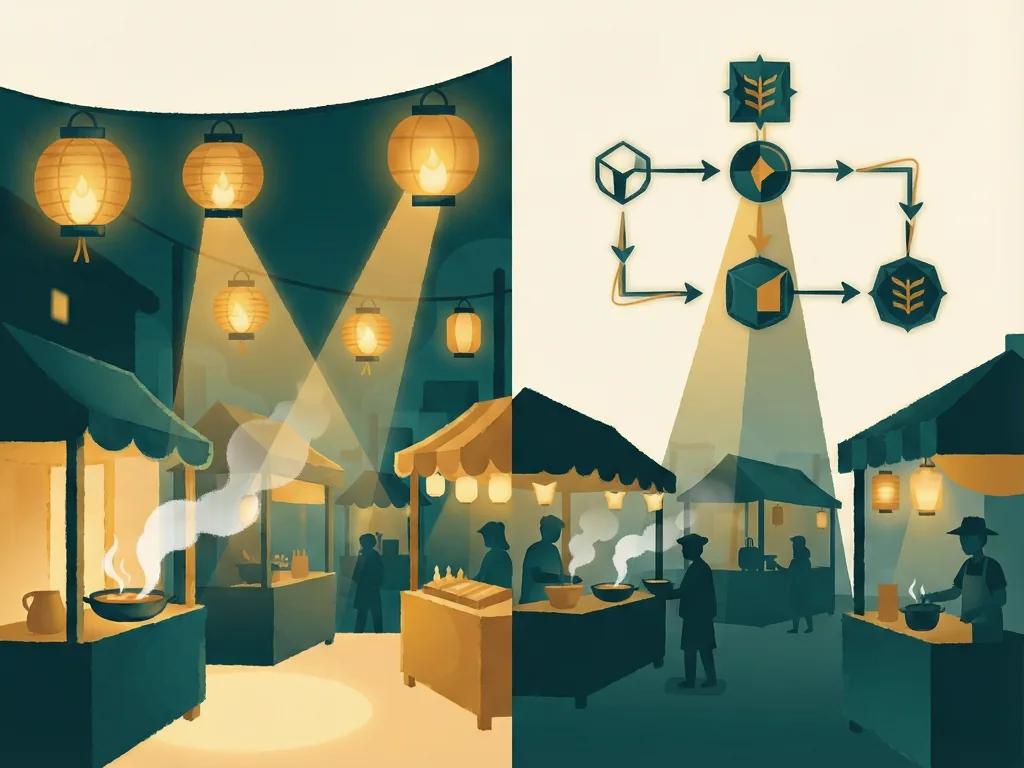
The reverse works too. Like AUTOMATIC1111's Interrogate button, but with a VLM instead of CLIP, Qwen2.5-VL studies a night-market photo and writes a prompt that could have produced it. Meanwhile, a ViT classifier node reads the same image and returns labels: restaurant 51.9%, tobacco shop 15.6%, toyshop 9.1%. Both nodes share the same image input, so gr.Workflow runs them in parallel — you get both answers in roughly the time of one.
Masks, Matrices, and Upscalers
Detection-to-inpaint solves a common annoyance: instead of hand-painting a mask, DETR finds six objects in a street photo (three people, a dog, a bicycle, and a car), then the workflow splits — one branch draws the boxes on the original, the other converts them into an inpaint mask. Both branches run locally with Pillow and NumPy; only the detection call leaves your machine.
The prompt matrix mirrors A1111's version. A fn node combines a base prompt ("a lone oak tree") with four suffixes — at sunrise, in a thunderstorm, under the Milky Way, in autumn fog — and each variant feeds its own text-to-image node. A final node stitches the results into a contact sheet. Since gr.Workflow has no loop operator, the four nodes sit side by side, and because they share the same dependency depth, all four images generate at once.
Upscale and background removal echo the Extras tab. There are two upscaler paths: a local Lanczos resample in an fn node (no network call, finishes as fast as Pillow can resize) and AuraSR ×4 — the canvas's first space node, calling a Hub Space. Background removal via BRIA RMBG-2.0 works the same way, with the model living in its own Space.
Annotators, PNG Info, and Video
Canny, line art, sketch, luma-depth, and posterize — the preprocessors you'd normally get from the ControlNet extension — are each plain fn nodes written in NumPy, no model behind them. On a pre-loaded building facade photo, each takes about half a second on CPU. Across the app there are 36 operator nodes; 32 are fn nodes, and 22 of those run entirely in-process with no network call. Roughly two-thirds of the canvas keeps working if your connection drops, and because these are regular Python functions, you can test them directly — no canvas, server, or GPU needed.
PNG Info reads back everything the post-process node wrote: prompt, negative prompt, steps, CFG, seed, size, and model. That same image node also feeds a Wan 2.2 I2V A14B node that animates it — in the demo, a sleeping fox wakes up and moves. One reference node can feed as many downstream pipelines as you need, so a single upload gets its metadata read and animated on the same canvas.
Run Models on Your Own GPU, and Expose Everything as an API
So far, every model call has gone to Inference Providers or a Space — that's why you can build this without owning a GPU. But an fn node is just Python, so it can load a model locally instead. FastVideo/fastvideo-fasth3-preview is a gr.Workflow app doing exactly that: it runs FastH3, a four-step distillation of MiniMax-H3, generating video with a soundtrack on ZeroGPU using a single bound function. ZeroGPU hands over a GPU when needed and takes it back when done — gr.Workflow doesn't need to know anything about it. Point bind= at a function loading a local checkpoint, run .launch() on your own machine, and the canvas drives your GPU.
Every output node also becomes a REST endpoint with no hand-written routes: /image, /edited_image, /generated_prompt, /recovered_prompt, /detected_objects, /x_y_grid, /upscaled_local, /annotator_map, and /png_info. Launch with mcp_server=True and each becomes an MCP tool callable by Claude Code, Cursor, or any MCP client — no glue code, and each caller sends their own token in the X-HF-Token header, so the Space holds none of its own.
Where This Sits Next to ComfyUI
A1111 supplied the feature list, but ComfyUI is the real comparison since both are node graphs. gr.Workflow covers much of the same ground, with some distinct advantages: nodes can be hardware you don't own (Inference Providers, any Space, any API, or datasets); every output becomes a typed REST endpoint generated from the graph; visitors run workflows under their own identity via OAuth with nothing to install; diffusion models, LLMs, VLMs, detectors, and video models mix on one canvas; and custom nodes are just Python functions, capable of anything Python can do. The result is a multi-model pipeline anyone can open in a browser, sign into, use immediately, and call from code.
Build Your Own
All seventy-three nodes started from something tiny: bind= turns your functions into nodes, edges= connects them, and .launch() opens the editable canvas in your browser. When it's ready, gradio deploy pushes it to a Space — the gr.Workflow guide covers the JSON schema and every operator type. Or open Workflow1111, hit Duplicate, and rewire one of the eleven pipelines; the previous post has five workflows you can run in about a minute each. Whatever you build, post it on X and tag @gradio.
Meta description: Workflow1111 packs eleven media pipelines into 73 Gradio nodes — text-to-image, upscale, inpaint masks, VLM prompts, and video, no GPU needed.
Tags: Gradio Workflow, Hugging Face, node-based image editing, ComfyUI alternative, AI image pipelines
Featured image: Abstract, friendly illustration of a colorful node graph canvas with connected glowing circles and flowing lines, soft gradients, no people or logos, no text.
Comments (0)