
Creating running paths using GPT-6 Astra and ChatGPT Work
A real-world experiment tested ChatGPT's Work mode with GPT-6 Astra (Max) to auto-generate 5K and 10K running loops from a home address. Using Nominatim and Overpass with OpenStreetMap data, it produced interactive maps, GPX, and GeoJSON files in 27 minutes. The article also examines how embedded map rendering works via D3 and CSP allow-lists, plus transparency concerns about hidden code.

If you've ever wanted a running route that starts and ends right at your front door without fiddling with map tools yourself, this one's for you. This article walks through a real experiment using ChatGPT's Work mode with GPT-6 Astra (Max) to generate 5K and 10K loop routes from a home address, complete with downloadable files and an embedded map. You'll learn what the AI did well, where it fell short, and how the underlying map rendering actually works.

The Prompt: Turning an Address into Running Routes
The experiment started with a simple request: given a home address, figure out 5K and 10K running routes that loop back to the starting point, using OpenStreetMap (OSM) data.
ChatGPT worked on the task for 27 minutes and delivered exactly what was asked for. The results came in three forms: an embedded visualization of each route, a downloadable GPX file, and GeoJSON files — the standard formats runners and mapping apps use to share routes.
When asked how it had built the routes, the model explained its approach in two steps. First, it used Nominatim to turn the written address into geographic coordinates. Then it used Overpass to download the local OpenStreetMap roads and trails around that location. With the street network in hand, it calculated the loops locally, searching for combinations of streets that added up to the target distances while returning to the origin.
What the Routes Looked Like
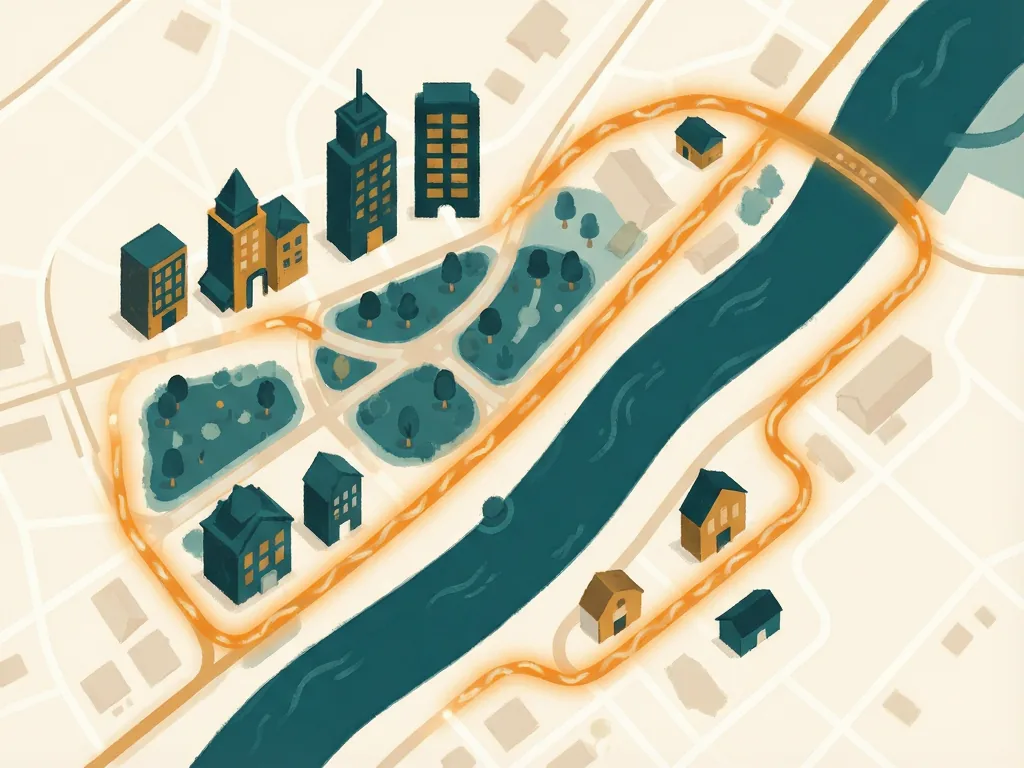
The 5K route was rendered as an interactive map embedded directly in the chat interface. Titled "El Granada harbor loop," it measured 5.1 km and credited OpenStreetMap contributors for the underlying map data.
The way the visualization was built is worth a closer look, because it reveals how ChatGPT's "visualize" skill works under the hood. The system created an HTML file at `/workspace/el-granada-5k-share.html` designed to be embedded straight into the ChatGPT UI.
Under the Hood: How the Map Gets Drawn
The embedded HTML is a self-contained little web app. Its structure is straightforward: a heading with the route name and distance, a container div where the map appears, and a credit line for OpenStreetMap contributors. Custom CSS styles the fonts and layout.
The interesting part is the data. A `<script type="application/json">` element holds the full geometry needed to render both the running route and the map itself — stored as a GeoJSON LineString of coordinate pairs. That means everything required to draw the picture travels along with the page; no extra data fetch is needed for the route itself.
For the actual drawing, the page loads D3 (version 7.9.0) from a CDN and uses it to render the route and map. This is possible because ChatGPT's visualize skill operates under a Content Security Policy that permits a specific allow-list of external resource origins.
The Allow-List: What External Resources Are Permitted
The visualize skill's Content Security Policy allows only these origins:
- cdnjs.cloudflare.com
- esm.sh
- cdn.jsdelivr.net
- unpkg.com
- fonts.googleapis.com
- fonts.gstatic.com
- fonts.bunny.net
Any other origin is blocked — and notably, blocked requests fail silently rather than throwing a visible error. That's an important detail to know if you ever build a visualization through this feature and wonder why a library or font simply doesn't appear. If your resource isn't on the list, nothing will load, and you won't necessarily be told why.

The Transparency Problem
Here's where the experience got frustrating. The actual Python code the model ran, and the exact details of its route calculations, weren't visible anywhere in the ChatGPT UI. That lack of transparency feels like an anti-feature — you get the output but can't inspect the process.
It got worse. When the user later asked for a copy of the Python code ChatGPT had used, the model couldn't provide it. The likely culprit: the conversation thread had been compacted, meaning older content was condensed to save context, and the code was lost in the process.
This points to a broader design principle worth stating clearly: any LLM system that uses context compaction should preserve the pre-compacted text and expose it through agent tool calls. Otherwise, valuable artifacts — like working code — can vanish mid-conversation, and there's no way to recover them.
Takeaways
This experiment shows both the promise and the growing pains of agentic AI tools. On the plus side, a single plain-English request produced genuinely useful, standards-compliant route files and a polished embedded map, pulling together Nominatim, Overpass, OpenStreetMap data, and D3 rendering without the user writing a line of code.
On the minus side, the opacity of the process and the fragility introduced by compaction are real limitations. If reproducibility and inspectable code matter to you — and for anything technical, they should — it's worth asking for copies of any generated code immediately, before the conversation gets long enough to trigger compaction.
Comments (0)