
Announcing ChatGPT Images 2.5
ChatGPT Images 2.5 focuses on personalization, transforming rough ideas, hand-drawn sketches, and reference photos into polished images that match your vision. It supports an iterative, conversational workflow for refining results and benefits hobbyists, small business owners, and designers who want natural, collaborative image creation without prompt engineering.
Meta description: Discover how ChatGPT Images 2.5 turns sketches, photos, and ideas into polished, personalized images with a friendlier, more natural workflow.
Tags: ChatGPT, AI image generation, Images 2.5, personalized images, creative tools
Featured image: A friendly abstract illustration of colorful shapes and light streams flowing into a single glowing frame, suggesting ideas transforming into finished pictures.
If you've ever struggled to describe exactly what you want an AI image tool to create, ChatGPT Images 2.5 is aimed at you. This update focuses on turning your rough ideas, hand-drawn sketches, and reference photos into images that feel more personal and more finished — closer to what you actually pictured in your head. In this article, you'll learn what the new version emphasizes, how it changes the creative workflow, and who will benefit most from it.
What Images 2.5 Is All About
The core promise of ChatGPT Images 2.5 is personalization. Earlier image tools often required you to write long, precise descriptions and hope the output landed somewhere near your vision. With this version, you can bring in more of your own material — a quick sketch, a photo you took, or simply a loosely formed idea — and the model works to reflect that input in the final image.
This matters because most people don't think in prompts. They think in pictures, doodles, and "something like this, but warmer." Images 2.5 is designed to bridge that gap, making the process feel less like engineering and more like collaborating with an assistant that understands your intent.
From Sketch to Polished Image
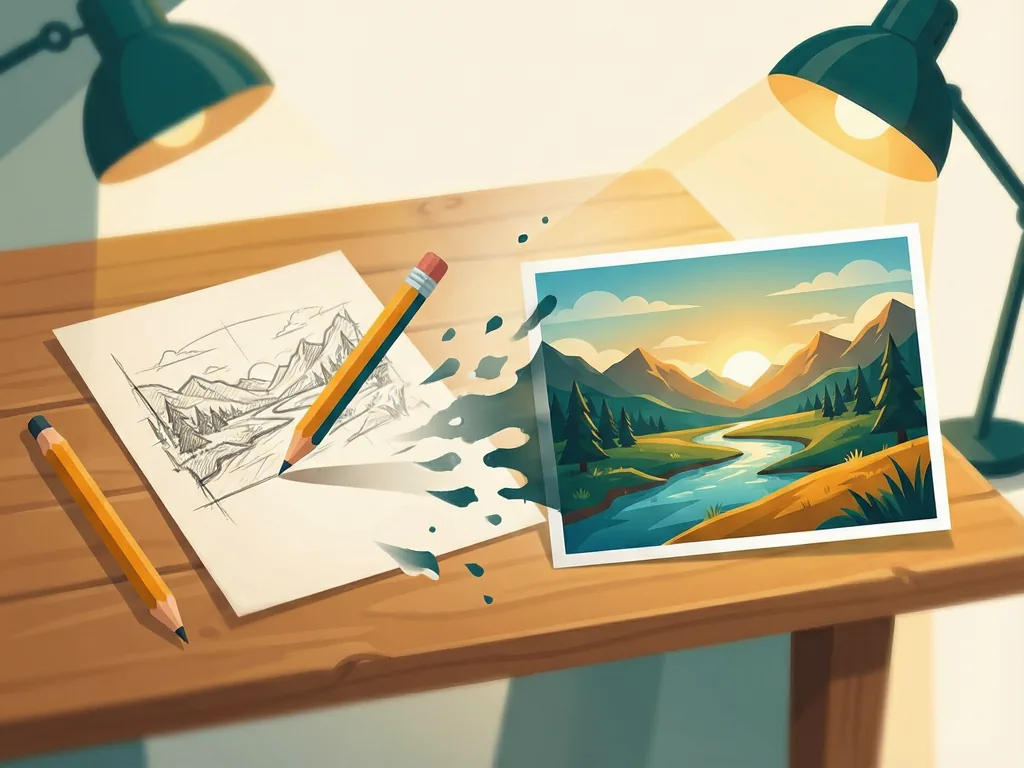
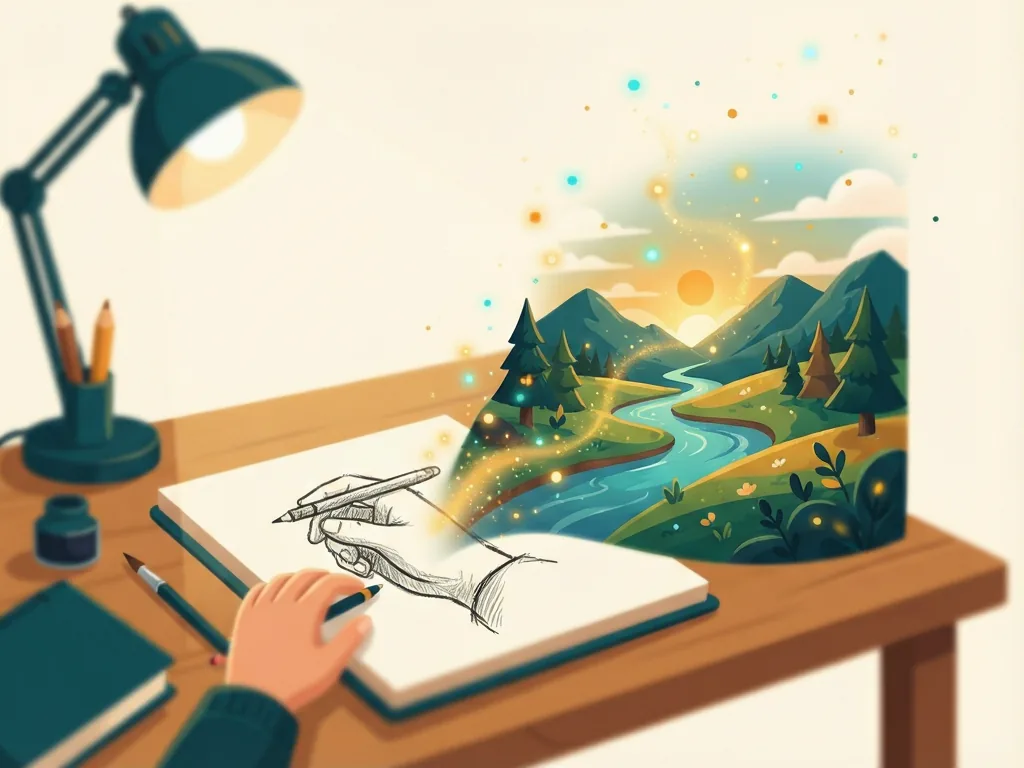
One of the standout use cases is sketch-to-image work. Draw a rough layout on paper, snap a photo, and share it with ChatGPT. The model can interpret your proportions, composition, and subject placement, then render a cleaner, more detailed version while keeping your original structure intact.
The same approach applies to reference photos. If you want an image that echoes the mood of a picture you already have — its lighting, color palette, or framing — you can use it as a starting point rather than trying to describe those qualities in words. The result tends to feel more like your image and less like a generic output.
Polish is the other half of the equation. Rather than leaving you with something raw, the tool aims for outputs that look considered: consistent lighting, coherent details, and a finished quality that reduces how much manual cleanup you need afterward.
A More Natural Creative Workflow
Images 2.5 also fits into a conversational workflow. Instead of treating image generation as a separate, technical task, you can refine results the way you'd give feedback to a designer: "make it brighter," "keep the composition but change the mood," or "stay closer to my sketch." Each round of feedback builds on what came before, so you're not starting over with every request.
This iterative approach is especially helpful for people who have a vision but lack the vocabulary to describe it precisely. The back-and-forth lets the image evolve toward your intent, step by step.
Who Gets the Most Out of It
- Hobbyists and casual creators who want better results without learning prompt-writing techniques
- Small business owners creating visuals for social posts, mockups, or simple marketing materials
- Designers and illustrators who want to quickly visualize concepts from their own sketches before committing to detailed work
- Anyone with reference material who has struggled to translate a photo or drawing into a text prompt
If your goal is highly technical or brand-precise output requiring exact reproduction of specific products, faces, or logos, you may still need dedicated professional tools — AI image generation has inherent limits around precision and consistency.
Getting Started Tips
- Start with whatever input you have — even a rough napkin sketch is a valid starting point.
- Describe the feel you want (mood, lighting, style) rather than listing every detail.
- Refine in small steps instead of changing everything at once, so you can see what each adjustment does.
- Keep your reference images clear and well-lit for the best interpretation of your intent.
ChatGPT Images 2.5 lowers the barrier between imagination and finished image. By working from your sketches, photos, and ideas rather than forcing you to translate everything into text, it makes personalized image creation feel accessible — even if you've never touched an AI image tool before.
Comments (0)