
Replit broadens access to software development through GPT-5.6 Luna
Replit has introduced Free Mode, a token-cost-free way to use its AI development platform, powered by the GPT-5.6 Luna model. Users can describe apps in plain language, iterate, and fix errors without worrying about usage fees. It targets beginners, students, and founders prototyping ideas, though paid tiers still offer stronger models for production work. Free Mode serves as an accessible on-ramp into AI-powered software development.

Anyone who has ever wanted to build an app but hesitated over costs now has an easier entry point. Replit has introduced Free Mode, a new way to use its AI-powered development platform without watching your token usage. The feature runs on GPT-5.6 Luna, a model designed to help translate plain-language ideas into working code. In this article, we'll look at what Free Mode offers, how it works, and whether it's worth trying if you're new to coding or building software with AI.

What Free Mode Actually Does
Replit is a browser-based platform where people write, run, and deploy software without setting up complicated local environments. Over the past couple of years, it has leaned heavily into AI assistance, letting users describe what they want in everyday language and having the system generate the code.
Free Mode continues that direction. Instead of paying per token—the small units of text that AI models process, which can add up quickly during long building sessions—users on Free Mode can create apps and experiment freely. The underlying model, GPT-5.6 Luna, handles the heavy lifting of interpreting requests, writing code, and fixing errors.
For hobbyists, students, and anyone testing an idea, this removes one of the biggest mental blockers: the fear that every prompt costs money. You can iterate, break things, and start over without checking a usage meter.
Who Benefits Most From This
Free Mode seems aimed at a few clear groups:
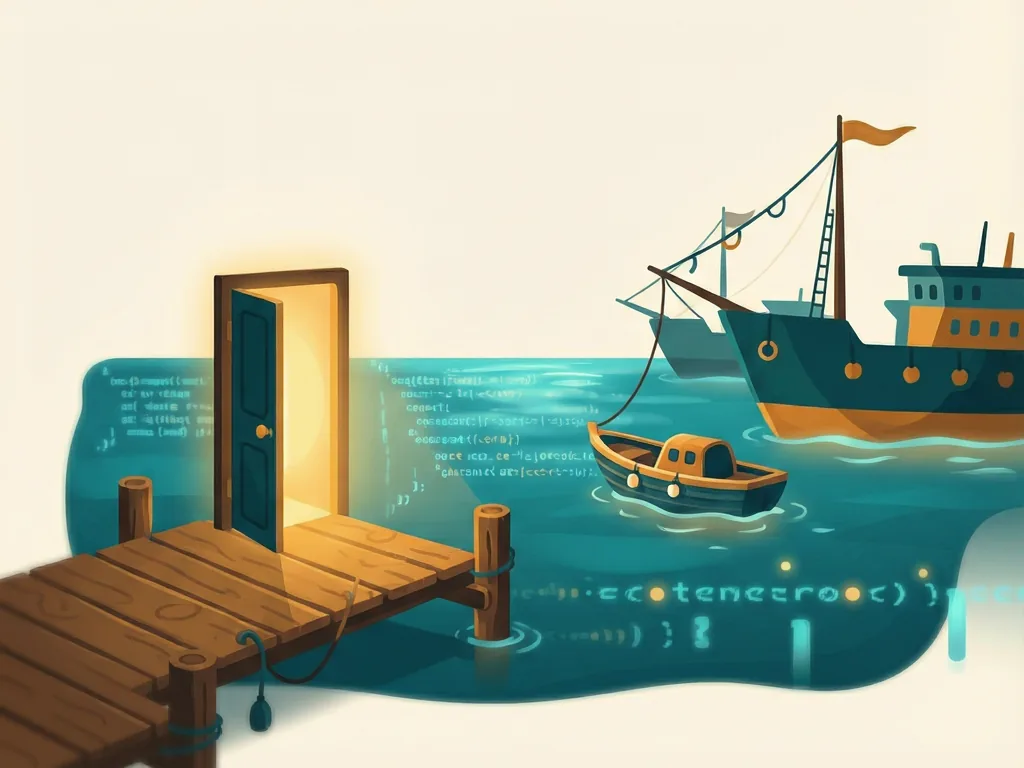
- Complete beginners. If you've never written a line of code, the ability to describe an app and see it come to life—without a financial commitment—lowers the barrier significantly.
- Students and educators. Classroom settings often involve many users and limited budgets. A free tier that doesn't punish experimentation fits well here.
- Idea testers. Founders and product people who want a quick prototype before investing in professional development can use Free Mode to sketch out concepts fast.
That said, Replit still offers paid tiers, and those typically come with stronger models, higher limits, and features suited to serious production work. Free Mode is best understood as an on-ramp rather than a replacement for a full development subscription.
GPT-5.6 Luna: What We Know
The model powering Free Mode is GPT-5.6 Luna. Replit hasn't positioned it as their most advanced option—that role generally belongs to higher-tier models available on paid plans. But for the kind of work Free Mode encourages, such as small apps, simple tools, and learning projects, it appears well matched to the task.
It's worth noting that independent benchmarks for GPT-5.6 Luna in this specific free-tier setup aren't widely available yet, so it's hard to say precisely how it compares to paid alternatives. The practical advice: try it on a real project and judge the output quality yourself. If you find the model struggling with complex logic or larger codebases, that's usually a sign your project has outgrown the free tier.
How to Get Started
Getting going with Free Mode is straightforward:

- Create a Replit account. Sign up on the Replit website with an email address or an existing login.
- Look for Free Mode in the interface. Once signed in, the option to switch into Free Mode should be visible in the app-building or Agent interface.
- Describe your project in plain language. Type what you want—something like "a to-do list app with dark mode"—and let the model generate the app.
- Iterate freely. Ask for changes, report bugs in everyday language, and refine the app as much as you like without worrying about token charges.
- Upgrade only if needed. If your project grows complex or you need deployment on a custom domain, consider one of the paid plans.
Since pricing details and feature boundaries can change, it's a good idea to check Replit's official documentation for the current specifics of what Free Mode includes and where its limits sit.
Things to Keep in Mind
Free access is exciting, but a few caveats are worth remembering. Free tiers generally come with some form of limitation—whether that's model capability, project scale, or access to advanced features—so very ambitious projects may still require a paid plan. Also, AI-generated code should always be reviewed before you rely on it in anything important, especially anything that handles user data.
Who Should Use It / Who Should Skip It
Use it if: you're a beginner curious about building software, a student working on projects, or someone with an app idea who wants to prototype quickly without upfront costs. Free Mode removes the cost anxiety that often stops people from even starting.
Skip it if: you're already a professional developer working on a large production codebase, or your project needs the strongest available models and advanced platform features. In those cases, one of Replit's paid tiers—or a more traditional development setup—will serve you better.

Comments (0)