
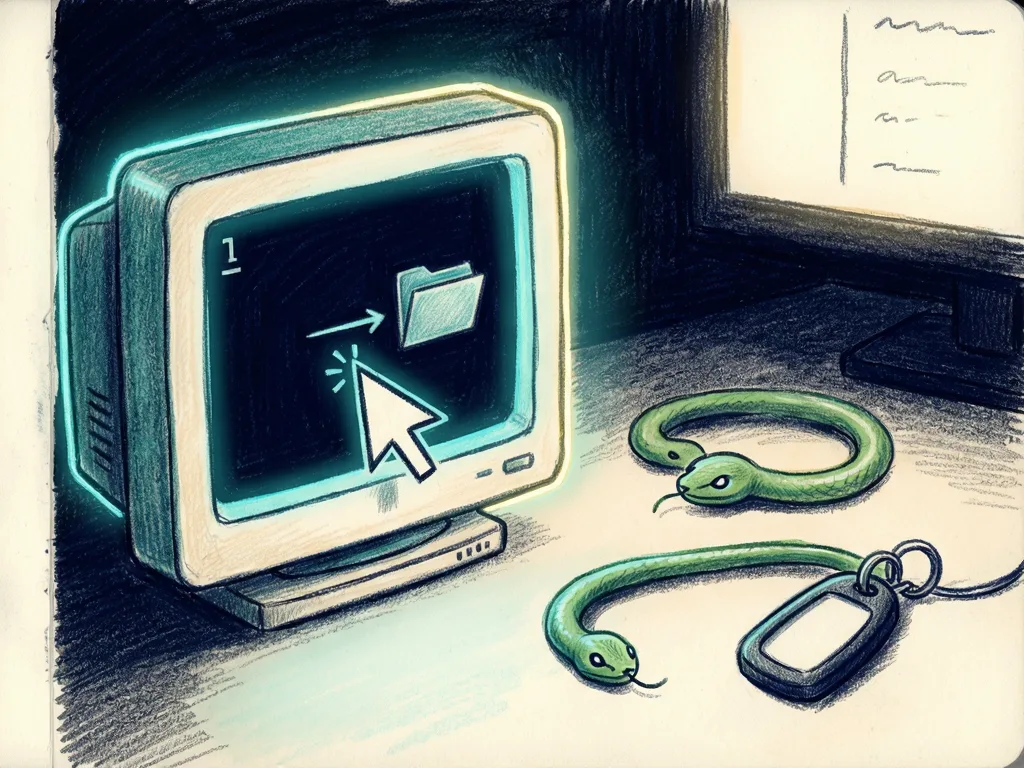
My AI coding agent needed the mouse, but I needed my computer.
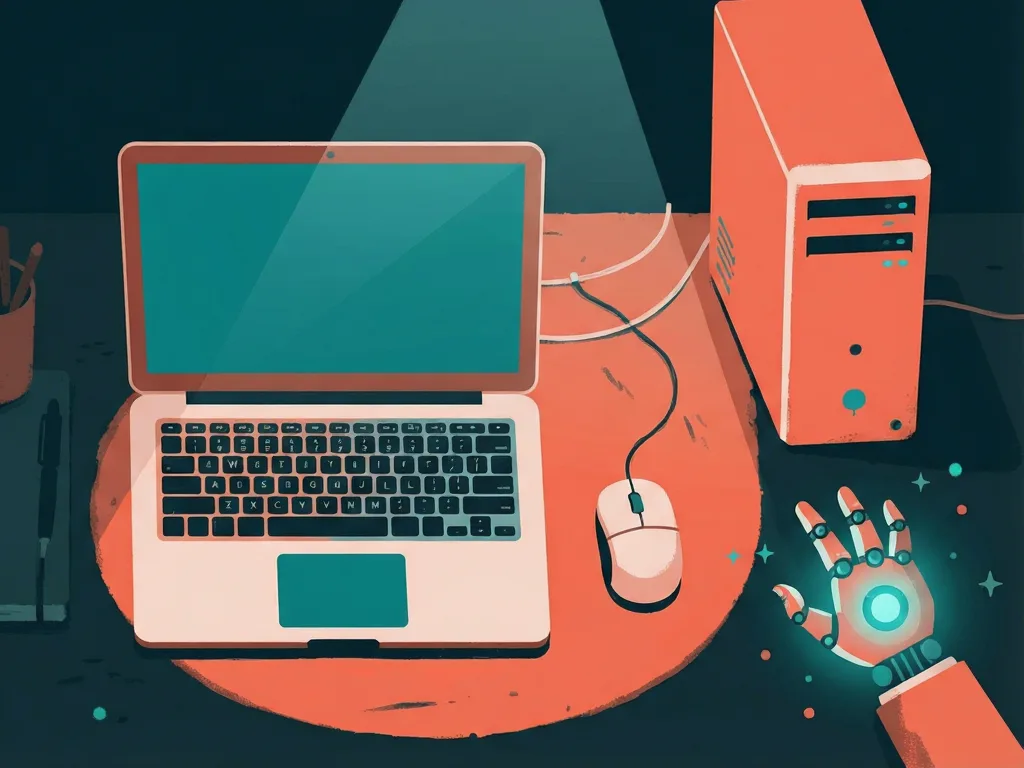
AI coding agents need live desktop input, so testing moved to spare laptops. This frees the main PC and requires transfer of project environments.
Key Takeaways
- An AI coding agent needed the same mouse, keyboard, and desktop as the developer, so testing desktop apps could block normal work.
- AigoPilot moved the application, code sessions, and agent to spare laptops, keeping the main workstation free for the developer.
- Spare machines can be local or remote, but the destination laptop must have the required tools, environment, access, and project setup.
- Transfers need a clear checklist: code state, toolchain, launch steps, task scope, expected evidence, and where results are reported.
- Parallel agent work still requires coordination, such as separate outputs, working copies, and reports that identify the machine and revision tested.
AigoPilot Founder Moves AI Desktop Testing to Spare Laptops
Meta description: How AigoPilot uses spare laptops for AI desktop app testing, what project transfers need, and why agents need their own interactive environment.
Tags: AigoPilot, AI desktop app testing, Unity project transfer, spare laptop workflow
Featured image: abstract friendly illustration of a main computer and a spare laptop, with a cursor icon on the spare laptop, no text or logos.
The founder of AigoPilot changed how AI desktop app testing works for two desktop applications, AigoPilot and Cilevi Screen Recorder, after an AI agent needed the same mouse and keyboard as the developer. The new workflow moves the application, its code sessions, and the agent to a spare laptop, leaving the main workstation free. The problem was practical: an agent that could launch an app, move the mouse, click through an interface, and type could block other work, and multiple agents could collide in one desktop.
Why the mouse became the bottleneck
After an agent changed a user interface, the developer wanted it to open the running application and check whether a control was visible, whether a click worked, and whether a layout change broke something elsewhere. Reading source files and completing a build could prove some things, but not whether the live interface behaved correctly.
Desktop checks can differ from much web development work, which may continue in the background. A desktop test often needs the application in front of the user and needs an agent to interact with it as a person would. Browser automation can also interfere with a desktop, and some desktop checks can run without taking over input. The conflict was specific to tests that required the same interactive environment the developer wanted to use.
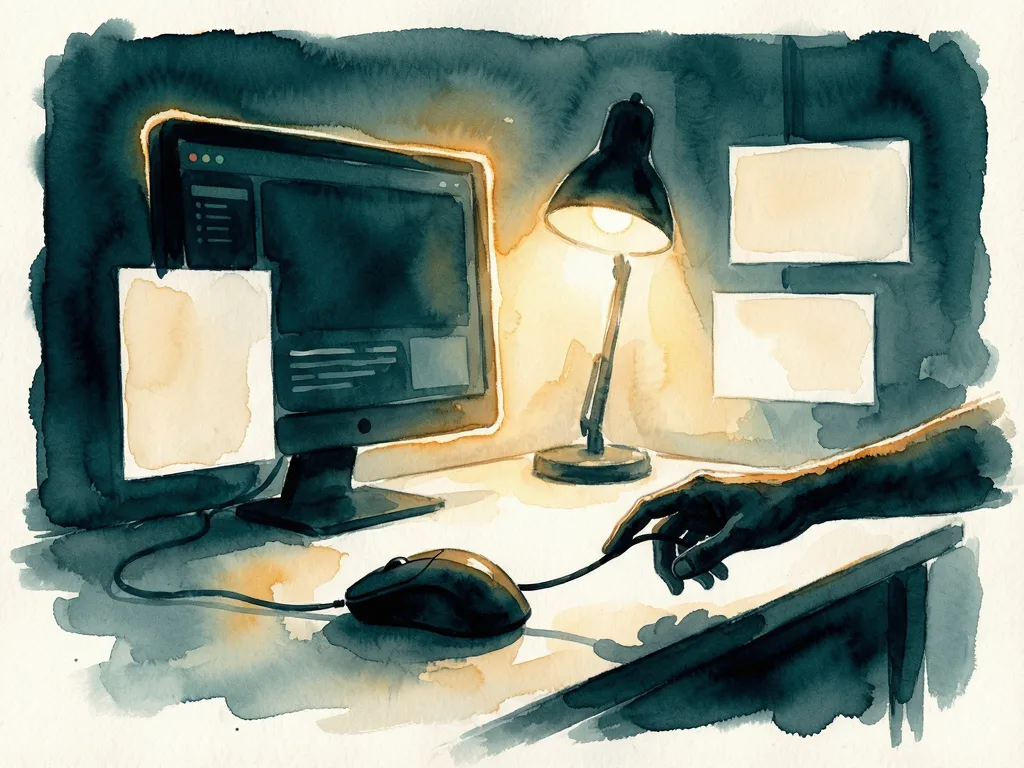
With several projects, one agent could be using an application while another brought its own window forward. The first agent's next click might land in the wrong place. Another coding session or another terminal did not create another desktop. The developer already had to find the right project and session; sometimes, after finding the work, the computer was still unavailable. At one point, the problem constrained work for much of a day.
Idle laptops became the workaround
Spare machines were available. The arrangement moved a project's code and sessions to another computer, so the application could open there, the agent could use that desktop, and the main computer remained usable. The workflow was built into AigoPilot, the studio the developer created and uses, because testing needed a place to happen without occupying the main machine.
A friend later mentioned an unused laptop at home, so that machine was connected as well and some work could run over the internet. The setup became useful beyond spare computers in one room: a home computer and a work computer could help each other, provided the machine, connection, and project requirements were suitable. Remote viewing of the main computer would not solve the issue, because its desktop would still be occupied. Running the project on another machine gave each test its own place to work.
Transfers need environment details
A Unity project showed the missing piece. The developer moved a game being built with Unity to a destination laptop, but that laptop did not have Unity and some other prerequisites available on the main computer. Copying project files did not make the machine ready. The developer asked AI to help extend the transfer workflow to handle that setup; in the Unity case, this included preparing the destination with the tools the project needed.
The developer has not automated installation of every development tool. For an unfamiliar dependency, the destination may still need additional setup, either with AI assistance or manually. Required access or software licensing also needs to be handled for that machine. A successful transfer therefore needs more than code: it must identify which environment can build and run the project and what the next session should do.
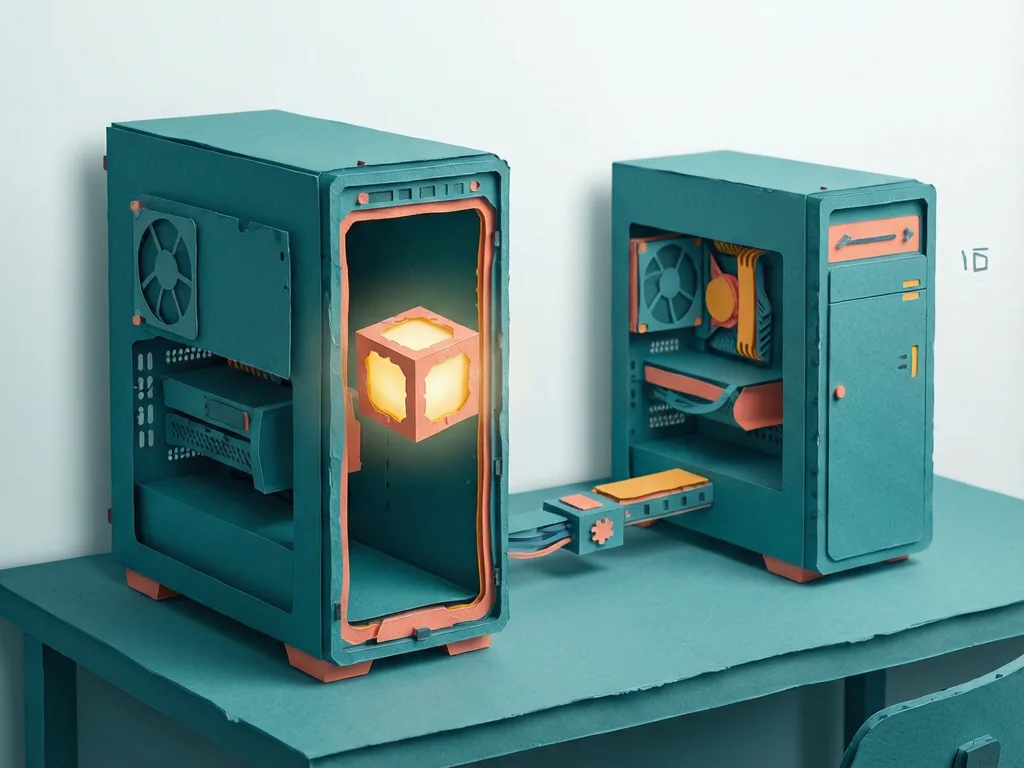
For someone trying a similar arrangement, start with one project and one spare machine, and confirm the destination can complete a small task. The checklist should cover code state, including branch or revision and local changes that need to travel; toolchain, including editor, SDK, runtime, and versions; launch procedure; task boundary, saying what the agent should test and may change; and evidence, specifying where to return logs, screenshots, and a short account.
Access should be arranged for the destination rather than assumed. A handoff can record where approved credentials are managed without copying secret values into notes. The developer suggested a first task, not a transcript: open the project and report missing prerequisites before changing anything; once ready, build, launch, and open the settings panel; check that a new control appears and responds to a click; return code revision, build result, screenshot, and errors. If the interactive check cannot be completed, say where the work stopped. A report that says the build passed should not imply the agent also tested the interface.
What the workflow means for builders
Separate desktops remove the input conflict, but coordination is still needed. Two agents might edit the same files, use the same test account, or write results to the same location. Parallel tasks should have a clear code state and separate output locations. Where appropriate, separate working copies or worktrees can help keep changes attributable to the task that made them. Reports should identify the machine and revision tested, because a screenshot is useful when it can be connected to the actual build an agent checked.
The spare machine must suit the workload. Opening a basic settings panel is different from testing a demanding Unity scene or investigating recording behavior on particular hardware. An available laptop is a useful starting point, but whether it can do the work still needs to be checked.
The developer did not attach a timing study and cannot give a measured percentage improvement. The observed change was that work could continue while an agent interacted with an application on another computer. That mattered with several projects in progress, because the developer could review another session, respond to a problem, or do independent work without worrying that a click would interrupt a test.
The experience appears in "My Claude Code and Codex Workflow: The Problems I Had to Solve Myself". The mouse conflict was one of its most frustrating parts because it affected the computer needed for everything else. When the developer began using AI to build more software, the difficult questions were expected to be about code. The bigger lesson was that AI desktop app testing can shift the hard part from writing features to deciding who gets to use the mouse. The story was originally published in Towards AI on Medium, where readers are continuing the conversation.

Comments (0)