
When your AI loses connectivity, who remembers who you are?
Microsoft's 2026 outage showed Copilot and AI assistants can trap work context in one cloud stack, risking mail, calendars and files.

Key Takeaways
- The November 2026 Microsoft 365 outage disrupted Copilot, Exchange Online, Teams, SharePoint and related services, showing how widely a cloud failure can affect AI-assisted workflows.
- The incident appears to have been caused by server overload and a bottleneck in secure-connection processing, not by a confirmed cyberattack.
- The bigger risk is not just losing access to tools, but losing “working memory” stored inside AI assistants, such as project context, decisions and ongoing discussions.
- Data access does not equal context access: files, code or chat logs may remain available, yet another AI system may not be able to reconstruct the user’s actual working state.
- As AI assistants become embedded in daily work, context portability and resilience across platforms are becoming critical.
Meta description: The November 2026 Microsoft 365 outage hit Copilot and Exchange Online, showing how AI assistants hold work context and what users lose when they fail.
Tags: Microsoft 365 outage, AI assistants, context portability, Copilot, cloud dependency
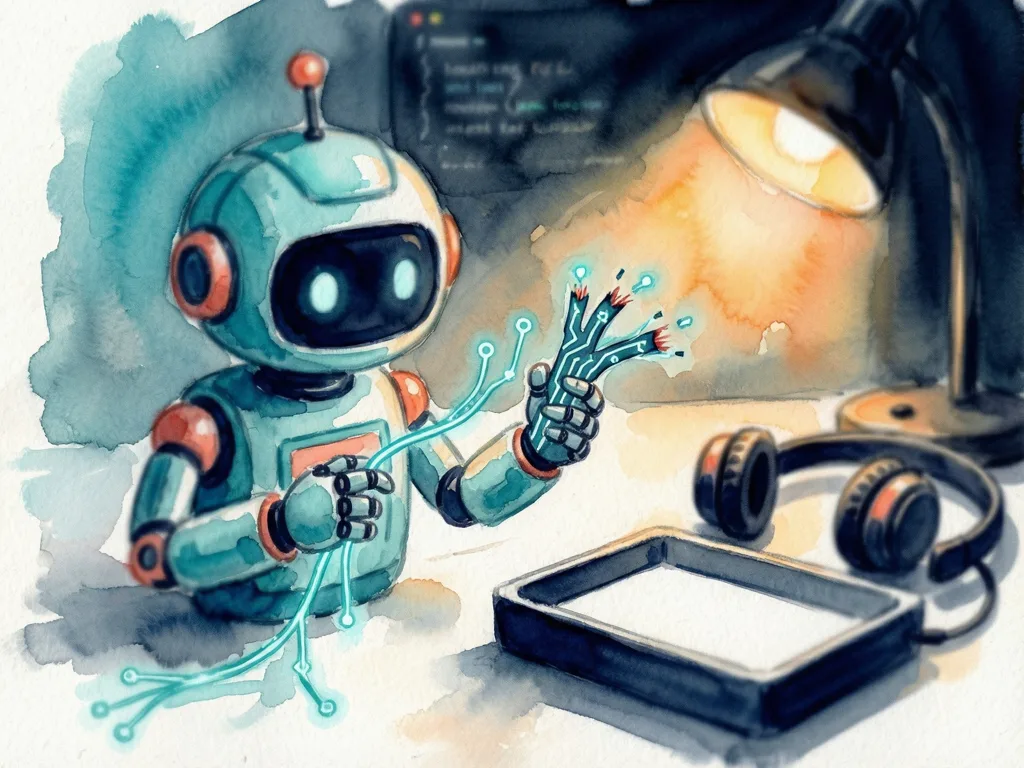
Featured image: abstract illustration of a personal context repository connected to multiple AI assistants, friendly style, no real people, no logos, no text.
The Microsoft 365 outage of November 12 to November 13, 2026 is a warning for employees and teams whose daily work depends on AI assistants. It began as a connectivity problem around Exchange Online, then reached Microsoft 365 Copilot, Microsoft Graph, Planner, To Do, Defender XDR, Purview, SharePoint Online, Teams and other connected services. The larger lesson is not only that email or meetings can fail. The lesson is that some users had stored their working memory inside an AI system that shares the same cloud stack.
Outage details show how far Microsoft 365 services spread
Microsoft tracked the incident through two major service incident IDs. EX1550543 covered users being unable to connect to their Exchange Online mailboxes through multiple connection methods. MO1550821 covered connectivity problems across multiple Microsoft 365 services. The disruption began on November 12, 2026, when Microsoft started investigating widespread connectivity problems affecting Exchange Online, and it continued into November 13 across multiple regions.
The impact was uneven because not every feature depended on the same Exchange Online infrastructure. Microsoft reported that core Teams messaging and online meetings remained largely functional. Calendar and meeting scheduling, which depend on Exchange Online, could fail. Direct access to files stored in SharePoint also remained functional. Outlook was a visible pressure point: Downdetector recorded nearly 130,000 reports of Outlook problems around the peak. Those were user-submitted reports, not a verified count of affected individuals.
Businesses and public-sector operations were also affected. In Japan, government IT infrastructure was reported to have been affected, with officials monitoring the situation. Organizations in other regions saw normal workflows disrupted. The incident reports are available through Microsoft service status communications and incident records reproduced by the University of Pennsylvania. The Associated Press also reported on the widespread disruption, and ITmedia provided Japanese coverage.
Cause pointed to server overload and secure connection bottleneck
Microsoft incident updates described a cascade rather than a single clean failure. A portion of its servers unexpectedly became unavailable, leaving the remaining infrastructure under elevated load. As more servers became unavailable, the remaining systems had to handle additional requests, increasing pressure on the infrastructure. Microsoft later reported that a process on the affected servers, responsible for establishing secure connections, was becoming overwhelmed and causing those servers to stop processing requests.
During the incident updates, Microsoft was investigating a recent network configuration change that correlated with the beginning of the disruption. The company also worked on configuration changes and infrastructure restarts to restore service. Recovery involved restarting affected servers, validating configuration changes on a subset of infrastructure, redirecting traffic through alternative routes and temporarily limiting traffic in certain locations. Microsoft described recovery as gradual because some servers risked becoming unresponsive again when traffic was reintroduced.
The company had not published a definitive final root-cause analysis at the time of writing. The failure mechanism identified during the incident is not the same as a final explanation of why it happened. There was no established evidence that the outage was caused by a cyberattack.
The architectural point is that a cloud platform can have enormous capacity and still fail widely when a critical component becomes a bottleneck. Redundancy alone is not enough. Systems must also account for shared dependencies, failure propagation, capacity redistribution, health-check reliability and recovery under real traffic. That is a distributed-systems engineering challenge, and it matters more as AI applications depend on multiple cloud services working together.
The deeper risk: data without usable context
The outage became more interesting when a user tried to understand what was actually missing. In the account dated November 13, 2026, the user was trying to use Microsoft Copilot at work when it stopped responding. At first, it looked like an ordinary service disruption: wait, refresh and try again. Then the discomfort came: the assistant had become the place where a significant amount of working context lived. It had been remembering ongoing projects, previous discussions, technical decisions, things already explored and ideas not finished.
That raises a practical question. If the AI that knows your context suddenly becomes unavailable, how much of that context can you recover independently? Having access to files does not automatically mean you can reconstruct your working state. Having access to chat history does not automatically mean another AI can continue where the previous one stopped. Having an alternative AI provider may not solve the problem if the useful context remains locked inside the original platform.
Data availability is not the same as context availability. A user might still have code, but not remember why a particular architectural decision was made. A user might still have project documents, but not know which version reflects the latest direction. A user might have conversation history, but another AI agent may not understand what is important in it.
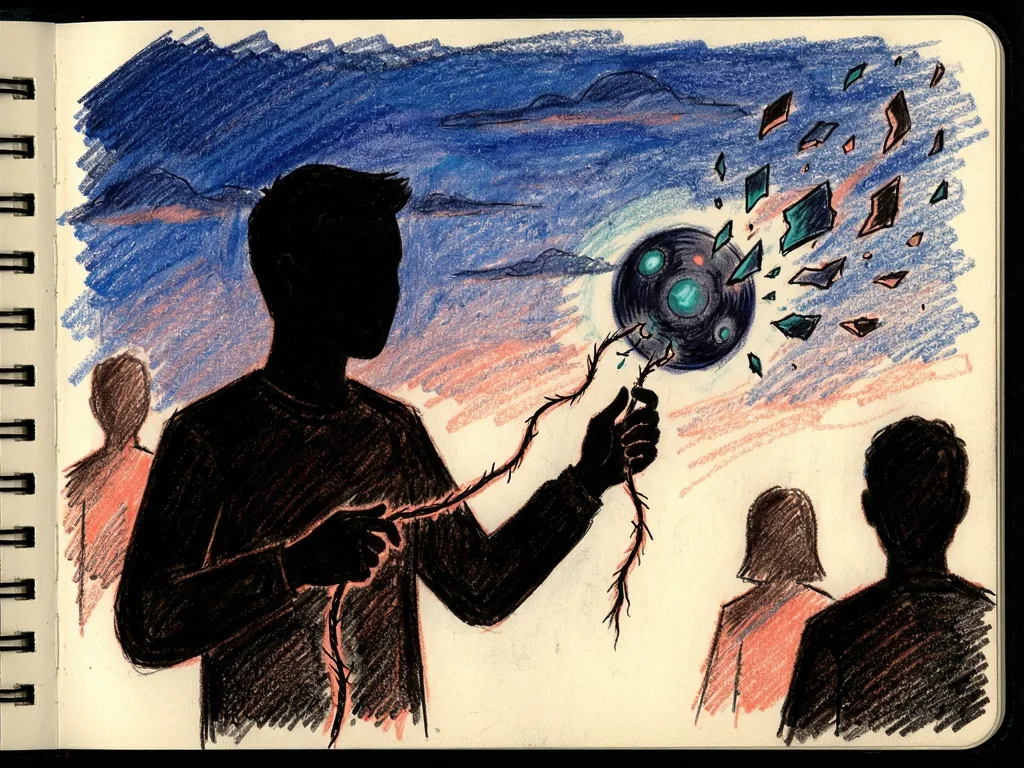
Most AI assistants operate within their own ecosystems. Microsoft Copilot, ChatGPT, Claude and other AI products have different memory mechanisms, integrations, permissions and ways of accessing user information. Some allow users to export conversations or connect external data sources. Exporting a conversation is not the same as transferring the state of an ongoing collaboration. A receiving assistant needs more than a transcript. It needs the original objective, what has already been completed, which decisions are final, which constraints must be respected, what remains unresolved and what should happen next. Without that, the user must reconstruct the entire context manually.
The account identifies three related problems. Memory fragmentation means personal and professional context is spread across different AI providers and applications. Lack of context portability means there is no universally adopted format for transferring a complete human-AI working state between different agents. Cloud dependency means even if information exists somewhere, the service that retrieves, processes or interprets it may be unavailable. The proposed separation is an intelligence layer, which can change between AI providers, and a context layer, which should remain under the user's control.
A continuity layer could make AI memory portable
After the outage, the writer explored a concept that is not another AI assistant. It is a provider-independent memory and continuity layer that sits between the user and their AI agents. The idea, described with the phrase Every Context Has an Owner, would let different AI assistants share a user's authorized context. If one AI provider becomes unavailable, another compatible agent should be able to retrieve the user's context and continue the work.
The foundation would be a personal context repository. Rather than storing only entire conversations, it would organize meaningful information about a user's professional identity, preferences, projects, decisions, research, goals and pending tasks. Above that repository, a context intelligence layer would transform unstructured conversations and documents into reusable knowledge. A long discussion about a software project, for example, could be distilled into a project summary, confirmed decisions, technical constraints, unresolved questions, action items and references to the original discussions.
This layer would also need to handle change. A decision made six months ago should not automatically override a decision confirmed yesterday. The system would need to recognize outdated information, identify contradictions and preserve the history of important changes. An agent interoperability layer would let different AI agents retrieve authorized context through a common interface. The Model Context Protocol could be useful here because it provides a standardized way for compatible AI applications to interact with external tools and context sources. However, the protocol alone does not provide portable memory, reliable checkpointing or automatic recovery. Those would need to be added.
Finally, a continuity and recovery layer would periodically capture the state of a human-AI collaboration. If an agent became unavailable, another compatible agent could retrieve the latest checkpoint and reconstruct the task. The goal would not be to reproduce the original AI's personality or internal reasoning. It would be to restore enough verified context for the user to continue working. The writer calls the portable package a Human-AI Continuity Capsule. For readers, the next question is practical: before another outage, do you know where your work context lives, who can access it, and what would be needed to continue without the assistant you rely on?




Comments (0)