
AI agents edit your shop, so set proper approval boundaries.
AI approval belongs in the store app, not the agent: use review queues, versions, and safe saves.

Key Takeaways
- AI approval should be enforced by the e-commerce application, not by prompts, because prompt instructions can be missed, changed, or manipulated.
- Keep the save tool out of the agent’s reach; let agents search data and submit drafts to a human-reviewed proposal queue before changes are published.
- Tie each proposal to specific product and attribute versions, and require re-approval if the draft or source data changes.
- Separate tool permissions from review policy: permissions control what an agent can call, while approval controls whether a proposed change should be applied.
- Start with small batches and verify that agents cannot approve their own proposals or save unapproved changes before expanding the workflow.
Meta description: Learn why AI approval in e-commerce workflows should sit outside the agent, with Aimeos MCP tools, review queues, and version checks before saving.
Tags: Aimeos, AI agents, MCP, e-commerce, content approval
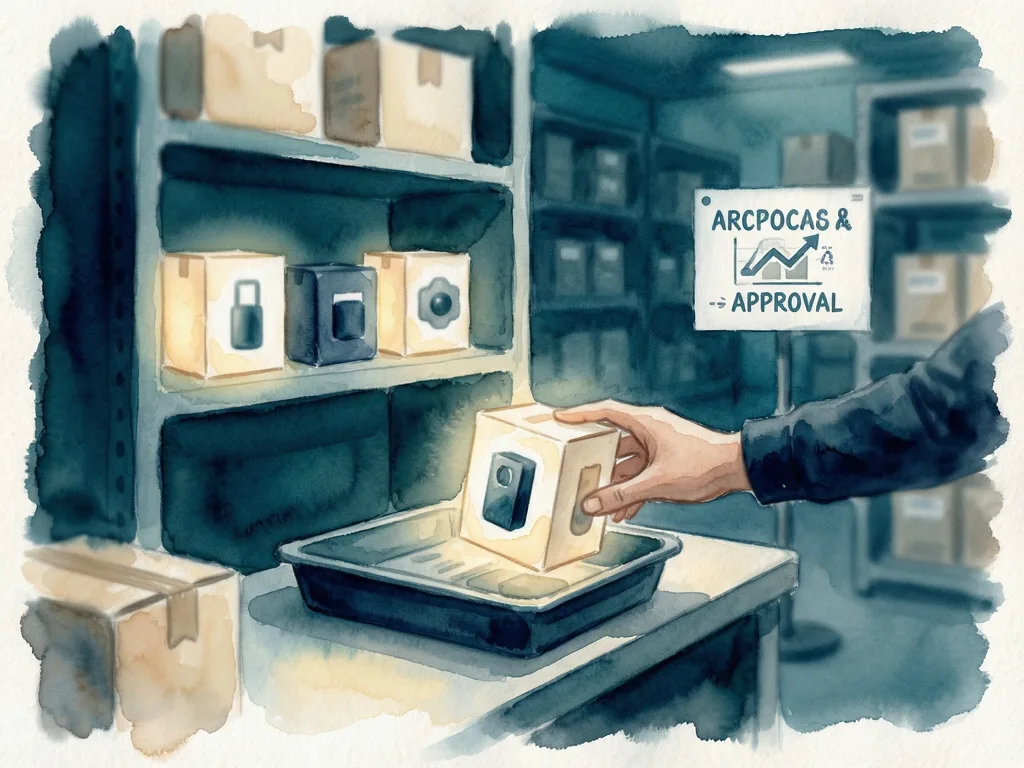
Featured image: Abstract, friendly illustration of a review queue between an AI agent and a shop catalog, with no people, logos, or text.
For e-commerce teams using connected AI agents, AI approval in e-commerce workflows should sit in the store application, not in the prompt. Aimeos, an open-source e-commerce framework used with Laravel and other PHP frameworks, recently added tools for AI agents to work with shop data. The design point is simple: an agent can propose changes, while a human-approved application step saves them.
The risk is plausible but unsupported text. An agent may turn "blue cotton T-shirt" into "organic cotton, gentle on sensitive skin" when product data supports neither claim. Copying assistant text into a shop lets a human catch errors before saving. A connected agent can look up products, draft descriptions, and save changes from one plain-language request, so descriptions can reach the shop before anyone reads them.

The prompt is not the permission boundary
A request to find ten products missing English descriptions, draft from attributes, and show results before saving does not technically prevent saving. The agent can misread it, lose it in a long conversation, or treat a small change as review-free. Supplier-imported product data can also contain hidden instructions. Without write access, the agent cannot directly change shop data, but those instructions can still influence drafts, and a reviewer may miss a plausible unsupported claim.
Approval rules can differ by task. Some shops may require a person to check every change; others may let an agent update stock levels from a supplier feed on its own while all customer-facing text goes through review.
Keep the save tool away from the agent
Agents can connect through the Model Context Protocol (MCP), an open standard that lets AI agents discover and call tools. Leave the save tool out of the agent's tool list. The agent uses search tools to read product data and passes each draft to a propose-change tool, which puts it in a review queue with its product. The application shows the queue to a reviewer and calls the save tool only after approval. This only holds if no other reachable tool or credential can write shop data; tool calls validate arguments and check permissions.
Tie approval to a specific version
Reviewers need context: show product, proposed text, and source attributes together. With attributes beside the draft, they can check whether "organic cotton" is supported. Store each proposal as a record with product ID and language, draft text and version number, product data version, status, reviewer, and review time. Statuses can be proposed, approved, rejected, or saved. Editing creates a new proposed version; only an authorized reviewer can approve, and the agent must not set that status. If approved text is later shortened or rewritten, approval is required again. Review adds delay and work; its value depends on error likelihood and cost. Small batches with attributes shown improve odds, because reviewers can still miss unsupported claims in long batches.

Aimeos separates tools from review policy
In `ai-admin-mcp`, shop operations are separate from review policy. The package provides tools; the application implements MCP integration, review queue, approval workflow, and version checks. A shared tool execution method validates input and checks configured user permissions. Which tools are exposed depends on tools registered with the MCP server or listed in `admin/mcp/tools`. The tool catalog uses that list to replace the default catalog and can include `Product\Get`, `Product\Search`, `Text\Search`, and a custom proposal tool such as `MyApp\Mcp\Tool\Text\Propose`. After approval, the application calls `Product\Save` directly; that call still validates input and checks the user's permissions.
Every Aimeos item has a modification time (`mtime`). A proposal can store the product and attribute mtimes used by the draft. The application compares them and saves in one database transaction that locks those rows, so no update can slip between check and write. If the version no longer matches, return the proposal for review against current product data.
Start small and verify the boundary
Start with a few products lacking descriptions. Compare drafts with product data, approve those that hold up, and check results in the shop. Before expanding, verify that the agent cannot approve its own proposal or save an unapproved draft. Any change to an approved draft must require new approval, and changed source data must block the save until review is repeated.
Permissions decide what a caller is allowed to do; approval decides whether a particular proposed change should be applied. The approach, published in Towards AI on Medium, keeps the save step out of the agent's reach so AI can draft shop content without silently publishing unsupported claims.





Comments (0)