
Confirm the transfer before rerunning an ML video experiment
Use Python 3.10 and SHA-256 manifests to verify ML video experiment handoffs, catch mismatches, and avoid rerunning with the wrong files.
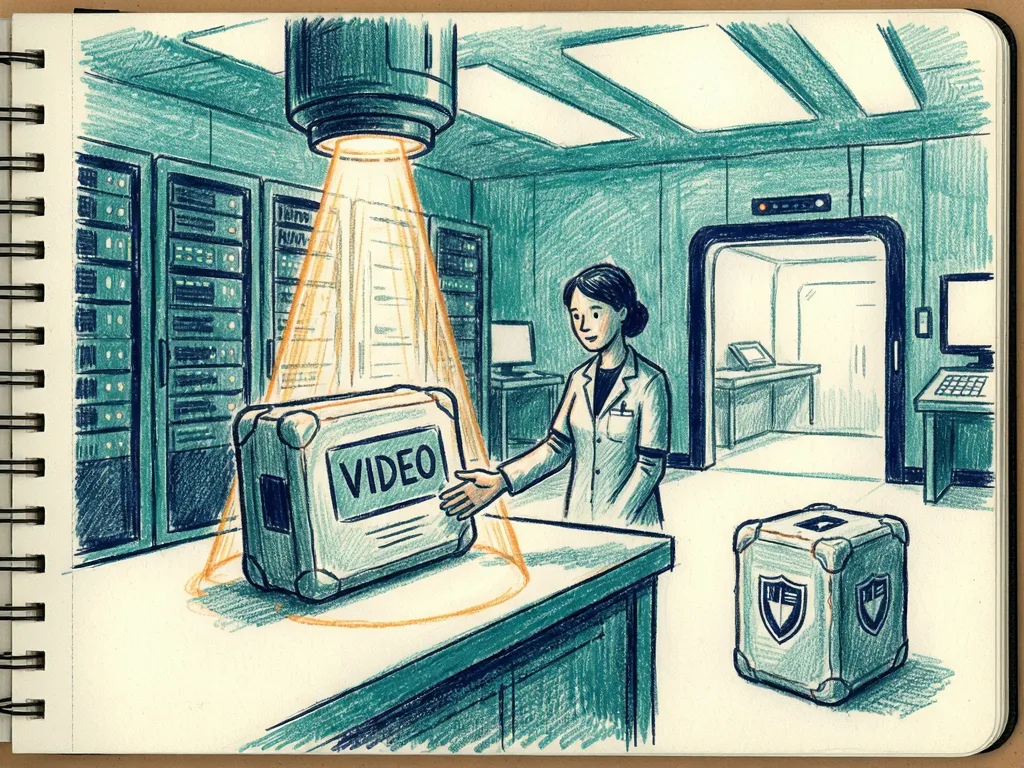
Key Takeaways
- Verify ML video experiment handoffs with Python 3.10 and SHA-256 manifests to confirm received files match a trusted manifest before rerunning work.
- Keep the gate’s scope narrow: it checks file integrity and structure, not environment reproducibility, model results, GPU success, or creative acceptance rules.
- Build manifests with relative POSIX paths, content digests, and sorted traversal, while rejecting symbolic links, non-regular files, and manifests inside the project.
- Run freeze and verify checks separately, preserve the original manifest, and create new project and manifest names for revisions instead of silently replacing records.
- Treat examples as synthetic local fixtures: unchanged files pass, changed files fail, and no claim is made about actual rendering or remote compute.
Meta description: Use Python 3.10 and SHA-256 manifests to verify ML video experiment handoffs, catch file mismatches, and keep review records before rerunning work.
Tags: ML video experiment, Python 3.10, SHA-256 manifest, file handoff, CloudGPU
Featured image: abstract friendly illustration of a file tree, a manifest list, and a green checkmark, no real people, no logos, no text.

Verify an ML Video Handoff With Python 3.10 Manifests
This guide is for teams moving ML video experiment files between a batch worker, a project-file store, and a review machine. It shows how to build a small integrity gate with Python 3.10 and the standard library, then verify that received files match a trusted manifest before rerunning an experiment. The source author works on CloudGPU. The source tutorial notes AI-generated text and code, and validates only a local synthetic folder; it does not run a model, generate a video, or prove remote compute succeeds. An ML video experiment often has several outputs: workflow configuration, input description, acceptance rule, and variation record. When those files travel separately, a plausible filename can hide an accidental mismatch, so a reviewer might open one result while reading instructions for another attempt.
Decide what the handoff proves
- Keep the promise narrow: the received project contains exactly the files described by a trusted manifest, and their contents match. Do not promise identical execution on another machine, because dependencies, drivers, kernels, hardware, and runtime settings can change behavior even when files are intact. The gate is not a quality evaluator, an environment restorer, or a replacement for a trusted record of who approved the experiment.
- For a video comparison, write the acceptance rule before running anything. For example, a reviewer might require a character to remain inside the frame throughout a shot. That creative rule is separate from technical checks such as whether a file opens. This gate implements neither video decoding nor creative judgment; it only helps ensure that the files supporting later checks are the intended files.
- Put only handoff material in the staging folder. Keep credentials, temporary access links, caches, and unrelated personal files outside it. The example inventories every regular file inside the selected folder and has no secret detector, so choosing the folder is a deliberate responsibility rather than an automatic privacy boundary.
Build a synthetic project
- Use Python 3.10 or newer. Save create_fixture.py in a fresh working folder. The files are invented local fixtures, not evidence from a rendering run.
- The fixture creates demo_project. workflow.json contains {"revision": "fixture-a", "seed": 7}. review.txt says: Synthetic fixture only. Check that the character stays in frame. environment.txt says: No rendering environment was created for this fixture.
- The environment note prevents a reviewer from treating the sample as a completed GPU trial. In a real project, record actual runtime and dependency versions after observing them, not from an assumed template. A dependency specification is an input to rebuilding an environment; it does not prove the environment has been rebuilt.
Freeze and verify the files
- Save handoff.py. It uses documented pathlib traversal, hashlib.sha256, JSON serialization, and argparse command parsing. It checks that the selected root is a directory and not a symbolic link. It rejects symbolic links and non-regular files, so a handoff cannot reach outside the selected project through a link. The manifest must live outside the inventoried project, and the project must contain at least one file.
- The manifest records relative POSIX paths, SHA-256 content digests, and schema value 1. It reads files in 1048576-byte chunks and sorts them, giving a stable order for an unchanged tree. It serializes JSON with sorted keys and two-space indentation. It stores digests instead of modification times because copying can alter timestamps without changing content, while editing may keep the descriptive name.
- The verifier compares the entire structure, so additions, deletions, and changed contents fail. It never opens paths taken from the manifest. It independently inventories the chosen folder and compares data structures, so a forged parent-directory entry cannot instruct it to read that path. It is a verification tool, not an archive extractor or restoration tool.
- Run the checks in order. python3 -m py_compile create_fixture.py handoff.py compiles both programs and checks syntax only, not runtime correctness. python3 create_fixture.py builds the fixture. python3 handoff.py freeze demo_project manifest.json creates the manifest. python3 handoff.py verify demo_project manifest.json should print project matches manifest.
- Do not run fixture creation again in the same folder. Its refusal to reuse an existing folder is intentional. The manifest uses exclusive creation rather than silently replacing an earlier experiment record. For a legitimate revision, choose a new project folder and a new manifest name.
- To force a failure, save change_fixture.py so it rewrites demo_project/review.txt with a line describing an intentionally changed review rule. This is a controlled alteration of the synthetic fixture, not a recommended way to edit production artifacts. Run python3 change_fixture.py, then verify again. Verification should exit unsuccessfully with project differs from the trusted manifest. Keep the original manifest. Replacing it merely to pass the check would erase the distinction between accepted input and accidental change.
- The local fixture passed unchanged verification and rejected a changed file. Separate local cases also checked additions, deletions, symbolic links, an empty project, an inside-project manifest, and a forged parent-directory entry. These are local correctness checks only. They imply no inference result, GPU throughput, memory measurement, or model-quality result.
Apply the gate to real transfers
- For a real ML job, freeze intended inputs before transfer, preserve the manifest in an independently trusted location, and verify after transfer. Write outputs into a separate staging folder. Record the actual workflow revision and environment there, then create a different output manifest when writing has stopped. Verify the received output folder before treating the handoff as complete.
- A project-file store is not a whole-machine snapshot. Restoring project files does not restore installed dependencies, an operating system, or drivers. Rebuild the execution environment explicitly and perform a separate readiness check before running the workload. If a managed service separates GPU and storage controls, a GPU budget must not be interpreted as covering storage fees; verify storage eligibility, quotas, and retention independently. The process assumes neither unlimited storage nor automatic output collection.
- A digest detects difference from a trusted baseline; it does not authenticate a baseline an attacker can replace. Files must be quiescent during traversal because the program does not take an atomic snapshot or prevent concurrent modification. Directory metadata, permissions, and empty directories are outside its contract. Large projects may need a selective inventory or storage-native integrity mechanism. Successful verification does not show whether a video decodes, satisfies its brief, or was produced from those inputs; those need separate evidence and review.
- Related context: CloudGPU video How to Make an AI Short Drama Without Wasting GPU Minutes gives workflow context, not validation of this Python manifest implementation. The title and @cloudgpu_app channel were checked using YouTube oEmbed. For Medium, paste https://www.youtube.com/watch?v=EOc5rh8MfVk on its own line and use native video embed, but still check the rendered embed in an editor. The source cites Python documentation for pathlib paths, traversal and file operations; hashlib and SHA-256; JSON encoding and decoding; argparse command-line parsing; and py_compile syntax compilation. The source article, Verify the Handoff Before You Rerun an ML Video Experiment, was originally published in Towards AI on Medium, where readers continue the conversation.
Common mistakes
- Do not treat verification as approval. A matching manifest can show that files did not drift from a trusted record, but it cannot show authorization, creative-brief compliance, or semantic correctness.
- Do not place the manifest inside the project or replace a failed manifest just to pass verification. The trusted baseline should remain outside the inventoried folder, and a mismatch should stay visible until understood.
- Do not assume verification covers execution, restoration, or privacy. It does not rebuild the environment, restore a machine, detect secrets, or guarantee that files stayed unchanged during inventory.



Comments (0)