
Make Your Hermes Agent's Skills Ten Times Better Without Adding a Single Integration
Nous Research Hermes uses minimi ambient memory through one link to learn real work context and improve skills without adding integrations.

Key Takeaways
- Hermes can improve agent skills by turning completed tasks into reusable playbooks, but minimi makes those skills much more personal by supplying local ambient memory from tabs, notes, chats, and calls through one MCP link.
- Instead of adding many app connectors, the setup lets Hermes learn from the user’s actual work context, including tone, metrics, shipped items, and open asks.
- The recommended workflow is to install Hermes, connect it to a chat app, add minimi as the only memory link, and schedule a nightly job to create and refine skills automatically.
- The article emphasizes keeping Hermes and minimi on user-controlled hardware, using encrypted local memory, and enabling ask-before-acting to avoid unintended actions.
For readers who want a personal agent that learns from daily work instead of collecting app connectors, Nous Research's Hermes and minimi create a compact build: Hermes writes and improves skills, while minimi supplies local ambient memory through one MCP link. The result is an agent that can draw on tabs, notes, chats, and calls without screenshots, recordings, or a pile of integrations.
Why one link changes the skill
Hermes is an open-source agent from Nous Research, released in February 2026 under an MIT license, so it is free to run and can be modified. It crossed 140,000 GitHub stars in under three months, and by OpenRouter usage numbers it is described as the most used agent in the world now. Its useful habit is to write a skill after finishing a hard task, turning that work into a saved playbook for later.
The problem is what that playbook learns from. If Hermes sees only a one-line request, it writes a generic template. For a weekly investor update, it asks what shipped, asks for metrics, asks for the open asks, then drafts five short paragraphs in a professional tone. That file does not carry your method. After ten integrations, the agent may know ten narrow things but still not sound like you.
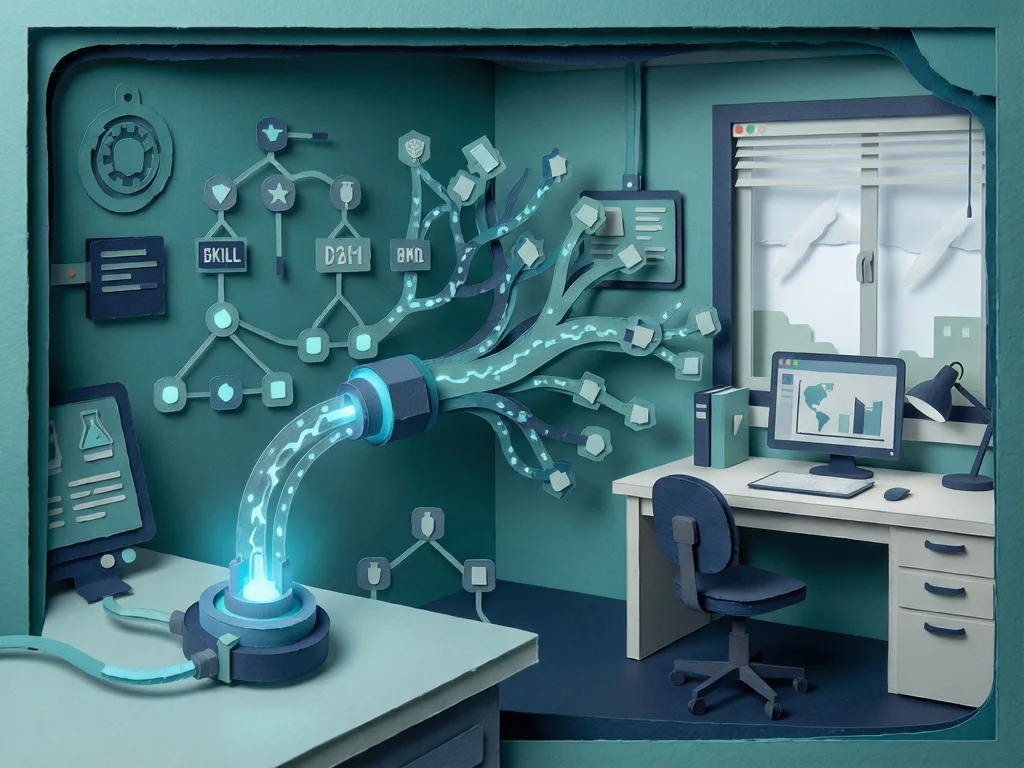
minimi changes the source material. It is ambient memory captured from your tabs, notes, chats, and calls, with no screenshots and no recordings. It keeps lightweight local context, measured in megabytes rather than gigabytes of video, and stores that context in an encrypted local store. It reaches the agent through an MCP link, a standard way to connect an outside tool to an agent. Instead of adding calendar, notes, email, Slack, and drive connectors one by one, Hermes reads the work you actually did. The agent sees the whole desk: the doc you are in, the call you just left, and the thread you are buried in.
The difference shows in a skill named weekly-investor-update. With minimi, it can tell the agent to write Oz's Friday investor update without interviewing her, gathering the details instead. It can pull what shipped from this week's merged work and product notes in screen history, metrics from the #metrics chat and the dashboard opened Thursday, tone from her last three sent updates using short sentences, no hype words, and no em dashes, and open asks from two introductions she said she would ask investors about in WhatsApp. It then drafts to WhatsApp by 4 p.m. Friday and waits for her yes before anything is sent.
How to build it this weekend
- Give the agent a bench that stays open. Use a Mac mini, a spare laptop that never sleeps, or a VPS costing about $5 a month. Install Hermes with this line:
`curl -fsSL https://hermes-agent.nousresearch.com/install.sh | bash`
The installer adds dependencies and places a global hermes command in your path. Run `hermes setup --portal` once to choose a model and sign in. That signs you in and switches on the built-in tools. Hermes itself is free, but you bring your own model, so the running cost is the tokens your model provider charges. Hermes can point at more than 200 models, including cheaper ones. Test it by asking for a joke.
- Put it in the chat app you already use. Run `hermes gateway setup` to turn on the always-on process that keeps the agent listening and routes messages. Hermes can talk through WhatsApp, Telegram, Discord, and a dozen other channels. For WhatsApp, pair it with `hermes whatsapp` using a QR code, then lock it to your own number so only you can talk to it. Test by texting "are you there?"
- Add minimi as the only memory link. minimi runs on your personal laptop, captures your work as you go, and gives you one private MCP link. Install it once, then forget it. In the Hermes dashboard, open the MCP page, click New server, name it minimi, and enter your minimi MCP link as the url value in the server JSON. Save the server and reload MCP. Hermes registers it as an HTTP server, probes it, and picks up its tools on its own. No Obsidian connector, no Calendar connector, and no stack of integrations. Test by asking what you were working on that afternoon.
- Set the nightly skill job. Send Hermes a plain-language schedule message from your chat app:
"Every day at 9pm, go back through the day's memories in minimi. Write the skills you think will help me, and improve the skills you already have."
The agent reads back what minimi captured, writes new skills, and sharpens old ones. To close the loop right away, tell it to run the job once now.
How it works after setup
The daytime benefits come from the same link. In the morning, the agent can give a brief on what is ahead. Before a Priya call, it can surface your last threads and what you promised her. It can also write a journal entry for the day. These answers do not require a calendar connector, a notes connector, or a CRM. They reach through the minimi memory link.
You can also seed a skill on the spot after it helps with a recurring task. Tell it that the task takes a while, you do it most weeks, and you want a skill that uses minimi to gather details instead of asking you again. The agent writes the file. Next week, the same task can run in your method, from your memory.
This is why the skills improve so much: the self-improving agent is the same, but the teacher changes. Without minimi, Hermes learns from narrow app context or chat history. With minimi, it learns from how you actually worked, including the documents, calls, and threads that a connector stack would miss.
Common mistakes and later payoffs
Treat the mini-apprentice like a privileged employee, not a toy. Keep both parts on machines you control. minimi keeps memory in an encrypted store on your laptop, and Hermes runs as open source on hardware you choose. Do not undo that safety by piping either part through a service you do not own.
Keep ask-before-acting turned on while learning the system. Reading context is different from sending a message or touching a file. Make it show drafts and wait for your yes. An agent that can send on its own will one day send the wrong thing.
Correct invented context quickly. The value comes from answers grounded in your captured day. If the agent fills a gap with something plausible instead of something it read, fix it hard. A personal agent that invents your life is worse than no agent.
Do not rebuild everything alone. Hermes ships with dozens of skills out of the box and has a full setup guide in the Hermes docs. The community keeps a running list of skills and integrations in the awesome-hermes-agent repo on GitHub. Before writing a skill, check whether someone already did, then reshape it for your work. minimi is at projectminimi.com, and because it is the one connector in this build, it is worth setting up first and setting up right.
Run this for a weekend and it is a chatbot that knows what you did today. Run it for a month and it has a shelf of skills written in your own method, so recurring work starts happening before you ask. Run it for six months and it becomes the coworker who has watched you do the job a thousand times. Many connectors make an agent capable, while one personal memory makes it yours.


Comments (0)