
A practical LangChain tutorial explains how to build Sherlock for smarter scientific literature searches across Portable Document Format files.
LangChain tutorial indexes scientific Portable Document Format files, retrieves passages by meaning, and cites filenames and pages via embeddings.
Key Takeaways
- Sherlock PDF is a LangChain tutorial that lets users search local scientific PDFs with plain-language questions and retrieve relevant passages with filename and page number.
- It uses semantic search: PDF text is split into chunks, converted into embeddings with OpenAI, stored in a vector database, and matched by cosine similarity.
- The approach helps overcome keyword-search failures when remembered wording differs from source wording, making it easier to find evidence across many papers.
- A working demo can be built in about 15 minutes using Python 3.10+, an OpenAI API key, and text-based PDFs placed in a docs folder.
- The tutorial also notes practical limits: scanned PDFs need OCR, PDF text is sent to OpenAI for embeddings, and confidential files should only be processed if allowed by data policy.
Sherlock PDF Tutorial Builds LangChain Search for Scientific Papers in 15 Minutes

Meta description: Build Sherlock PDF with LangChain to search scientific PDFs, retrieve passages by filename and page number, and verify evidence with OpenAI embeddings.
Tags: LangChain, PDF search, semantic search, scientific literature, OpenAI embeddings
Featured image: abstract illustration of a magnifying glass over paper pages and connected data points, friendly style, no real people, no logos, no text.
A LangChain tutorial called Sherlock PDF shows researchers how to ask a plain-language question and get back the best-matching passages from local scientific PDFs with the filename and page number. It is for anyone who has lost a useful paragraph inside a pile of papers and wants a reproducible way to find it again. A working demo takes about 15 minutes with Python 3.10+, an OpenAI API key, and a few text-based PDFs.
Why Researchers Need More Than Keyword Search
Scientists read a large amount of information: papers, preprints, reviews, supplementary files, protocols, and the occasional 87-page PDF named final_version_REALLY_FINAL_2.4.pdf. Reading everything is hard, but the harder task comes later. A researcher may remember that something was discussed, yet cannot recall which paper, which page, or which paragraph contained the evidence.
Keyword search can fail when the remembered wording differs from the source wording. Reopening many papers and testing keyword combinations can take longer than the experiment that raised the question. Sherlock PDF addresses that problem by turning the search into semantic retrieval: the question and the passages are converted into vectors, then the closest passages are returned with their original source location.
How Sherlock PDF Turns PDFs Into Evidence
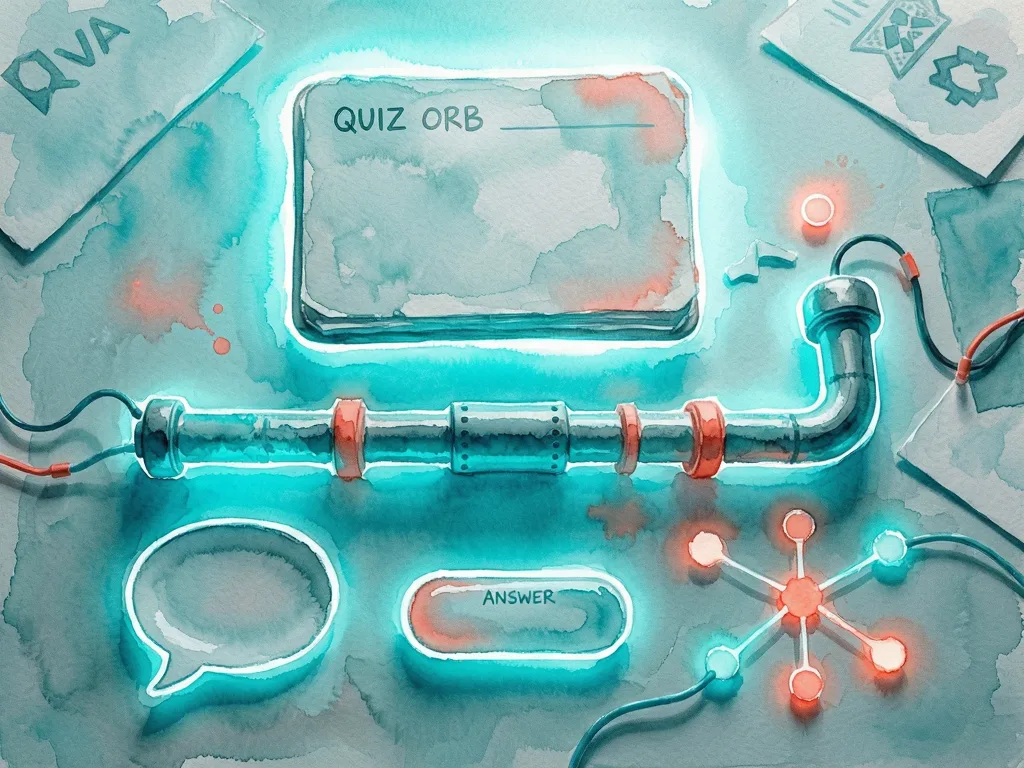
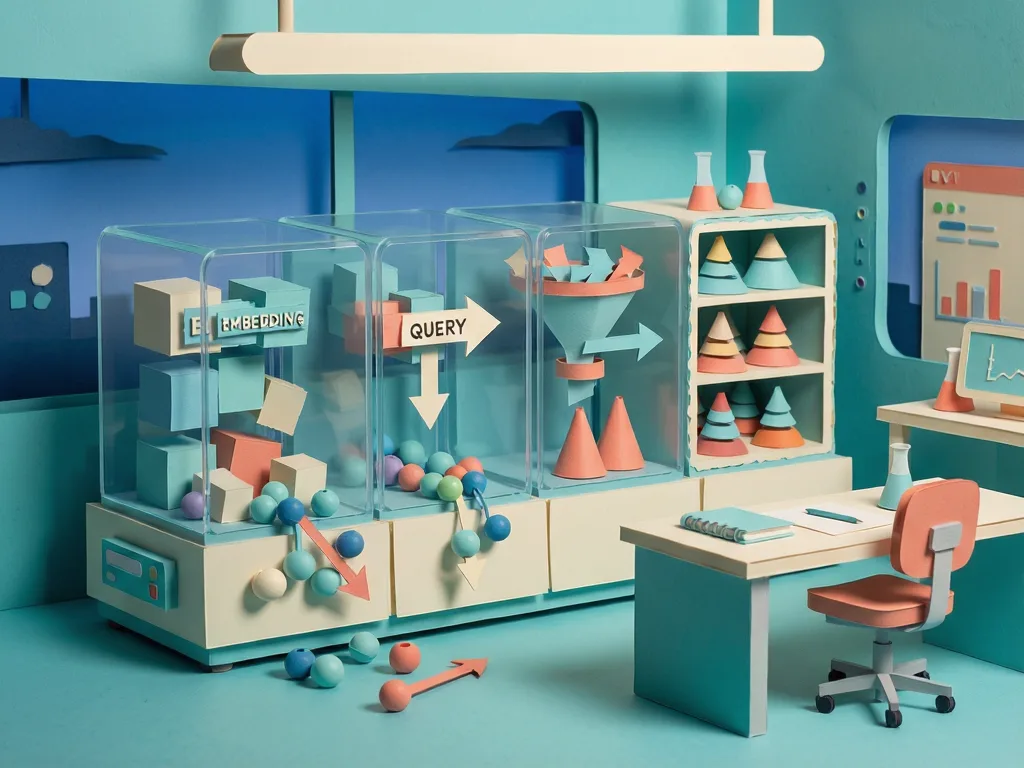
Sherlock PDF works by loading every PDF from a local docs/ folder, extracting text page by page, and splitting that text into overlapping chunks. Each chunk keeps metadata such as the filename and page number. The chunks are converted into embeddings, which are numerical representations of meaning. Those embeddings are stored in an in-memory vector store. When a question is embedded, the system retrieves the closest passages.
The tutorial demonstrates the idea with a sample query: "How does sleep affect hippocampal memory consolidation?" The output is a compact evidence report:
- 91 | sleep_memory_study.pdf, page 5 | Relevant excerpt...
- 87 | hippocampus_review.pdf, page 12 | Another relevant excerpt...
The score comes from cosine similarity, a common measure that compares the direction of two vectors rather than their length. The formula uses the dot product of vectors A and B divided by the product of their lengths. A score near 1 means the vectors point in very similar directions. A score near 0 means little directional similarity.
Two passages can share meaning without sharing exact words. One might mention muddy footprints, tobacco ash, and a missing laboratory key. Another might mention soil on a boot, cigar residue, and unauthorized access to the lab. The wording differs, but the clues point in nearly the same direction. A passage about formatting a bibliography points somewhere else entirely.
That is the practical value of semantic search. It can connect a question to a relevant paragraph even when the paragraph uses different terminology. The page number matters too. A plausible answer is useful, but a passage that can be located, read in context, and verified is more useful.
Building the Project Step by Step
- Get the project. Clone or download the repository at https://github.com/suvrazastrovision/langchain_demo.git, then change into the downloaded project folder with cd path\to\langchain_demo.
- Create a virtual environment. In PowerShell, run python -m venv .venv and then .\.venv\Scripts\Activate.ps1. On macOS or Linux, run python3 -m venv .venv and then source .venv/bin/activate.
- Install dependencies. Run python -m pip install -r requirements.txt. The project uses langchain-community for loading PDFs, langchain-core for documents and the vector store, langchain-openai for OpenAI embeddings, langchain-text-splitters for creating searchable chunks, pymupdf and pypdf for PDF processing, and python-dotenv for loading environment variables.
- Add the OpenAI API key. Create a .env file in the project directory and place the API key on an OPENAI_API_KEY line. Do not commit that file or share the key publicly. The repository already excludes .env through .gitignore.
- Choose the embedding model. Sherlock PDF is a small demo, so it uses text-embedding-3-small. Embeddings convert text into numerical vectors so related questions and passages can be found even when they use different wording. OpenAI bills embedding requests according to the number of input tokens. Embedding a few papers costs only cents.
- Add scientific papers. Place one or more text-based PDFs inside the docs directory. The demo uses nature_emm.pdf, nn_ad.pdf, and nn_sleep.pdf. The author notes that these include a couple of scientific journal articles from Nature. Scanned documents that contain only images need an OCR step before their text can be searched. Also remember that PDF text is sent to the OpenAI API to create embeddings, so confidential or unpublished documents should only be processed if the organization’s data policy permits it.
- Choose a research question. Open sherlock_pdf.py and edit the query inside main(). The default demo question is: "How do inhibitory glutamatergic synapses between dorsal fan-shaped body neurons generate slow-wave activity and regulate sleep pressure in Drosophila?" The author also shows the shorter query: "How does sleep affect hippocampal memory consolidation?"
- Control the number of results. The retrieval call uses top_k=3 by default. For five excerpts, change the call to top_k=5. The code should reject invalid values such as non-integers, boolean values, or numbers less than or equal to zero.
- Run Sherlock PDF. Run python sherlock_pdf.py from the project folder.
- Understand what happens behind the scenes. PyMuPDFLoader extracts text and metadata from every PDF page. RecursiveCharacterTextSplitter divides the pages into small, overlapping chunks with chunk_size=220, chunk_overlap=40, and separators such as "\n\n", "\n", " ", and "". OpenAIEmbeddings converts every chunk into a numerical vector. InMemoryVectorStore stores the vectors and compares them with the question. The best matches are returned with their original filename and page number.
Conceptually, the pipeline is: PDFs to pages to text chunks to embeddings to similarity search to evidence. The page metadata survives chunking. Because PyMuPDF numbers pages starting from zero, Sherlock PDF adds one before displaying the page number.
Testing Semantic Search Instead of Exact Wording
The tutorial suggests asking the same question with different words: "Does sleep make hippocampal connections weaker?" A keyword search might miss a paragraph that says, "Synaptic downscaling occurs during slow-wave sleep in CA3." Semantic search can still connect the two because they discuss related concepts in different wording.
Limitations and Next Steps
The vector store is rebuilt on every run. That is fine for a small demo, but thousands of papers need a persistent store such as Chroma, FAISS, Pinecone, or PostgreSQL with pgvector. The author says that persistent storage is the topic of the next tutorial.
Retrieval does not establish scientific truth. The score tells the reader where to look. The reader should still open the cited page and check the methods, context, and limitations. Sherlock PDF is a retrieval assistant, not a truth machine. It helps locate evidence, but interpretation and verification remain the researcher’s job.
The same pipeline can scale once documents are indexed in a persistent vector database. Filters for author, year, journal, or topic could make it more useful for a lab. A shared searchable research memory is one possible outcome.
Compared with EndNote or Mendeley, Sherlock PDF wins one narrow job: asking a natural-language question and getting a semantically related passage with filename and page number. But EndNote and Mendeley are mature tools for collecting references, annotating PDFs, collaborating, and building bibliographies. The demo does none of that. The comparison is semantic evidence retrieval versus reference management. Watson manages the case files; Sherlock follows the conceptual clues.

The original tutorial was published in Towards AI on Medium, where readers can continue the conversation.
Common Mistakes
One common mistake is assuming the tool can search scanned PDFs without OCR. If the PDF contains only images, its text must be extracted before embeddings can be built.
Another mistake is committing the .env file. The OpenAI API key belongs in a local environment file that should not be pushed to a repository.
A third mistake is treating the score as proof. A score of 0.91 is not a scientific verdict. It is a pointer to a passage that should be opened, read, and checked.
A fourth mistake is expecting the demo to behave like a persistent database. The vector store is rebuilt every run. For larger document collections, use a persistent vector store instead of relying on in-memory retrieval.
A fifth mistake is changing top_k to an invalid value. The code expects a positive integer. Non-integers, booleans, and values less than or equal to zero should raise an error rather than return misleading results.
A sixth mistake is forgetting the page offset. PyMuPDF stores a zero-based page index. Sherlock PDF adds one so the displayed page number matches the page the reader can open in the PDF.
A seventh mistake is using keyword-search expectations. If the question says "weaker" but the paper says "downscaling," semantic search can still find the relevant passage. The value is not that the words match, but that the meaning is close enough to retrieve the evidence.



Comments (0)