
Hands-on testing shows Google’s DiffusionGemma to be a text model that writes all at once.
DiffusionGemma is Google's experimental open LLM that denoises text blocks in parallel, easing GPU bottlenecks for local Transformers and vLLM.
Key Takeaways
- Google DeepMind released DiffusionGemma, an experimental open text model that generates language through diffusion-based block denoising instead of traditional token-by-token autoregressive generation.
- The model denoises 256-token canvases in parallel, shifting the main bottleneck from memory bandwidth to compute and allowing self-correction during generation.
- DiffusionGemma supports long-form text through block-autoregressive generation, while accepting multimodal inputs such as text, images, and video, with text-only output.
- It can be run locally using Hugging Face Transformers, requiring version 5.11.0 or later and a dedicated block-diffusion model class, with quantized versions fitting on high-end consumer GPUs.
- Google also enabled serving through vLLM by integrating the model’s iterative denoising loop into vLLM’s standard serving engine.
Meta description: Google DeepMind released DiffusionGemma on June 10, 2026, a block diffusion LLM for text generation, local Transformers use, and vLLM serving.
Tags: DiffusionGemma, Google DeepMind, vLLM, Transformers, LLM
Featured image: abstract, friendly illustration style, no real people, no logos, no text
For developers, researchers, and people running models on their own hardware, Google DeepMind released DiffusionGemma on June 10, 2026. It is an experimental open model that replaces the usual token-by-token text generation process with diffusion-based block denoising, using a method related to the diffusion process that made image generators like Stable Diffusion possible, but applied to language instead of pixels. This guide shows how the model works, how to run it with Hugging Face Transformers, and how to serve it with vLLM.
Why block diffusion changes the bottleneck
Major language models such as GPT, Claude, Gemini, standard Gemma, and GPT-4 create text one token at a time, left to right, with each new token conditioned on everything already written. For one user on local hardware, the main limitation is not raw compute. It is memory bandwidth: the model repeatedly loads its full weights from memory to produce a single token, while many GPU compute cores wait. The sequential design also prevents revision. Once a token is committed, it stays.
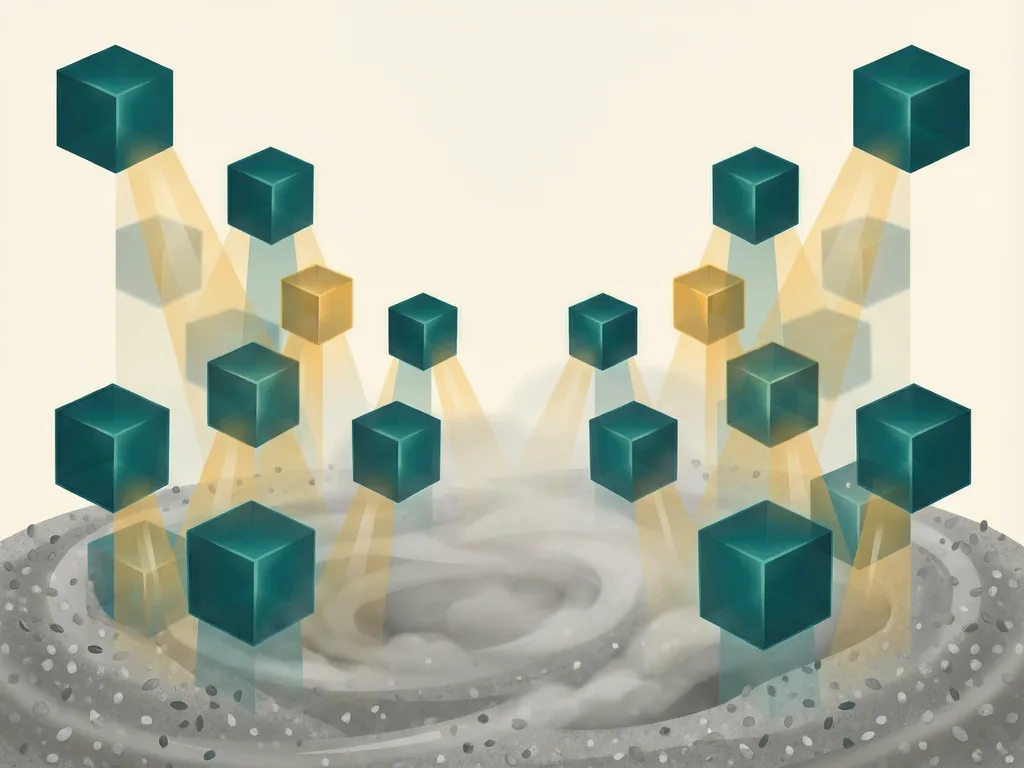
DiffusionGemma changes the unit of work. It starts with a canvas of 256 placeholder tokens, essentially random noise, and denoises the whole block at once across multiple passes. Google calls this Uniform State Diffusion. Tokens the model is more confident about help resolve tokens it is less sure about, so the sequence gradually becomes coherent instead of appearing one word at a time. This gives the GPU a genuinely parallel workload and shifts the main bottleneck from memory bandwidth to compute.
For answers longer than one 256-token canvas, DiffusionGemma uses block-autoregressive denoising. Once a canvas is resolved, it is committed to the model's key-value cache through ordinary causal attention, the same mechanism a standard autoregressive model uses for history. A fresh 256-token canvas then starts, conditioned on the text already committed. Within the active canvas, attention is bidirectional: any token can attend to any other token in that block. That combination supports long-form stability while enabling self-correction. If a token's confidence drops during denoising, the sampler can re-noise it and let the model try again.
The model is built on the same architecture as Gemma 4 26B, a Mixture-of-Experts design with 26 billion total parameters but only 3.8 billion active per token. The A4B label refers to that active-parameter count. It is released under the Apache 2.0 license as an experimental model, meaning Google presents it as a research and development preview rather than a finished stable product.
Input is multimodal: text, images with variable aspect ratio and resolution, and video are accepted, while audio is not. Output is text only. Quantized, the model fits within 18GB of GPU memory, putting it within reach of a single high-end consumer GPU such as an RTX 4090 or 5090 for local use. The full, unquantized model needs a GPU with more than 60GB of memory, such as an A100 or H100-class card, as specified in Google's own cookbook notebook.
Running DiffusionGemma in Transformers
The transformers version is not optional. DiffusionGemma's block-diffusion architecture requires model classes that only exist in transformers 5.11.0 and later; an older version will not recognize the model. The Apache 2.0 license is permissive for most commercial and research use, but readers should check Gemma's prohibited use policy before deploying the model in customer-facing systems.
- Install or confirm transformers 5.11.0 or later.
- Load the model with the dedicated class DiffusionGemmaForBlockDiffusion, not the usual AutoModelForCausalLM. Block diffusion needs its own generation logic for the denoising loop.
- Use dtype="auto" so the library selects the most efficient precision supported by the hardware, and use device_map="auto" to distribute the model across available GPU memory.
- Use AutoProcessor rather than a plain tokenizer, because the model handles image and video inputs alongside text.
- Wrap messages with apply_chat_template. This uses DiffusionGemma's turn-based format, with internal tokens such as user and model, and add_generation_prompt=True leaves the prompt ready for the model to respond.
- Call model.generate with max_new_tokens=512. This runs the denoising loop over each 256-token canvas until convergence, while capping how much text can be produced across as many canvas blocks as needed.
- Use TextDiffusionStreamer to watch the process. It intercepts and prints the canvas state after each denoising step, giving a direct view of the refinement process instead of only the final answer.
- Add a system role message to steer tone and behavior. The chat template inserts it as a distinct turn before the user's message, and the model carries that instruction's style through the generated response.
- Enable thinking mode with enable_thinking=True. This tells the processor to insert the special tokens that mark a separate reasoning channel, where the model works through a thought block before producing the final user-facing answer. Decode with skip_special_tokens=False if you want to see that thought block.
- For image understanding, make the content field a list: an image entry followed by a text entry. The processor converts the image into the internal image tokens the model expects. Remember that DiffusionGemma accepts images and video as input but produces text as output; it is not an image generation model.
Serving DiffusionGemma with vLLM
For use beyond local experimentation, Google worked directly with the vLLM team to integrate DiffusionGemma's iterative denoising loop into vLLM's standard serving engine. Most launch flags are standard vLLM options. --max-model-len sets the context window, --max-num-seqs caps concurrent sequences, and --gpu-memory-utilization sets how much GPU memory vLLM may claim. The concurrency cap is deliberately low because the model is designed for low-concurrency use.
The model-specific flags are the ones that matter most:
- --hf-overrides with "diffusion_sampler": "entropy_bound" and "diffusion_entropy_bound": 0.1 configures the token-selection strategy during denoising.
- --diffusion-config '{"canvas_length": 256}' sets the block size the model denoises at once, matching its trained 256-token canvas.
Once running, the server exposes a standard OpenAI-compatible local endpoint. That means any tool built against that API format can work with DiffusionGemma by pointing to the new endpoint, without other code changes.
What the sampling settings mean
Google publishes specific recommended defaults for the diffusion sampling process, and they explain how this model behaves differently from a standard LLM with one fixed temperature. The temperature schedule starts uncertain and becomes more decisive as denoising progresses, mirroring the canvas moving from noise to resolved text.
The entropy-bound token selection is what produces the model's self-correction behavior. Instead of accepting every token's guess on every pass, the sampler locks in only the tokens the model is confident about and leaves the rest open to revision in the next step. The diffusion_entropy_bound value 0.1 controls that selection strategy.
For local inference on one user's hardware, where a normal model may leave compute idle while waiting on memory bandwidth, this design is the practical point. For high-concurrency cloud serving, autoregressive generation's mature batching story still wins, and Google says as much about this model.
Common mistakes
- Using transformers older than 5.11.0. The model classes required for block diffusion are missing, so loading fails.
- Loading with AutoModelForCausalLM. Use DiffusionGemmaForBlockDiffusion because the denoising loop needs special generation logic.
- Expecting high-concurrency cloud performance. The model is designed for low-concurrency use, and the vLLM setup keeps --max-num-seqs low.
- Treating it as an image generator because it uses diffusion. Diffusion applies to the text output side; image and video input still produce text only.
- Hiding the reasoning channel. If you want to see thinking mode output, decode with skip_special_tokens=False.
- Changing the canvas size away from 256. The recommended vLLM configuration matches the model's trained 256-token canvas.
- Ignoring policy notes. Apache 2.0 is permissive, but Gemma's prohibited use policy should be checked before customer-facing deployment.




Comments (0)