
Strands Agents Power an Adaptive Agentic Intelligence Framework
The framework uses Strands Agents to route routine AI work to local small models and complex tasks to Amazon Bedrock, cutting latency and costs.
Key Takeaways
- AAIF uses Strands Agents to adaptively route AI requests: small local language models handle routine tasks, while Amazon Bedrock cloud models process complex analysis.
- The framework’s three-layer design includes an SLM orchestrator, local Ollama tools for telemetry and vision, and cloud tools for expert insights.
- It reduces cost and latency by keeping most work on-device while reserving cloud inference for requests needing broader context and multi-step reasoning.
- AAIF supports edge, cloud, and hybrid deployments by separating routing logic from processing tools, allowing teams to adapt to hardware and network constraints.
- Practical implementation centers on llama3.2:1b for request classification and tools for local data retrieval, on-device image analysis, and Bedrock-powered strategic recommendations.
Organizations running AI agents often send every request—from a simple status check to a complex analysis—to one large, expensive cloud model. The Adaptive Agentic Intelligence Framework (AAIF), built with Strands Agents, changes that by letting small language models (SLMs) handle routine work locally while sending harder requests to cloud models through Amazon Bedrock. The approach draws on a research position from Belcak et al. at NVIDIA, who argue that small language models are "sufficiently powerful, inherently more suitable, and necessarily more economical for many invocations in agentic systems." For teams watching API bills and latency, the framework offers a practical way to keep most traffic on-device.

How the three-layer design works
AAIF splits AI processing into three layers, each tuned for a different kind of task.
Smart orchestration uses a lightweight SLM, llama3.2:1b, as the decision-making layer. This orchestrator classifies each incoming request and routes it to the right processing layer without hardcoded rules.
Local processing handles routine work such as device telemetry retrieval and image analysis. These tasks run on local hardware through Ollama, complete with low latency, and need no cloud connection.
Cloud processing handles complex pattern analysis and strategic recommendations through frontier models in Amazon Bedrock. These requests need broader context and multi-step reasoning that SLMs cannot reliably provide.
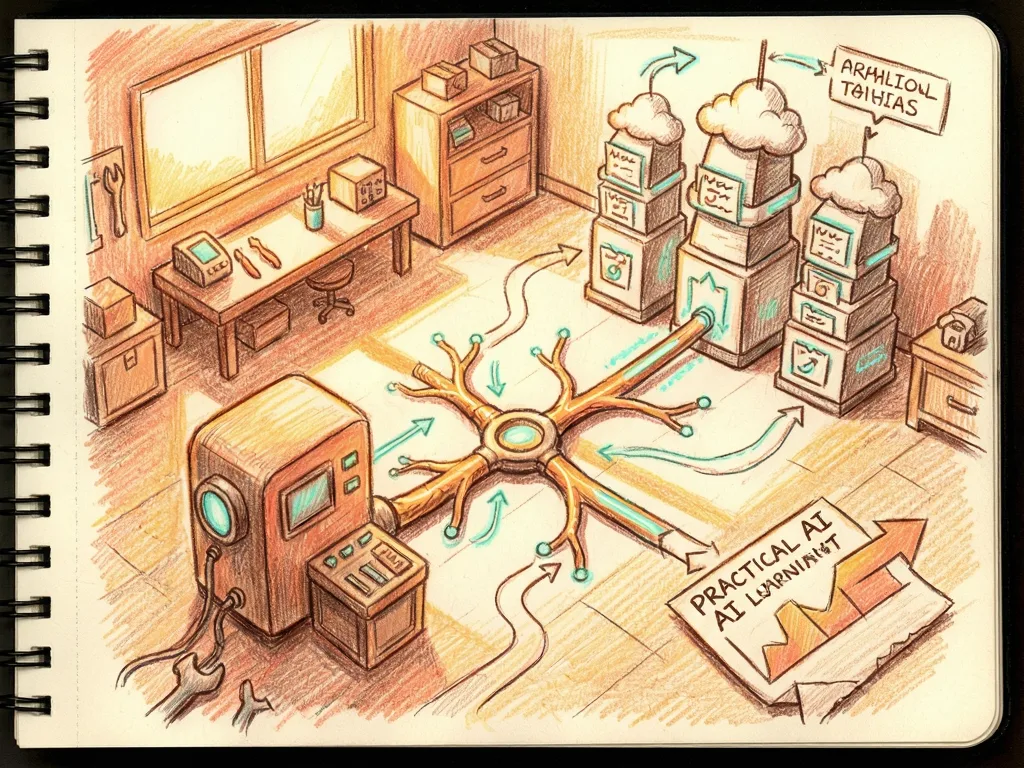
In the reference architecture, a Strands agent sits at the center and connects to an Ollama runtime that hosts both the 1B-parameter orchestrator and the vision model. The agent exposes three tools: `get_device_telemetry` for local sensor data, `analyze_camera_feed` for on-device vision processing through llama3.2-vision, and `get_expert_insights`, which calls Amazon Bedrock through boto3 for complex analysis. Incoming requests pass through the SLM orchestrator, which classifies each one and dispatches it to either a local tool or the cloud endpoint based on task complexity.
The framework adapts to your deployment constraints rather than requiring you to rebuild your infrastructure around it. It can run on edge devices such as a Raspberry Pi with 8 GB of memory, in full cloud deployments where all inference hits Amazon Bedrock, or in hybrid setups that combine local speed with cloud reasoning. The flexibility comes from separating routing logic (the SLM orchestrator) from the processing tools, which you can swap or reconfigure independently based on available hardware and network connectivity.

What you need before starting
The walkthrough requires an AWS account with Amazon Bedrock model access configured in the required Region, Python 3.10 or later, and Ollama installed with two models pulled: `ollama pull llama3.2:1b` for the orchestrator and `ollama pull llama3.2-vision` for vision analysis. You also need Strands Agents installed via `pip install strands-agents strands-agents-tools`, the AWS Command Line Interface configured with appropriate credentials, and boto3 installed via `pip install boto3`.
To set up the environment, create a project directory, start the Ollama server with `ollama serve`, and pull the required models. Then create a file called `aaif_agent.py` and add the components described below.
Building the local tools
Strands Agents uses the `@tool` decorator to define capabilities that agents can invoke. The first tool retrieves device telemetry data. In a production environment this would connect to actual IoT sensors; for the walkthrough it uses simulated data covering three devices: a temperature sensor (sensor-001) in Building A - Floor 2 reading 72.5 degrees at 45.2 percent humidity with normal status; a security camera (camera-001) at the Main Entrance recording at 30 fps in 1080p; and an HVAC controller (hvac-001) in Building A - Central set to 71.0 degrees, currently at 72.5 degrees, in cooling mode and active. The tool picks a device at random and returns a formatted report.
The second tool performs vision analysis using a local SLM. The llama3.2-vision model runs entirely on local hardware, which means sensitive camera feeds do not leave the device. The tool sends the image to Ollama with a prompt asking for a one-sentence description and the three most important things in the image, streams the response, and returns an object detection report.
Adding cloud processing
For complex analysis that needs broader reasoning, a third tool calls Amazon Bedrock. It is invoked only when the orchestrator determines that local models cannot handle the request. The tool creates a bedrock-runtime client in us-east-1, sends the context and question through the `converse` API with a model ID you supply, and sets inference parameters of 512 max tokens, temperature 0.5, and topP 0.9. It returns the response text as expert analysis.
Configuring the orchestrator
The core of AAIF is the Strands agent configuration. The agent uses a local SLM as its orchestrator through the Ollama provider, with model_id llama3.2:1b, host http://localhost:11434, and parameters of 300 max tokens and temperature 0.3. A system prompt tells the agent it is a monitoring assistant for operational facilities and maps request types to tools: device status or telemetry goes to `get_device_telemetry`, image or data analysis goes to `analyze_camera_feed`, and expert advice or complex questions go to `get_expert_insights`. The prompt also instructs the agent to always return complete tool results directly to the user.

The SLM-powered orchestrator analyzes each request and routes it without hardcoded keyword matching. A request like "Check device status" goes to the local SLM with low latency from local inference. "Analyze this image" goes to local vision AI, also with low latency. "What optimization strategies do you recommend?" goes to the cloud through Amazon Bedrock, with higher latency from the network round-trip.
Running the agent and adapting deployments
With the agent configured, you can interact with it directly. Asking "What's the current status of our devices?" triggers local processing for device telemetry. Asking it to analyze the camera feed from camera-001 triggers local vision analysis. Asking for optimization strategies based on current telemetry patterns triggers cloud processing for complex analysis. The agent classifies each request automatically, with no explicit routing rules.
The architecture adapts to different infrastructure requirements by changing the model configuration. When workloads run entirely in the cloud with no edge hardware, you can replace the Ollama configuration with Amazon Bedrock for all processing, routing every request through managed cloud inference with auto scaling and no local GPU resources. Teams with reliable low-latency connectivity and no data residency constraints benefit most from this setup.
The hybrid configuration keeps the local SLM orchestrator intact while adding cloud models for requests that exceed local capabilities. This is the default AAIF configuration in the walkthrough. It suits environments where most requests are routine enough to resolve locally but some need the broader reasoning of a larger model. Cost savings can come from the roughly 80 percent of traffic that does not hit a paid API endpoint.
For fully air-gapped environments or strict data sovereignty requirements, you can replace the cloud tool with a larger local model and run all processing on-device. A 3B-parameter model such as llama3.2:3b running on hardware with adequate memory can handle moderately complex tasks that the 1B orchestrator would otherwise escalate. The trade-off is reduced reasoning depth on the hardest queries, but data stays on the premises.
What comes next
The implementation in this post uses local tool calls defined directly in the agent code. For production deployments with multiple agents sharing tools across services, the guidance is to expose these tools as Model Context Protocol (MCP) servers, which provide a standardized interface for tool discovery. That points to a broader direction for agent builders: as the number of tools and agents grows, standardizing how tools are discovered and called may matter as much as which model handles which request.



Comments (0)