
The Case Against Putting Your Gemini API Key in Client-Side Code (and How Firebase AI Logic Solves It)
Use Firebase AI Logic as a proxy and App Check to keep Gemini API keys out of client bundles and block bots from burning quota.
Key Takeaways
- Never put Gemini API keys in client-side code, because browser bundles can expose them and lead to quota abuse or unexpected billing.
- Firebase AI Logic acts as a managed proxy for Gemini API calls, keeping the secret key away from the client and removing the need for a custom backend.
- Firebase App Check verifies that requests come from a real app instance rather than bots or copied public Firebase configs.
- App Check enforcement for Firebase AI Logic becomes mandatory on November 2, 2026, and new AI Logic integrations are set to enable it automatically from July 2026.
- For production use, configure Firebase with App Check and choose either the free Gemini Developer API for fast prototyping or the Agent Platform Gemini API for billing, region control, and data residency.
Meta Description: Learn how to protect Gemini API keys in web apps using Firebase AI Logic and App Check with a production-ready client setup and common fixes.
Tags: Firebase AI Logic, App Check, Gemini API, web security
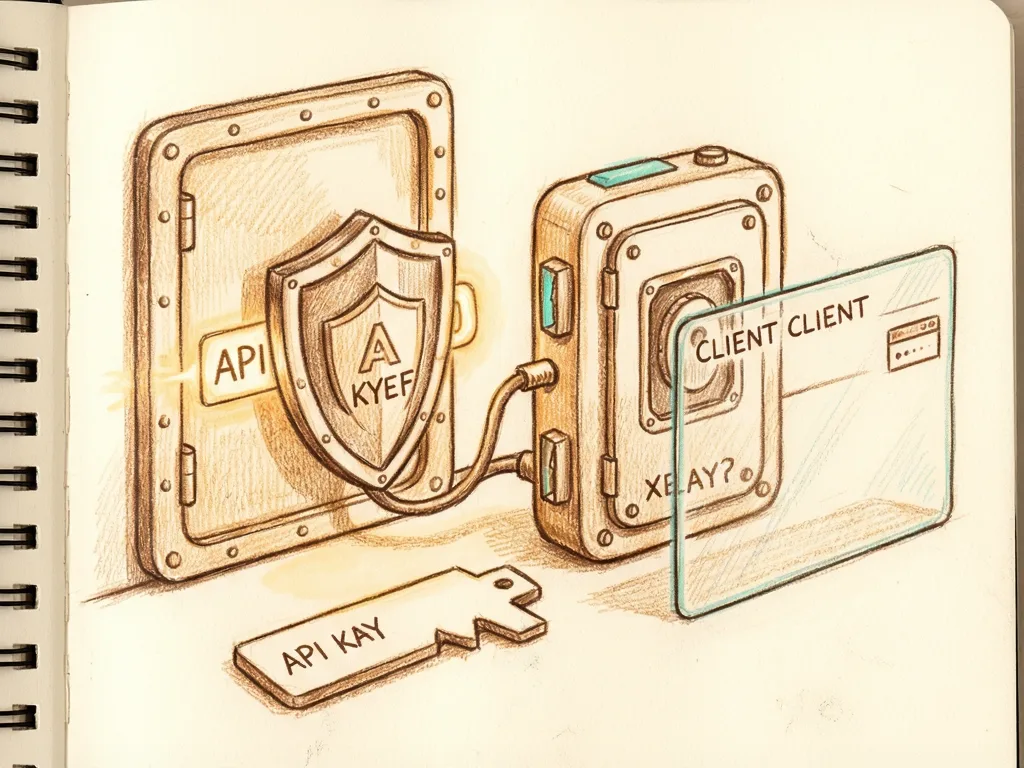
Featured image: abstract friendly illustration of a browser request passing through a locked gateway to a cloud model, with no real people, logos, or text
Protect Gemini API Keys With Firebase AI Logic and App Check
If you are a web developer adding Gemini to a browser app, this guide gives you a production-style path: use Firebase AI Logic as the managed proxy for Gemini API calls, add Firebase App Check to verify requests, and keep the secret key out of the client bundle. The setup matters now because Google has announced App Check enforcement will become mandatory for Firebase AI Logic starting November 2, 2026, and the Firebase console already enables App Check automatically for new AI Logic integrations in July 2026.

Why a Gemini key in the browser is a problem
Generative AI features often start with the shortest possible path: create a browser client with `GoogleGenerativeAI` and call the model directly. That places a Gemini API key inside a JavaScript bundle, or inside an `.env` value that is injected into the browser bundle. A bundle is public. A simple text scan can find the `AIzaSy[A-Za-z0-9_-]{33}` pattern in deployed assets, no special tools required, and browser network tools can show requests to `generativelanguage.googleapis.com` with the key in query strings or headers.
The risk is not theoretical. An exposed key can let another caller use your quota, raise Cloud bills because Gemini calls are billed per token, and trigger abuse handling against your Google Cloud project. The old workaround was a custom backend: run Node.js, Python, Go, or another server only to keep one secret string away from the browser.
Firebase AI Logic removes that infrastructure burden. It supports two provider choices when configured in the Firebase console: the Gemini Developer API and the Agent Platform Gemini API, formerly Vertex AI. The free Spark plan works with the Gemini Developer API, needs no billing account, has minimal setup friction, and suits fast prototyping and most web or mobile apps; region control is limited. The Agent Platform Gemini API requires the Blaze pay-as-you-go plan and a linked Cloud Billing account, offers region choices such as `us` and `eu` for model access depending on the model, and fits teams that need data residency or already use Google Cloud and Vertex AI. Switching providers later is a console configuration change, not a code rewrite, because both use the same `getGenerativeModel()` interface. For this guide, the Gemini Developer API is the starting provider.
What Firebase AI Logic and App Check change
The proxy hides the key, but hiding the key is not enough. A Firebase config object is public by design. It includes values such as `apiKey`, `authDomain`, `projectId`, `storageBucket`, `messagingSenderId`, and `appId`. Without App Check, a bot could copy that config, initialize its own Firebase app, and send requests to your AI Logic proxy. The proxy would forward them, and the model spend would still come from your project.

Firebase App Check is attestation, not authentication. Authentication identifies a user. App Check asks whether the request comes from a real, untampered instance of your app rather than a script, bot, or another app using your public config. On the web, App Check can use reCAPTCHA Enterprise. The SDK runs an invisible risk assessment based on browser and network signals, receives a reCAPTCHA token, exchanges it for a short-lived signed Firebase App Check token, which is a JWT, caches the token locally, and attaches it automatically to later requests. The AI Logic proxy verifies the token before forwarding the call. No valid token, no model request.
This matters for generative AI because the cost shape is different from ordinary database reads. A blocked Firestore read costs nothing. A blocked Gemini call could have cost real money per request, and a scripted abuse loop can burn through a monthly budget in hours. Google has announced App Check enforcement will become mandatory for Firebase AI Logic starting November 2, 2026. Starting in July 2026, the guided setup workflow in the Firebase console already enables App Check automatically for new AI Logic integrations. Unverified requests after the enforcement date will be rejected outright.
Production setup in numbered steps
- Prepare your local environment. Check Node.js v18 or later with `node --version`. You need a Google account for a Firebase project, a code editor, a terminal, and basic JavaScript with `async` / `await` and ES modules. You do not need prior Firebase, App Check, or Gemini API experience.
- Create the Firebase project and enable AI Logic. Open the Firebase console, create a project or open an existing one, go to Build, then AI Logic, and click Get started. Choose Gemini Developer API to avoid billing setup for this tutorial.
- Register the web app. In Project settings, go to General, then Your apps. Register a web app and copy the Firebase config object. That object is safe to ship; it is not the secret API key.
- Install the Firebase package. In the app folder, run `npm install firebase`. The `firebase` package includes `firebase/app-check`; `ReCaptchaEnterpriseProvider` ships with it. You do not need a separate reCAPTCHA package or manual script tag. Firebase loads the reCAPTCHA Enterprise script when `initializeAppCheck()` runs.
- Initialize App Check. Create a small setup file that initializes the Firebase app and calls `initializeAppCheck()` with `ReCaptchaEnterpriseProvider` and your reCAPTCHA Enterprise site key. Set `isTokenAutoRefreshEnabled: true`. For local development only, enable the debug provider by setting `self.FIREBASE_APPCHECK_DEBUG_TOKEN = true` when `location.hostname` is `localhost`. This prints a debug token in the browser console the first time.
- Add the debug token in the console. Copy the token from the console output and add it in App Check, Apps, your app, Manage debug tokens. Your local requests are then treated as verified without a real reCAPTCHA challenge. Gate this block behind an environment check and never ship it to production.
- Register App Check in Firebase. In the console, go to Build, then App Check, select your web app, and choose reCAPTCHA Enterprise. Firebase generates a site key tied to your app domain. Copy that site key into your code.
- Create the AI Logic client. Import `getAI`, `GoogleAIBackend`, and `getGenerativeModel` from `firebase/ai`. Pass the initialized app into `getAI()` with `backend: new GoogleAIBackend()` and `useLimitedUseAppCheckTokens: true`. The limited-use token option adds protection against replay attacks on top of standard App Check verification. Then call `getGenerativeModel()` with a model name such as `gemini-3.8-flash`.
- Verify request status. After the first protected request, open App Check, then APIs in the console. You should see verified and unverified requests for Firebase AI Logic. Correct wiring shows your traffic as Verified.
- Use real patterns, not one console line. With the model object ready, call `generateContent()` for a single prompt, use streaming for token-by-token UI updates, keep multi-turn chat context for follow-up prompts, and request structured JSON output when the response must be parsed by code. Do not hardcode the model name if your app runs in production: model names and availability change. Check the supported models page, or load the model name from Firebase Remote Config so you can swap models without shipping a new build. For context, `gemini-2.0-flash` and its Lite variant were retired on June 1, 2026, and the Gemini 2.5 line is deprecated in favor of the Gemini 3.x series.
Common mistakes
The first mistake is treating the Firebase config as a secret. It is public. The second is using the AI Logic proxy without App Check. The proxy hides the key, but App Check stops unrelated callers from using your public config. The third is shipping a debug token block to production. Debug tokens are for localhost only. The fourth is hardcoding a Gemini model name that may be retired. The fifth is assuming App Check is authentication. It verifies the app, not the user, so combine it with Firebase Authentication when user identity matters. The sixth is skipping App Check because it is not mandatory until November 2, 2026. The console already enables it for new AI Logic integrations in July 2026, and enforcement later rejects unverified requests outright. Building the token flow now avoids a production outage and protects billing before the deadline.






Comments (0)