
Use FastAPI to Serve Scikit-LLM Pipelines as Representational State Transfer APIs.
Build a local zero-shot text classifier with Scikit-LLM, Ollama, and FastAPI, then serve it as a REST API without paid cloud APIs.

Key Points Summary
- The article shows how to build and serve a local zero-shot text classification pipeline using Scikit-LLM, FastAPI, and Ollama, avoiding paid cloud APIs and vendor lock-in.
- The workflow is split into two files: `train.py` builds and serializes the Scikit-LLM pipeline, while `app.py` loads it and exposes an asynchronous `/predict` endpoint through FastAPI and Uvicorn.
- The classifier does not retrain or update the LLM weights; instead, it constrains the model to choose from a fixed set of labels, producing more predictable, deterministic outputs.
- Common issues include running `app.py` before `train.py`, missing local model setup with Ollama and `llama3`, ignoring Python/library version compatibility, and changing labels without re-fitting the pipeline.
Developers who need text classification without a paid cloud API can use Scikit-LLM, FastAPI, and Ollama to build and serve a Scikit-LLM zero-shot text classification pipeline as an asynchronous REST API. Scikit-LLM treats machine learning and LLMs as related parts of the same workflow, so a pre-trained model can be wrapped in scikit-learn style fit and predict syntax. The result is a local classifier that can return labels for multiple input texts while avoiding commercial cloud lock-in.
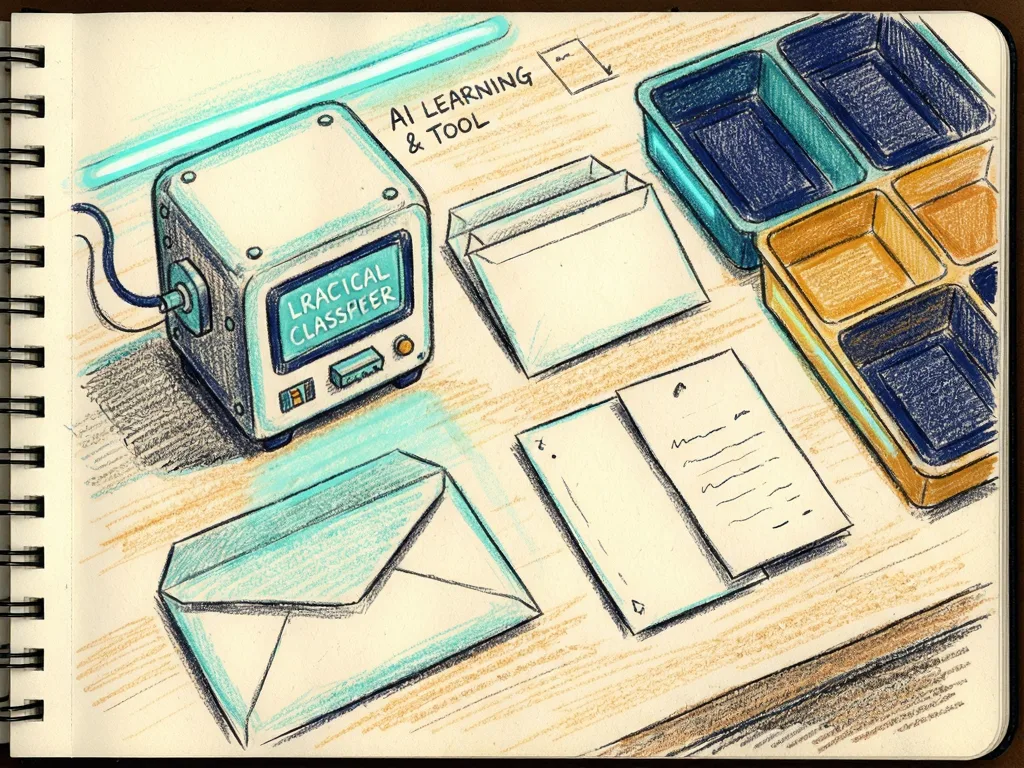
Local stack and project files
The demonstration uses Visual Studio Code with a virtual environment running Python 3.11. The environment includes basic libraries such as pandas and scikit-learn, plus the specialized libraries needed by the Scikit-LLM code. Ollama provides the local model layer; after installing Ollama, users pull llama3 so the model is available on the machine. The article notes that installation is usually simple, but version compatibility with the chosen Python interpreter should be checked before running the code.
Putting an LLM classifier into production can create costs and latency issues when it depends on paid cloud APIs. This setup addresses that by keeping the model self-hosted. The project folder contains two Python files: train.py and app.py. train.py builds and serializes the pipeline. app.py loads the serialized pipeline, re-applies the Scikit-LLM settings for serving, creates the FastAPI application, and exposes the prediction endpoint.
The stack is open source: Scikit-LLM, FastAPI, and Ollama work together to keep the classifier local and avoid paid cloud APIs and commercial lock-in.

The workflow in order
- Create a Python 3.11 virtual environment in Visual Studio Code and install pandas, scikit-learn, and the libraries required by the tutorial code.
- Install Ollama and pull llama3 so the local model can be used by Scikit-LLM.
- Create train.py and app.py in a new project folder.
- In train.py, configure Scikit-LLM to use the local Ollama model instead of a paid cloud API, build a one-stage pipeline, and attach a zero-shot classifier to a label set drawn from an example dataset of texts.
- Run the training code. It serializes the pipeline to scikit_llm_model.joblib in the project folder.
- Run app.py after the serialized pipeline exists. It resets and re-applies the Scikit-LLM configuration for the serving environment, creates a FastAPI app instance, defines the predict endpoint, accepts multiple input texts in one call, and starts the server with uvicorn.
If the server starts smoothly, the output console reports that the service is running. Open http://127.0.0.1:8000/docs, expand the /predict block, click Try it out, paste the tutorial examples or your own text samples into the Request body field, and click Execute. The local model processes the request and returns predictions after a few seconds.
Why the pipeline stays predictable
The classifier does not update the weights of llama3. Instead, it stores the closed set of categories passed to the fit method and uses the pre-trained model to map each input to one of those labels. The article compares this to a multiple-choice question: the model has broad knowledge, but the classification task is restricted to the supplied label set.
This design gives the pipeline predictable outputs similar to traditional machine learning systems while retaining the language understanding of the LLM. The source describes the local model as acting as a deterministic text labeler, meaning the same kind of task can produce consistent label choices within the fixed category set. The pipeline remains a one-stage pipeline, but the framework’s compatibility with scikit-learn objects and syntax makes it possible to build a larger pipeline with additional preprocessing steps.
The closed-world behavior is central to the demo. The LLM is not being retrained. It is being guided to choose from a fixed answer space, which makes the output easier to standardize than a free-form answer.

Common mistakes
- Running app.py before train.py has created scikit_llm_model.joblib.
- Overlooking version compatibility problems between Python 3.11, pandas, scikit-learn, and the specialized libraries.
- Forgetting to install Ollama or pull llama3 before the pipeline tries to use the local model.
- Assuming the zero-shot classifier has trained or updated model weights.
- Changing the label set without re-fitting and re-serializing the pipeline.
- Testing only one text when the endpoint can accept multiple input texts in a single call.
- Calling the endpoint from a browser or client before the uvicorn server is running.
- Treating http://127.0.0.1:8000/docs as public production access, although the article describes the endpoint as locally accessible.
Meta description: Learn how to serve a Scikit-LLM zero-shot text classification pipeline locally with Ollama and FastAPI, avoiding paid cloud APIs and commercial lock-in.
Tags: Scikit-LLM, Ollama, FastAPI, text classification
Featured image: An abstract friendly illustration of a local server linking a language model, an API endpoint, and text labels, with no real people, no logos, and no text.


Comments (0)