
Part 31 of Agentic AI in Action gives you hands-on experience with temporary, secure, and personal agents in Cortex.
Snowflake adds temporary, secure, and personal Cortex Agents plus COPY GRANTS to simplify prototyping, governance, access, and semantic-view testing.
Key Takeaways
- Snowflake introduces temporary Cortex Agents for session-scoped prototyping, visible only to the creating user or role and removed automatically when the session ends, reducing schema clutter.
- Temporary agents simplify experimentation because they do not require the schema-level `CREATE AGENT` privilege and eliminate manual `DROP AGENT` cleanup.
- Running a temporary agent with `DATA_AGENT_RUN` returns a full orchestration trace, including tool calls, generated SQL, query results, model reasoning, final answers, and follow-up suggestions.
- Secure agents protect the agent specification from non-owners, preventing other roles with `USAGE` from viewing orchestration instructions, tool bindings, or proprietary prompt details through `DESCRIBE AGENT` or `GET_DDL`.
- The update also supports Personal Database agents for private user sandboxes and `COPY GRANTS` to preserve access when an agent is replaced, improving governance and lifecycle management.
Meta description: Snowflake adds temporary, secure, and personal Cortex Agents, plus COPY GRANTS, so teams can prototype in sessions, protect specifications, and govern access.
Tags: Cortex Agents, Snowflake, temporary agents, secure agents, COPY GRANTS
Featured image: abstract illustration of database agents inside session sandboxes and secure vaults, friendly non-technical style, no real people, no logos, no text
For teams building Cortex Agents on Snowflake, the new object enhancements change how prototypes, governance, and replacements work. Snowflake recently rolled out a set of Cortex Agents object enhancements that solve small but real friction points that appear during day-to-day agent development. Three capabilities matter most: temporary agents for session-scoped testing, secure agents that hide the agent specification from non-owners, and Personal Database agents that give each user a private sandbox. A smaller COPY GRANTS change arrives with them, preserving access when an agent is replaced.
The setup the examples share
The walkthrough uses one consistent location, `my_db.my_schema`, and one small warehouse, `my_wh`, so the examples do not need different placeholders in each section. If a warehouse already exists, skip `CREATE WAREHOUSE` and replace `my_wh` everywhere it appears.
Next, create `SALES_FACT` and load a dozen rows across three regions, four quarters, and two products. The data is small, but it is enough for an agent to answer a real aggregation question instead of an empty one.
Then create a native Snowflake semantic view called `sales_semantic_view` on top of `SALES_FACT`. It uses a region and quarter dimension and a `TOTAL_REVENUE` metric. Every tool-bearing agent in the examples queries against the same object, `my_db.my_schema.sales_semantic_view`.
The unqualified names `my_temp_agent` and `my_secure_agent` assume the session is still in `my_db.my_schema` from the earlier `USE` statements. Run the steps in order in the same worksheet, or qualify the names yourself if you are picking up a step on its own, as the COPY GRANTS and Personal Database examples already do.
A sanity check before running an agent asks: which region has the highest total revenue? The known-correct number is `503000`, so the later agent answer can be compared against it.
Temporary agents remove schema clutter
Cortex Agent development often starts with several experimental iterations: changing a semantic view binding, testing orchestration instructions, or checking whether a tool behaves as expected. Before this release, each iteration could create a permanent schema-level object that someone eventually had to clean up.
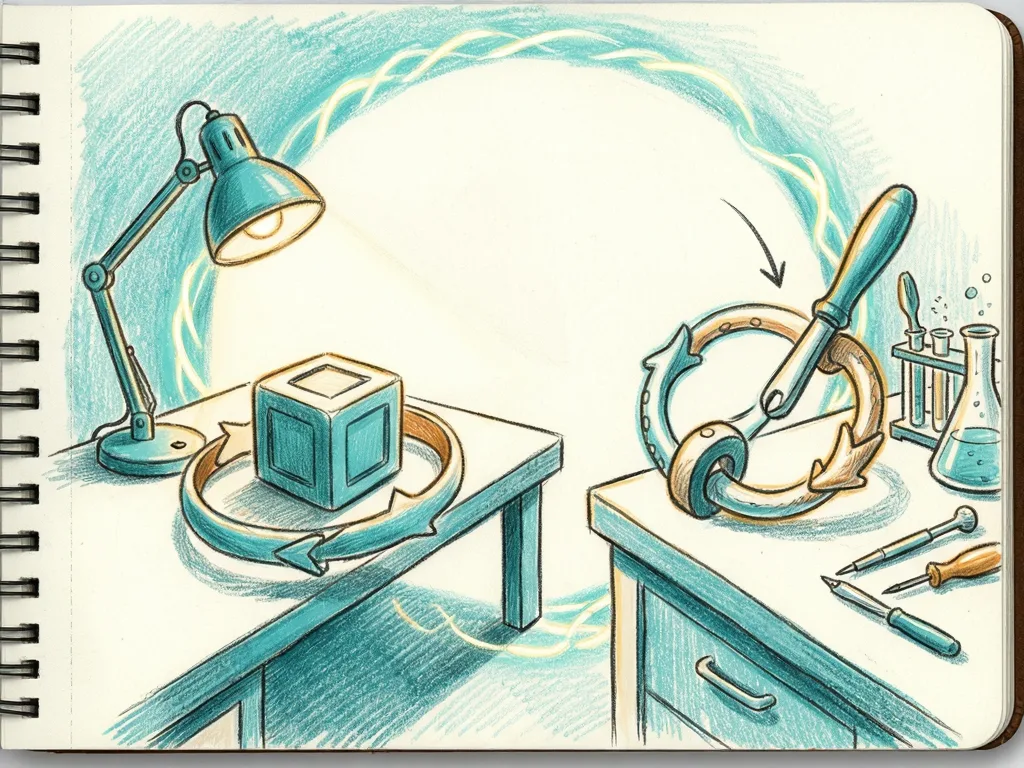
Temporary agents fix that. They exist only for the current session, are visible only to the creating user and role, and disappear automatically when the session ends. Creating one does not require the `CREATE AGENT` privilege on the schema.
After creating `my_temp_agent`, run `DESCRIBE AGENT my_temp_agent;` to confirm the object exists and the semantic view binding is correct. Closing the session removes the agent, so there is no `DROP AGENT` step and no leftover object for someone else to find later.
For teams that constantly prototype agent configurations against client semantic models before moving anything to a shared development environment, this removes a real source of clutter. The likely pattern is to use temporary agents for exploration and reserve `CREATE OR REPLACE AGENT` for work that is actually going into a demo or client environment.
Running a temporary agent shows the full trace
Creating the agent is one step; asking it a question is another. `DATA_AGENT_RUN` returns a single JSON payload holding the entire orchestration trace: the tool call into Cortex Analyst, the semantic model context it received, the generated SQL, the query result, the model’s internal reasoning, the final answer, and suggested follow-up questions, all as elements of a `content` array.
The example query flattens `content` and pulls out the one element whose type is text, which is the agent’s actual answer. Running it against the sample data returns one row.
That answer checks out against the data. North America’s four rows sum to `125000 + 138000 + 98000 + 142000 = 503000`, so the semantic view’s `total_revenue` metric is aggregating correctly. If you want to inspect the SQL Cortex Analyst actually generated, the same payload carries it a few levels deeper in the `tool_result` element for `system_execute_sql`, under its `sql` field.
No `DROP AGENT` is needed. The object disappears when the session ends, and it was never visible to any other user or role.
Secure agents protect the specification
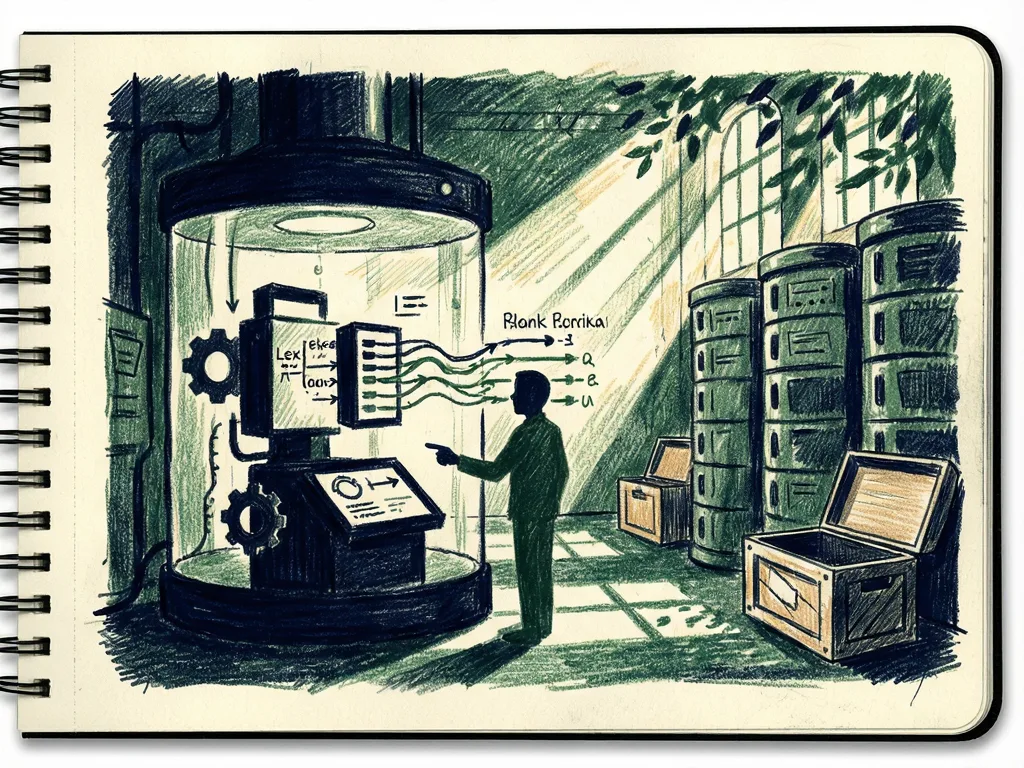
The second enhancement addresses a governance gap. An agent specification can include orchestration instructions, tool bindings, and sometimes proprietary prompt engineering that took real effort to refine. Under the old model, anyone with `USAGE` on the agent could run `DESCRIBE AGENT` or `GET_DDL` and read the whole thing.
Secure agents close that off, following the same model Snowflake already uses for secure views and secure functions.
Running `DESCRIBE AGENT my_secure_agent;` as the owner shows all eight columns filled in, including the full JSON in `agent_spec`. That `agent_spec` column contains the orchestration details that may need to be hidden from other roles.
This is especially relevant for client engagements. When an agent is handed to business users, teams often do not want them seeing the orchestration instructions or the exact tool wiring, either because the configuration is genuinely proprietary or because exposing it invites people to reverse engineer prompt behavior. `SECURE` gives that separation without a second layer of custom access control.
Hiding the specification from another role
The next step creates a role, `test_role`, that has nothing to do with the agent’s ownership, grants it `USAGE`, and runs `DESCRIBE AGENT` from there.
By default, the result still returns the full `agent_spec`, because the role behavior defaults to `USE SECONDARY ROLES ALL`. If `ACCOUNTADMIN` is the role used throughout, turning secondary roles off removes `ACCOUNTADMIN` from that set and leaves `test_role` on its own, which is what triggers the redaction.
After that change, the `agent_spec` column returns empty, hiding the configuration and orchestration instructions. The behavior change is narrow: nothing else about how the agent runs or answers is different. `GET_DDL` omits the specification the same way, Snowsight’s `agent_spec` field returns `NULL` in its resource view, and stage reads through `GET` or `LS` now require `OWNERSHIP` rather than `USAGE` alone.
Execution itself is untouched. The `agent:run` endpoint, `DATA_AGENT_RUN`, and any task invoking the agent still load the full specification internally, so end users see no change in how the agent answers. After confirming the redaction, switch back to the original role before continuing.
Personal Database agents provide a private sandbox
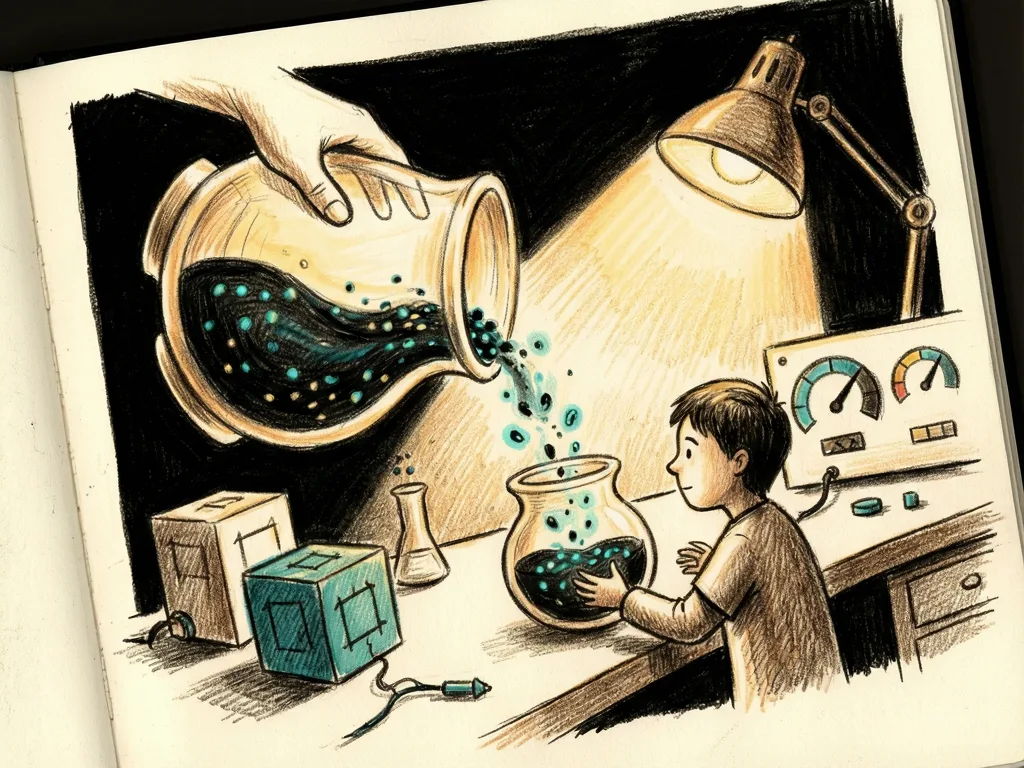
Every Snowflake user already has a Personal Database, mostly used for scratch tables and one-off notebooks. This release extends that to agents. You can now create and run an agent directly in the `PUBLIC` schema of your own Personal Database using nothing more than your own default privileges.
Personal Database names follow the `USER$<your_username>` format, and the name needs double quotes because of the special character. The example points at `sales_semantic_view`, the same semantic view used by every other agent in the walkthrough, so it answers from the same sample data. Swap in your own username before running it.
The `DESCRIBE AGENT` output confirms the location: `database_name` comes back as `USER$KRISHNAN`, `schema_name` comes back as `PUBLIC`, and `owner` also reads `USER$KRISHNAN`. The database and the owning role share the same name because a Personal Database is owned by the user it belongs to. The object sits there even though the semantic view it queries lives in `my_db.my_schema`.
The practical benefit is that it removes a specific piece of setup friction. A developer who wants something persistent, something kept around past one session but not yet ready for a shared schema, no longer needs someone to grant `CREATE AGENT` on a development database first. Their Personal Database is already theirs.
Running the Personal Database agent
The run uses the same fully qualified agent name, the same `FLATTEN` extraction pattern, and the same `QUALIFY` narrowing to the last text element. The answer comes back grounded in `Widget A` and `Widget B` from `SALES_FACT`, because the agent sitting in your own Personal Database is querying the exact same semantic view as the temporary and secure agents.
COPY GRANTS preserves access across replacements
A smaller fourth change rides along with the three main capabilities. `CREATE OR REPLACE AGENT` now supports `COPY GRANTS`, which preserves explicit privileges, other than `OWNERSHIP`, when an agent is replaced.
To see this, first create an agent so there is something to replace, then grant `USAGE` to `test_role`, the role already used in the secure agent example. Now replace the agent with `COPY GRANTS`.
Without `COPY GRANTS`, the `GRANT` would need to be reissued after replacement because the replaced object would otherwise start with a clean grant slate. This matters for anyone who has had to re-run a batch of `GRANT` statements after every `CREATE OR REPLACE AGENT` during iterative development.
The final check confirms that the granted role can call the agent. `test_role` gets back the same North America answer as the temporary agent run, and `USAGE` survived the replacement without a single `GRANT` statement being re-run.
What this changes for agent teams
Taken together, these four changes describe a clear intent from Snowflake. Temporary agents and Personal Database agents lower the friction of building and iterating. Secure agents and `COPY GRANTS` tighten what happens once an agent is ready for production and needs to be shared, governed, and maintained without losing its access history.
The workflow this suggests is straightforward: prototype with a temporary agent in a session, or use a persistent agent in your Personal Database if you want to come back to it later. Once the configuration is solid, promote it into the shared schema as a secure agent, using `COPY GRANTS` when required so access controls carry forward on every subsequent replacement.
The source also describes this as Part 31 of an Agentic AI in Action series, links to code files for the examples, and directs readers to the author’s LinkedIn and Medium profiles for hands-on perspectives on Generative and Agentic AI, LLMs, Snowflake, and Cortex AI.
Common mistakes to avoid
- Running only one step in a new worksheet without qualifying object names. The examples assume the session is still in `my_db.my_schema`.
- Checking a secure agent while still carrying `ACCOUNTADMIN` through `USE SECONDARY ROLES ALL`. The redaction appears when the non-owner role is evaluated on its own.
- Expecting secure agents to change the answer. Execution is unchanged; only the specification is hidden from non-owners.
- Replacing an agent without `COPY GRANTS` and then losing the `USAGE` grant that had to be reissued.
- Treating Personal Database agents as requiring shared-schema privileges. The point is to use the user’s own `PUBLIC` schema with default privileges.
Comments (0)