
Profiling TorchNeuron Part 1 covers system-level profiling on AWS Trainium.
Learn to profile PyTorch inference on AWS Trainium with TorchNeuron, read key_averages, and inspect RMSNorm traces in Neuron Explorer.
Key Takeaways
- Introduces a beginner-friendly workflow for profiling PyTorch inference on AWS Trainium using TorchNeuron, torch.profiler, and Neuron Explorer to identify where time is spent.
- Explains how Neuron integrates with PyTorch through the PrivateUse1 extension point, with NeuronConfig and NeuronProfiler controlling data streams, NeuronCores, trace export, and device-time correlation.
- Outlines practical profiler setup steps, including ProfilerActivity.PrivateUse1, a wait/warmup/active schedule, torch.neuron.synchronize(), and uploading traces to Neuron Explorer.
- Demonstrates the workflow by comparing RMSNorm implementations and using key_averages() to rank Neuron device time, then tracing operations such as aten::mul from framework dispatch to runtime scheduling and hardware execution.
Meta Description: Learn how to profile PyTorch inference on AWS Trainium with TorchNeuron, read key_averages tables, and follow operations in Neuron Explorer.
Tags: PyTorch, AWS Trainium, TorchNeuron, Neuron Explorer, inference profiling
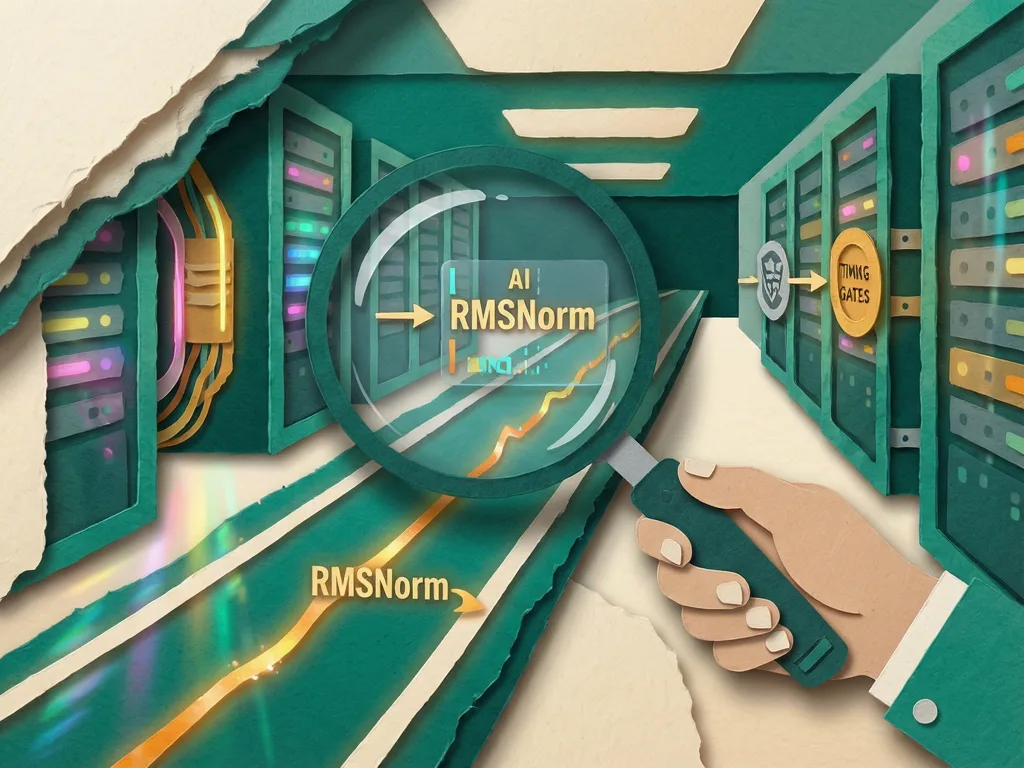
Featured image: Abstract friendly illustration of a model trace flowing through profiler lanes, with no people, logos, or text.
Part 1 of a profiling series shows machine-learning practitioners how to systematically analyze inference performance on AWS Trainium, a purpose-built AI chip for deep learning training and inference workloads. It explains how to profile PyTorch inference, capture a clean trace with TorchNeuron, torch.profiler, and Neuron Explorer, and identify where time is spent. The walkthrough starts from no profiling background and compares three RMSNorm implementations: separate PyTorch operations, torch.rms_norm(), and the same naive operation sequence with torch.compile. The scripts use the same inputs, profiler configuration, and schedule, so the results are directly comparable, and they are available in the torch-neuronx examples directory.
Core setup: connect Neuron to PyTorch and configure the profiler
Neuron integrates with PyTorch through the PrivateUse1 extension point. Rather than adding a dedicated dispatch key such as cuda, this route lets an accelerator register with the framework. The torch_neuronx package works with upstream PyTorch to make Neuron a native backend for PyTorch code; more detail appears in Facilitating New Backend Integration by PrivateUse1. TorchNeuron keeps standard PyTorch workflows on Trainium close to normal use, including eager execution, torch.compile, and standard PyTorch APIs with minimal code changes. It also connects to the Neuron Kernel Interface for custom operators and performance optimization on Trainium hardware.
Two objects drive the profile. NeuronConfig chooses which Neuron data streams and NeuronCores are captured and where output is written. It is passed to torch.profiler.profile as experimental_config. NeuronProfiler receives a NeuronConfig and offers an export_trace callback that writes the framework trace, trace.json, next to the Neuron system traces.

The profiler setup follows these steps:
- Build a NeuronConfig. The modes parameter chooses data streams such as device instructions and runtime traces, while capture_enabled_for_nc chooses the NeuronCores to trace. For complete parameters and available ProfileMode values, see the NeuronConfig Profile Modes documentation.
- Set correlate_device_time=True. This propagates device time from the trace into key_averages(), so Self CPU time and Neuron device time can be compared in the same table.
- Call the profiler with ProfilerActivity.PrivateUse1 to collect activity from the Neuron device, and pass NeuronConfig as experimental_config to enable Neuron-specific Kineto features.
- Use a schedule with wait=2, warmup=1, and active=1 across four prof.step() calls. This records one warm iteration without including initial setup overhead.
- Call torch.neuron.synchronize() inside the profiler loop. Without it, the profiler can export before the device finishes and leave the Neuron time column empty.
- After profiling, upload the complete output directory to Neuron Explorer for a system or combined profile. For a device-only profile, upload the matching .neff and .ntff files individually. The .neff file contains the compiled Neuron executable, and the matching .ntff file contains its hardware instruction trace; the files share a numeric hash. See Step 5: Upload your profile for UI and command-line instructions.
Neuron Explorer is a browser-based viewer for the system trace, device timeline, and per-engine breakdown. It can be reached through a Secure Shell tunnel or the Visual Studio Code extension. Use it to confirm what key_averages() reports numerically and to inspect the events between dispatches.
Reading profiler output and tracing RMSNorm
The analysis profiles RMSNorm, a small operation with a clear sequence of arithmetic and reduction operations. In the naive PyTorch version, each line corresponds to one or more ATen operations and may produce intermediate tensors. The sequence uses multiplication, a mean reduction, an addition, a reciprocal square root, and another multiplication.
In key_averages(), sorting by self_privateuse1_time_total places the operations with the highest device cost first. The table reports the ATen operations that ran, their call counts, and their CPU and Neuron device time. The displayed excerpt focuses on RMSNorm operations that report Neuron device time, while the full output also includes CPU-side events such as allocations and host-to-device transfers.
For the naive implementation, three aten::mul calls account for the largest share of Neuron device time, and aten::mul has the highest total device time because the function performs three multiplications. The table reports Self NEURON total: 2.355 ms. Each row maps to the function: aten::mul runs for x * x, x * rms, and the final multiplication by weight; aten::mean reduces the last dimension; aten::add adds the epsilon value and triggers a host-to-device copy because the scalar starts on the CPU; aten::rsqrt computes the reciprocal square root.
Explorer can trace a single aten::mul operation from framework dispatch to runtime scheduling to hardware execution on a NeuronCore. In the viewer, time moves horizontally, while the event lifecycle moves vertically. Each ATen operation has the same pattern: creation in the framework lane, scheduling in the runtime lane as nrta_execute_schedule, and device execution in the hardware lane as nc_exec_running. The system trace view organizes events into lanes. In Default grouping mode, labels follow the pattern instance/PID/subsystem/identifier. In eager mode, operations run separately. The dependency chain viewer can follow aten::mul.Tensor from the framework layer through runtime scheduling to device execution and highlights the lifecycle of one operation across the framework, runtime, and hardware lanes.
Three implementations and what they reveal
The second profile replaces the separate operations with torch.rms_norm(), which Neuron lowers to a single fused kernel. The fused RMSNorm appears as one device operation in key_averages(), with Self NEURON total: 403.3 μs. The trace shows a single framework-to-hardware path, not separate arithmetic dispatches. In the naive path, each operation crosses the dispatch boundary separately and follows its own framework-to-runtime-to-hardware route. In the fused path, one Python call covers the complete computation.
The third profile compiles the original naive RMSNorm function with @torch.compile(backend="neuron"). TorchDynamo first captures Python bytecode as an FX graph, then AOTAutograd lowers that graph to ATen operations. The backend then sees the whole graph instead of individual operation dispatches. It fuses the operations, improves memory access, and compiles the graph into a single .neff artifact, the Neuron Executable File Format, that launches as one hardware dispatch.
The compiled function appears as one Torch-Compiled Region in key_averages(), with Self NEURON total: 375.5 μs. The compiled graph follows one path through runtime scheduling and hardware execution. The table again shows one device execution, but the path to it differs. Rather than invoking a purpose-built fused operation, the compiler derives the fusion from the original Python function. In this run, 375 μs is close to the 403 μs reported by torch.rms_norm(). The trace contains one dispatch and one hardware event, leaving no gaps between the component operations.
Both paths turn RMSNorm into a single kernel dispatch. In these runs, each fused approach uses about one-sixth of the device time of the naive path. Fusion closes the gaps between hardware executions and prevents intermediate values such as x_sq and mean_sq from being materialized across separate dispatches. For larger models, the workflow is to find a hotspot in key_averages(), verify it in Explorer, then decide whether a fused operation or torch.compile can lower the cost. key_averages() shows which operations consume device time, while the full output reveals CPU-side setup and transfers; Explorer provides the corresponding visual trace and shows the gaps that fusion removes.
Part 2 will examine the device-level profile. There, the .neff artifact is opened, the TensorEngine, VectorEngine, and direct memory access breakdown is inspected, and the kernel is placed on the roofline to decide whether it is compute-bound or memory-bound. The series credits Aritra Roy Gosthipaty for inspiring it and names Pinak Panigrahi, Samir Araujo, Akhil Azhikodan, Esha Lakhotia and others as reviewers.
Common mistakes
- Forgetting ProfilerActivity.PrivateUse1 or omitting NeuronConfig as experimental_config, which can prevent Neuron device activity and Neuron-specific Kineto features from appearing.
- Not setting correlate_device_time=True, which leaves device time out of key_averages() and makes Self CPU time versus Neuron device time comparisons harder.
- Skipping torch.neuron.synchronize() inside the profiler loop, causing early export and an empty Neuron time column.
- Reading only the filtered RMSNorm rows and missing CPU-side allocations or host-to-device transfers in the full key_averages() output.
- Uploading an incomplete profile directory to Neuron Explorer, or, for a device-only profile, not uploading the matching .neff and .ntff files that share the numeric hash.
- Assuming torch.compile and torch.rms_norm() produce the same code path. They can produce similar device time, but one uses a built-in fused operation and the other discovers fusion from the Python function.




Comments (0)