
Building Enterprise Voice Agents, Part 1: Engineering Low-Latency Live Call Handling and…
Text copilots are easier, but voice agents require low latency, interruption handling, privacy controls, and compliance checks for enterprise use.

Key Takeaways
- Text copilots are easier to deploy, measure, and integrate into existing workflows, making them the typical starting point for enterprise generative AI.
- Voice agents require a complex low-latency pipeline, including speech recognition, AI response generation, retrieval or safety checks, and text-to-speech.
- Voice changes the interaction model by demanding real-time handling of delays, interruptions, corrections, and user timing expectations.
- Enterprise voice use raises higher risks around privacy, accessibility, compliance, logging, and auditability compared with text-only systems.
- Teams should adopt voice selectively, focusing on real user benefit, interaction design, and response-time testing rather than treating it as a simple wrapper around a text copilot.
A Towards AI article makes a practical observation about enterprise generative AI: text-based copilots are often the easiest place to start, while voice is a completely different problem. This is useful for product managers, platform engineers, and AI leaders deciding whether to move from internal chat assistants to spoken interfaces. It explains why voice copilots change the user experience, the engineering path, and the risk review process.
Text Copilots Are Easier to Insert Into Workflows
Text copilots fit neatly into software teams already know how to build. An enterprise can add a chat window to a knowledge base, customer support tool, CRM, or internal portal and ask employees to use it the same way they use search or email. The input is written, the answer is written, and the workflow remains inside an application.
That makes early wins easier to measure. Teams can see how often employees use the assistant, which questions they ask, and whether answers help them finish tasks. They can also test the system with written prompts before release. This is why many companies begin with document summarization, policy questions, support replies, or code explanation before adding voice.
Voice Changes the Whole Interaction Model
Voice feels simple from the user side: someone speaks, the system responds. But the engineering path is much longer.
A voice copilot must handle several steps in real time. First, the system needs speech recognition, which converts spoken words into text. Then the generative AI model creates an answer. Finally, text-to-speech converts that answer back into spoken output. Each stage can introduce delay.
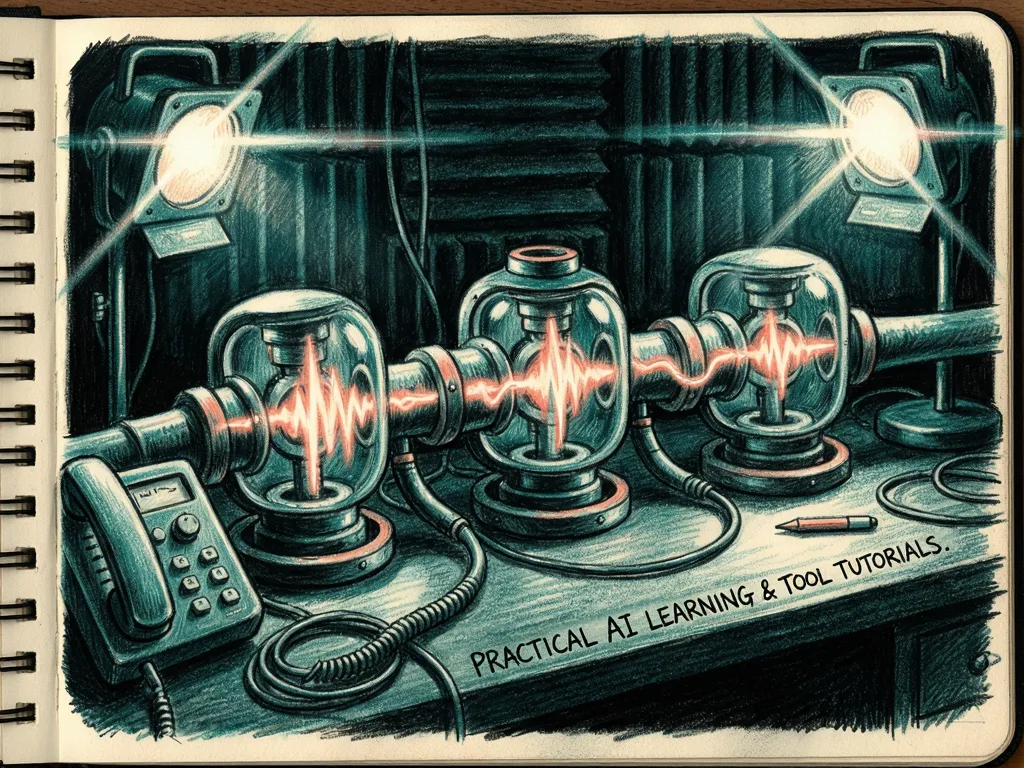
That delay matters because conversation expects quick timing. A chat assistant can take a few seconds to appear without feeling broken, but a voice assistant that pauses too long can seem awkward or unreliable. If the model is also connected to enterprise data, retrieval tools, or safety checks, the full response time becomes harder to control.
Voice also introduces interruption. People do not wait politely for a computer to finish before they correct themselves or change the subject. A good voice system needs to detect when the user starts speaking again and decide whether to stop talking, listen, or continue. This is not just a model quality issue; it is an interaction design problem.
Enterprise Risks Become More Visible
For enterprise buyers, voice raises practical concerns beyond accuracy.
One concern is privacy. Voice input can contain names, customer details, account numbers, or sensitive internal information. If a voice copilot records conversations, stores them, or sends them through third-party services, the organization needs clear rules about retention, access, and deletion.
Another concern is accessibility and inclusion. Voice can help people who prefer hands-free work or have difficulty typing, but it can also exclude users with speech differences, hearing difficulties, or limited access to a quiet environment. A text interface may be easier to adapt for some users, while a voice interface may help others. The right choice depends on the workforce and the use case.

Compliance is also harder. In regulated environments, organizations may need to know what was said, what the assistant answered, and whether the interaction followed internal policy. That requires logging, review controls, and sometimes human oversight. Text logs are easier to audit than raw voice sessions, especially when speech recognition is imperfect.
What Teams Should Watch Next
The main lesson is not that voice copilots are bad. They can be valuable for field work, hands-free support, training, or customer conversations. The lesson is that voice should not be treated as a simple wrapper around a text copilot.
Teams should ask whether the user really benefits from speaking instead of typing. They should measure response time, not only answer quality. They should test noisy environments, accents, interruptions, and short corrections. They should also review data handling before making voice the default path.
The next step for enterprise generative AI is likely to be selective. Text copilots will remain common because they are easier to deploy and evaluate. Voice copilots will appear where the conversation format adds real value, such as support calls, mobile workflows, or hands-free environments. Success will depend less on adding a microphone and more on designing the full interaction loop.

Comments (0)