
OS-Helix unifies Graphical User Interface interaction and code execution in native computer-using agents.
OS-Helix trains one policy to coordinate desktop visual actions and code, reaching 66.44% on OSWorld-Verified and 63.87% on WindowsAgentArena.
Key Takeaways
- OS-Helix trains a single computer-using agent to coordinate both GUI actions and code execution, instead of simply adding a code tool to a GUI agent.
- It addresses a key desktop automation challenge: knowing when to interact visually with applications and when to use code for more precise file or system operations.
- The training process uses reproducible desktop environments, filtered GUI and code trajectories for supervised training, and online training with Step-balanced GSPO to balance action learning.
- OS-Helix-27B-RL achieves 66.44% on OSWorld-Verified and 63.87% on WindowsAgentArena, with the latter obtained without Windows-specific training data.
- The project points to models and a dataset, with training and evaluation code planned for release, leaving broader reproducibility and task adaptation as future questions.
OS-Helix Trains One Agent to Coordinate Desktop Graphical User Interface Actions and Code Execution
Meta description: OS-Helix trains one agent to coordinate graphical interface actions and code execution, reaching 66.44% on OSWorld-Verified and 63.87% on WindowsAgentArena.
Tags: computer-using agent, OS-Helix, desktop automation, graphical user interface, code execution
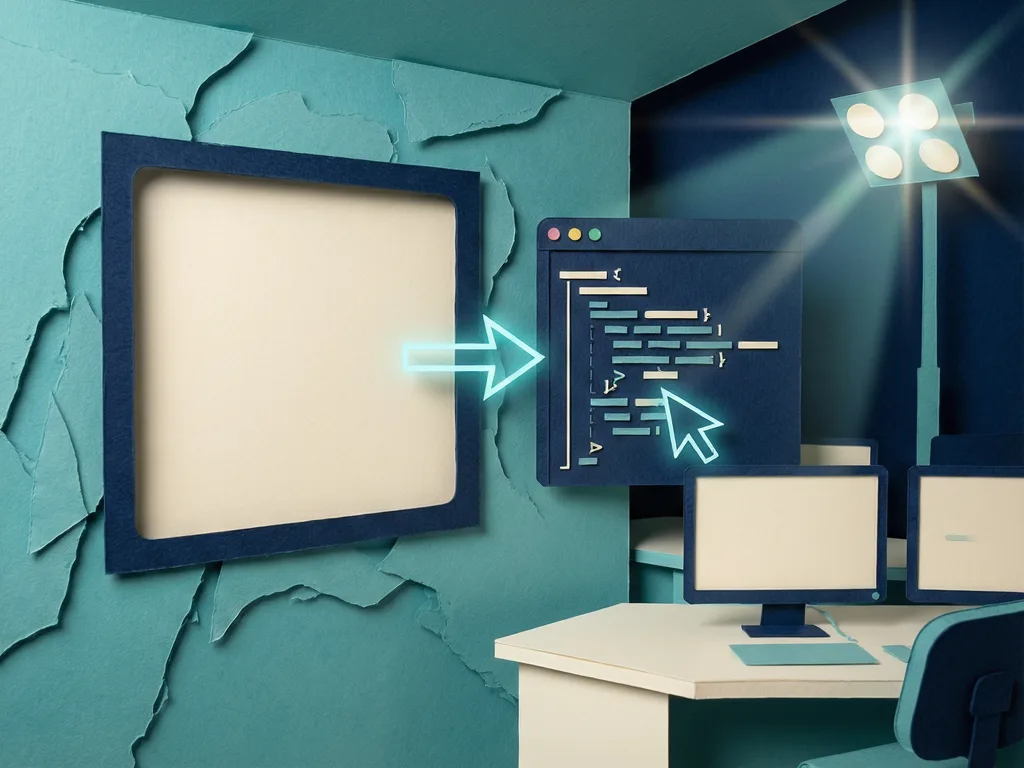
Featured image: abstract friendly illustration of a desktop window and code blocks coordinated by one agent, no real people, no logos, no text.
A new computer-using agent called OS-Helix has been introduced to solve a practical problem in desktop automation: deciding when to operate an application through its graphical user interface and when to switch to code for precise file or system work. Instead of adding a code tool to a graphical user interface agent and hoping it learns when to call it, the project trains one policy that coordinates both interaction paths.
Why desktop agents need more than a code tool
Desktop tasks often mix visual control and programmatic state. The graphical user interface exposes what users see: buttons, menus, windows, and application feedback. Code can inspect or modify files, process outputs, and interact with system state more directly. A single agent that only clicks can miss efficient code paths, while an agent that only runs code can ignore the visual context needed to complete tasks. OS-Helix targets that missing coordination skill.

How the team built training environments
The project creates reproducible desktop environments by pairing applications with authentic artifacts. It generates verifiable tasks, then uses filtered graphical user interface and code trajectories for supervised training. After that, it moves to online training with Step-balanced GSPO. This method is described as addressing optimization imbalance between graphical user interface actions and code actions, so the agent does not over-rely on one action type during learning.
Benchmark results and transfer signal
OS-Helix-27B-RL reaches 66.44% on OSWorld-Verified and 63.87% on WindowsAgentArena. The team notes that the second score is achieved without Windows-specific training data. For readers, that suggests the approach may be useful beyond a single desktop setting, although the source does not state broader production readiness or deployment details.
What comes next
The project page points to models and a dataset, and the team says training and evaluation code are being organized for release. The authors invite feedback and questions, leaving the next open point: whether external users can reproduce the environments and compare how graphical user interface and code coordination behaves in their own desktop tasks.

Comments (0)