
Meta Muse Explained: A Simple Guide to Meta’s New AI
Meta Muse is a personal AI agent app that acts via connectors, while Charm, Gadgets, and models cover hardware, DIY, and developer paths.
Key Takeaways
- Meta Muse is a personal AI agent app launched on September 8, 2026, designed to help users complete tasks rather than only answer questions.
- The “Muse” name covers four related products: the Muse app, the announced Muse Charm gadget, the DIY Muse Gadgets toolkit, and developer-facing Muse models such as Muse Spark and Muse Glimmer.
- Unlike a chatbot, Muse can act through connectors to email, travel, shopping, and other services, making permissions, security, and connector rules important for users.
- The best starting point depends on the reader: everyday users should focus on the app, developers should explore Muse models and Python, and hardware users should wait for Muse Charm or try Muse Gadgets.
- Readers should avoid confusion with older non-Meta “Muse” products and note that Muse Charm has been announced but lacks launch details such as price, date, or benchmarks.
Meta Description: Meta Muse app launched September 8, 2026. See how the agent, Muse Charm, Muse Gadgets, and Muse models differ, and what each one means for users.
Tags: Meta Muse, AI agents, Muse Spark, Muse Charm, Python
Featured image: abstract friendly illustration of a chat bubble, a pocket device, and code blocks; no real people, no logos, no text.
Meta Muse is the new personal AI agent app that Meta introduced on September 8, 2026, and it matters for three kinds of readers: everyday users who want help with tasks, people waiting for a pocket-sized Muse Charm gadget, and developers who want to build apps with Muse models using Python. This article separates the four products that share the Muse name and explains what the app can do now, what is still announced, and what users should watch before giving an AI agent access to email, travel, and shopping.
Which Muse Name Means What
Meta uses the Muse name for four related things, each aimed at different people:
- Muse: a personal AI agent app for everyone.
- Muse Charm: an announced gadget for talking to Muse.
- Muse Gadgets: a free toolkit for building your own Muse device.
- Muse models: AI models such as Muse Spark and Muse Glimmer for programmers.
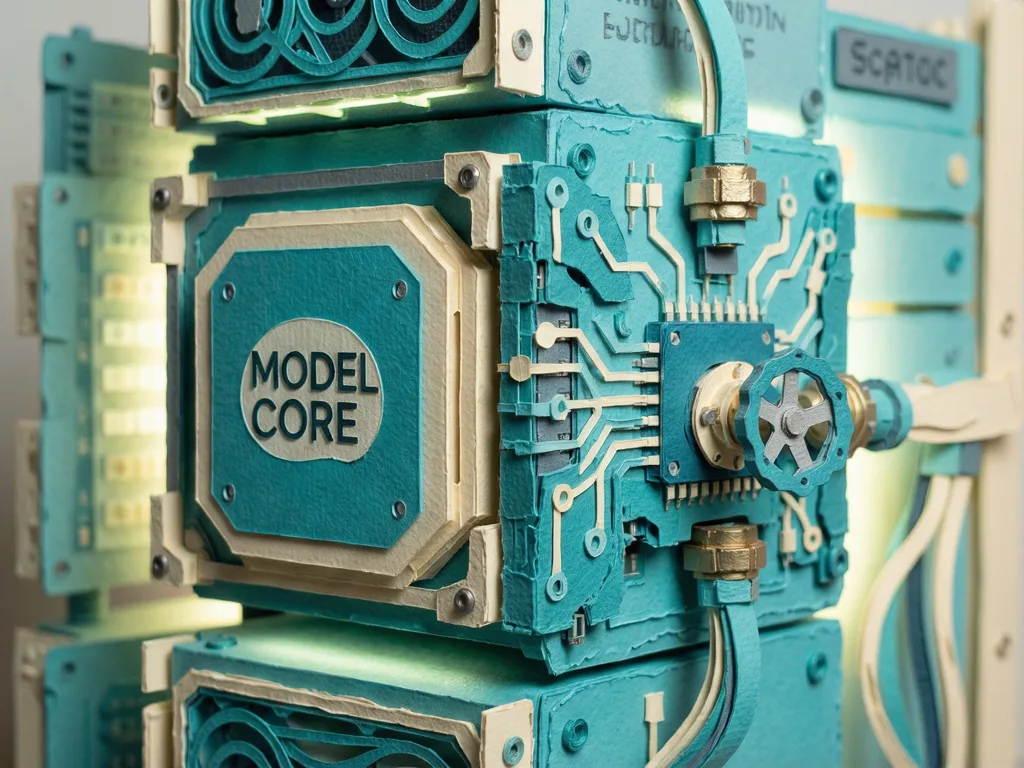
When people say “Meta Muse,” they usually mean the app. The app runs on Muse Spark, which Meta describes as its most capable AI model. A simple way to understand the relationship is that the model is the reasoning core, while the app is the interface that can act in the world.
Muse Charm is the hardware branch of the same name. It is described as a pocket gadget for talking to Muse, but the available information does not give a launch date, price, or performance benchmark for it. For readers who want a small official device, the practical answer is to wait for Muse Charm.
Muse Gadgets is the do-it-yourself branch. It is described as a free toolkit for building your own Muse device. That makes it more relevant to hobbyists and DIY users than to someone who simply wants a ready-made assistant.
Muse models are the developer branch. The guide names Muse Spark and Muse Glimmer and connects them with Python for people who want to see how apps can be built with the same AI. This is not a no-code path. The tutorial framing says no coding experience is required to understand the lineup, but building with the models remains a programming task.
There is also a naming trap outside Meta’s ecosystem. Older products called Muse, such as a meditation headband, have nothing to do with Meta. Readers searching for the new AI agent should treat those as unrelated.
What The App Does Today
The central difference is agency. A chatbot like ChatGPT answers questions. An agent can also take actions on a user’s behalf. Meta introduced Muse as an agent that “proactively helps with people’s goals and suggests ideas.”
In practical terms, the guide says that means sending emails, booking travel, and shopping through services such as Instacart. The app is not just a text box that replies to prompts; it is positioned as a tool that can connect to outside services and help complete tasks.
To make that possible, Meta calls the connected services connectors. Companies submit them through the Muse Connector Platform, and Meta checks each one for functional, security, and legal issues. This is the part that matters most to everyday users. The more actions an agent can take, the more important it becomes to understand what the agent can access, what it can change, and what rules apply to each connector.
The original guide also points readers to Ask Mentor AI for a plain-language explanation of the difference between a chatbot and an agent. That distinction is useful because “AI assistant” is often used loosely, while an agent implies permissions, external services, and real-world consequences.
How Developers And Devices Fit In
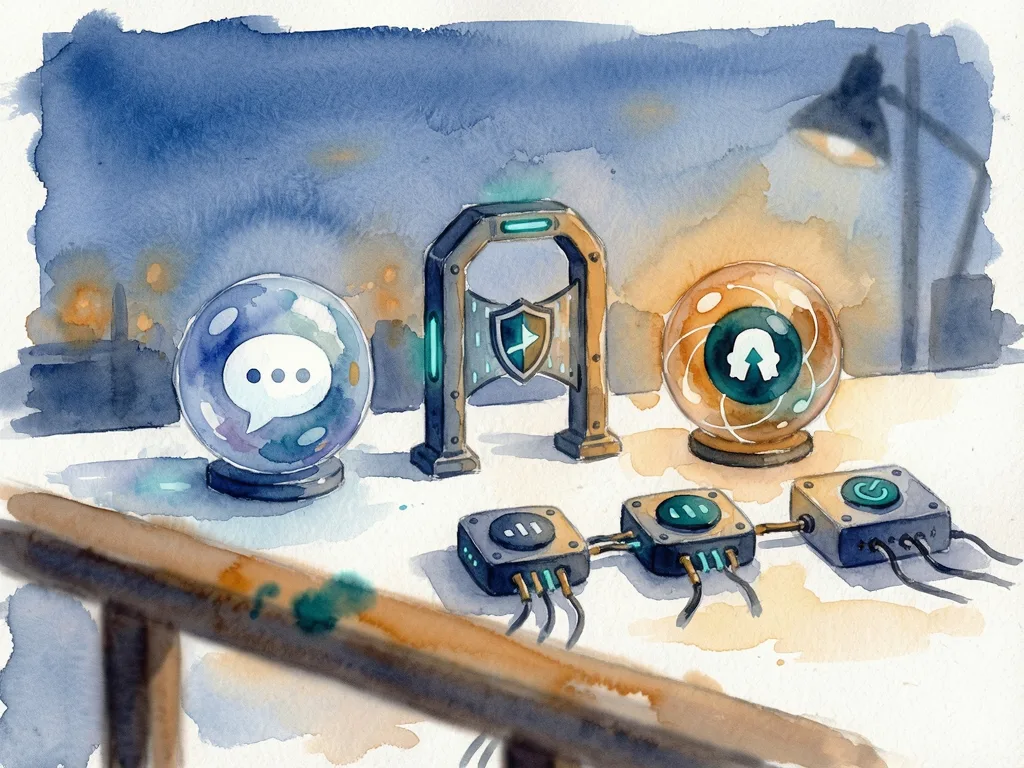
For developers, Muse is not one product but a stack. Muse Spark and Muse Glimmer are models, and Python is the language the guide recommends for exploring how people build their own apps with the same AI. The value for a developer reader is not a benchmark score or a speed claim, but a clearer map: which component is the model, which component is the app, and which component is the hardware toolkit.
For hardware-minded users, the distinction is equally simple. Muse Charm is the announced official pocket device. Muse Gadgets is the free toolkit for making your own device. If a reader wants a polished gadget from Meta, the safer recommendation is to wait for Muse Charm. If a reader enjoys DIY projects and wants to build something themselves, Muse Gadgets is the more relevant entry point.
This structure also explains why one name can be confusing. Meta is using Muse across software, hardware, and developer models. That can help users recognize a single brand, but it can also make it hard to know which Muse is being discussed in a product page, tutorial, or news story.
Who Should Use It / Who Should Skip It
Everyday users who want an assistant that answers questions and handles errands like shopping or booking travel are the closest fit for the Muse app. Developers who want to study how an agent is built should look at Muse models and Python. DIY users who want a pocket-sized Muse device should wait for Muse Charm or try Muse Gadgets.
People should skip the name confusion. Older Muse products, such as a meditation headband, are not part of Meta. People should also skip assuming the gadget is already available in hand, because Muse Charm is announced rather than the app itself.
For readers starting from zero, the original guide also offers a free Real Python learning plan for people new to AI and programming. It begins with a few quick questions, requires only a free Real Python account, and takes a reader from a first line of code to building with AI. That path is broader than Meta Muse, but it helps explain why the guide pairs Python with the Muse models section.
What To Watch Next
The next useful detail is not another feature name but how connectors behave. An agent that sends emails, books travel, or shops through Instacart is useful only if users can understand what it may access, what it may change, and how Meta reviews each connector. The launch gives a clear answer to “which Muse is which,” while the more important question is what a personal agent should be allowed to do on a user’s behalf.


Comments (0)